
Filter brands
Brands

Cost
Price
$799
$1399
$449
$1899
$1599
$1999
$1299
$5499
$1099
$2160
$2598
$4720
$2089
$1499
$1199
$999
$2299
$749
$1299
$1699
$1499
$4493
$2399
$2699
$2199
$2699
$3099
$3349
Type
Ultraportable
Ultrabook
Tablet mode
Recommended products
Recommended
Recommended
Recommended
Recommended
Recommended
Recommended
Recommended
Recommended
Recommended
Recommended
Recommended
Recommended
Recommended
Recommended
Recommended
Recommended
Recommended for tablet use
Test results
CHOICE Expert Rating
Performance score
Tablet use score
Ease of use score
Battery life score
Display score
Audio score
Wi-Fi score
Storage write-speed (MBps)
1275
3643
148
3893
2855
3441
1394
6798
494
846
1267
2051
3760
4067
543
200
5212
273
4459
4421
4058
4318
1780
3493
2498
5122
4644
5113
Storage read-speed (MBps)
1809
6617
206
4685
2946
3029
1516
5425
764
1365
1559
2481
4588
4981
3228
1791
6964
326
4548
6074
4637
6133
4159
3985
3591
7080
6876
7103
Wi-Fi speed (MBps)
37
64
25
79
45
60
69
65
32
43
49
42
67
78
57
28
75
17
72
74
70
74
57
75
82
43
44
37
Average battery life – heavy usage (hours)
4:25
11:14
5:13
10:47
6:44
6:59
5:56
8:00
5:04
5:24
5:25
5:32
11:37
12:18
4:37
6:39
15:32
6:27
14:56
13:28
14:50
6:57
9:26
10:06
5:36
10:03
8:06
8:02
Charging time to 80% full (h:min)
2:04
1:00
1:22
1:07
1:41
1:54
2:15
1:13
2:05
2:08
2:18
4:05
1:37
0:58
1:30
1:33
1:24
1:16
1:30
1:03
1:00
1:22
1:20
1:11
1:28
1:31
5:54
1:22
Expert tester comments
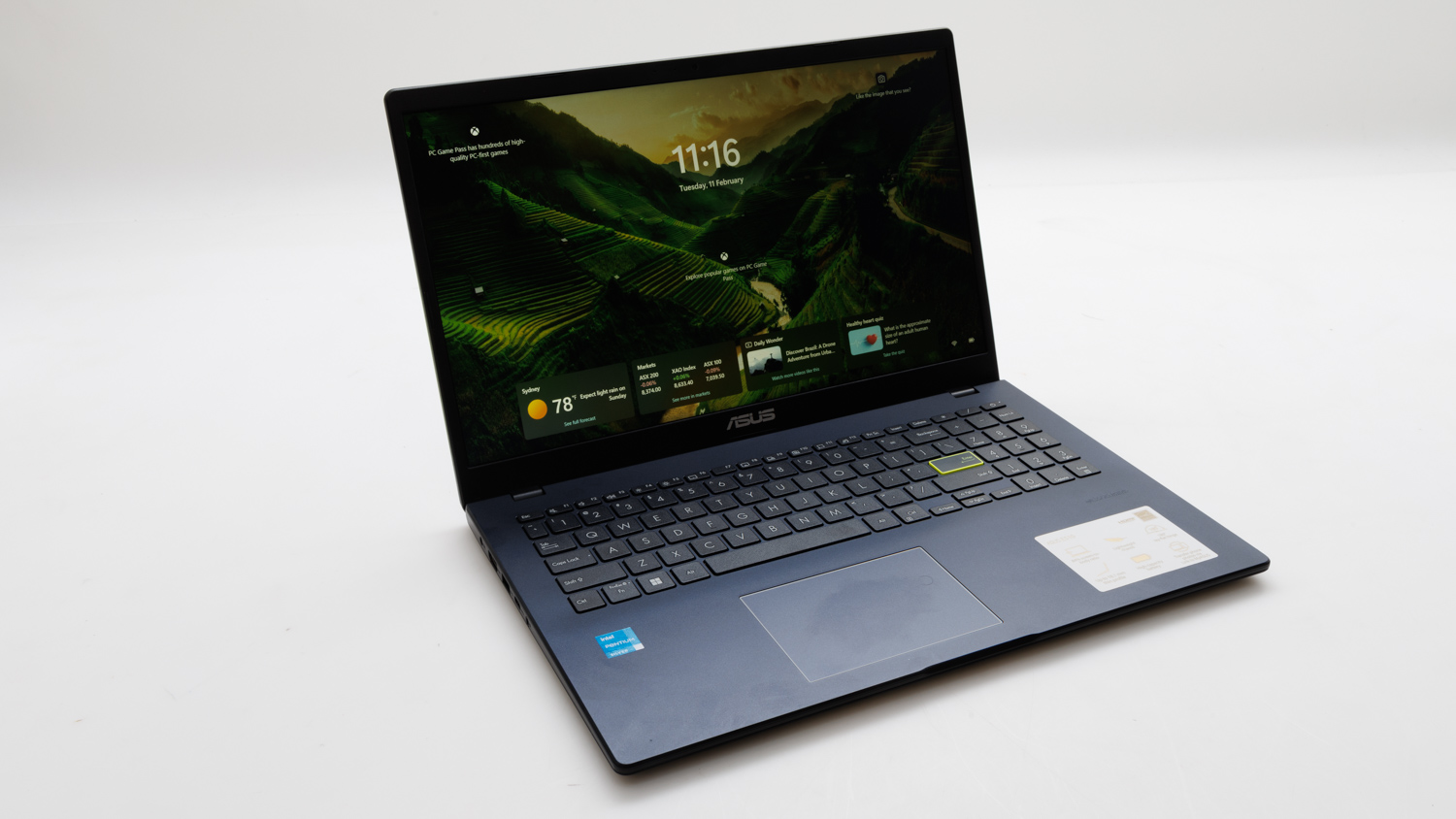
For $549 (at the time of testing), the ASUS E510K Notebook PC represents decent value. Primarily, it has a keyboard that feels very comfortable to type with, and its large touchpad is smooth and equally pleasant to use. Being an inexpensive laptop, it means the processor isn't very fast, but the supplied Pentium CPU offers decent speed for everyday admin, communications, and enterntainment tasks that aren't gaming. Battery life wasn't great in our tests (4hr 25min average), and charge time was long (over 2 hours to get to 80 per cent), which may cause some frustration unless the laptop is always being used near an outlet and is travelling with its charger.
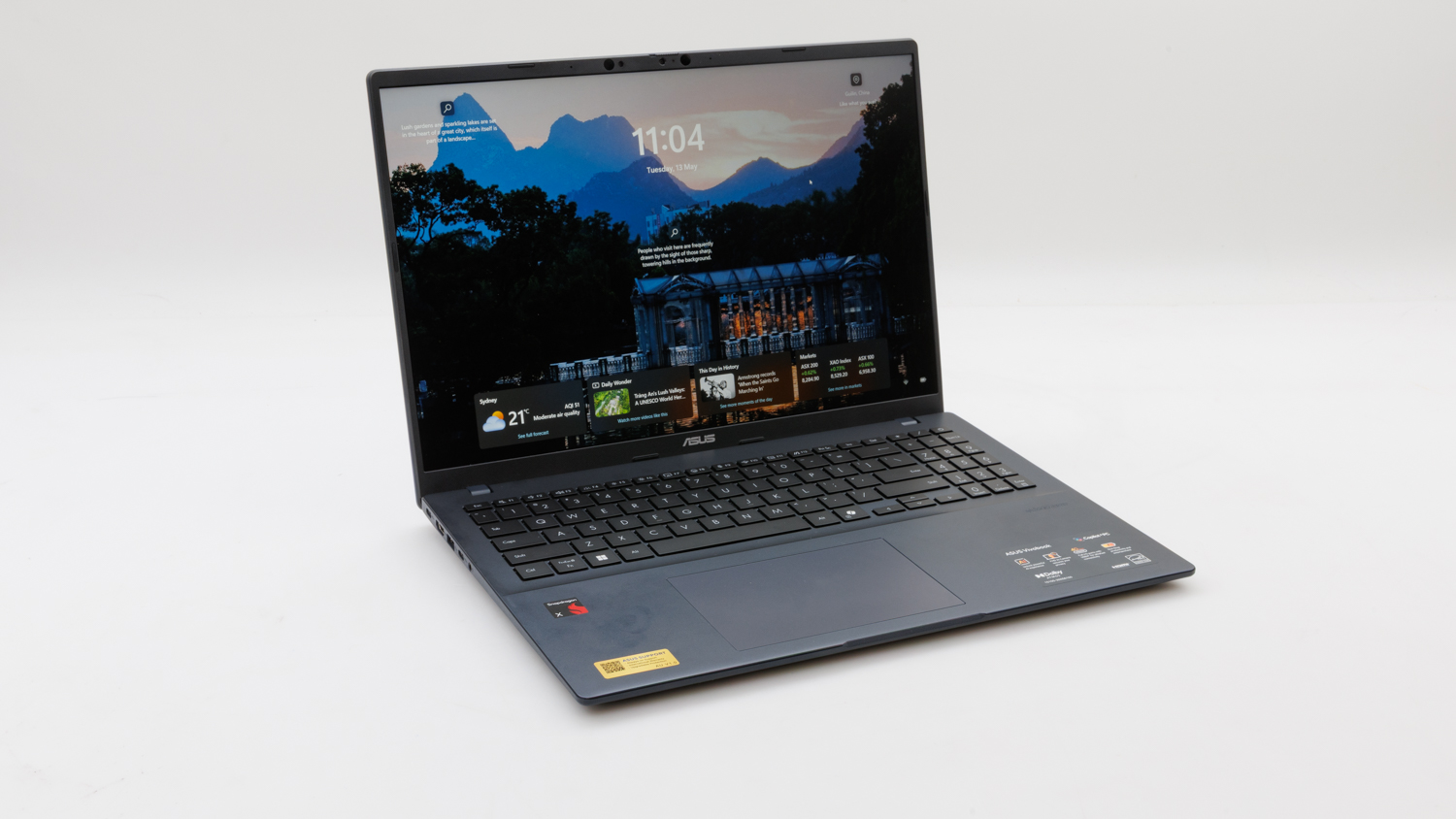
Those after a bigger laptop will appreciate the ASUS Vivobook 16, which is a 16-inch laptop that rests better on a desk than on a lap. It's a modern laptop that runs a Snapdragon processor instead of something from AMD or Intel, and has the ability to work on specific AI tasks (such as speech recognition) without slowing down the rest of the system thanks to its dedicated NPU (neural processing unit). That CPU might not be able to run all types of software (such as some games), so it's best to check compatability before considering it. The size of the laptop makes it luxurious to type on, the touchpad is very large, and the screen has a Full HD resolution.
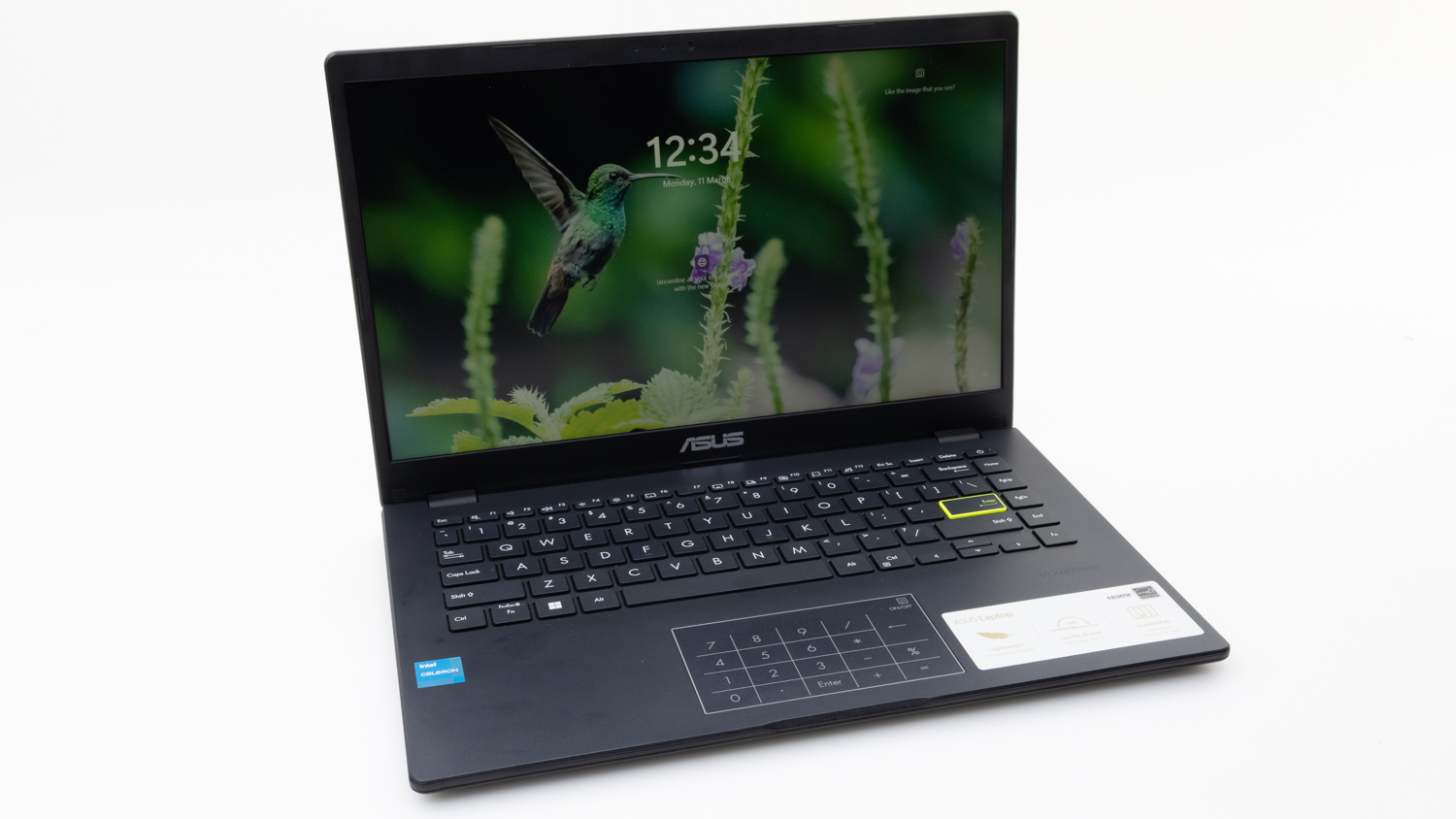
The ASUS Vivobook Go 14 (E410) is a neat looking laptop that runs silently, but it also runs very slowly. Its Intel Celeron CPU is just not quick enough for most common tasks, and when paired with only 4GB of RAM and slow 128GB embedded storage, you'll end up with an experience that is less than optimal.
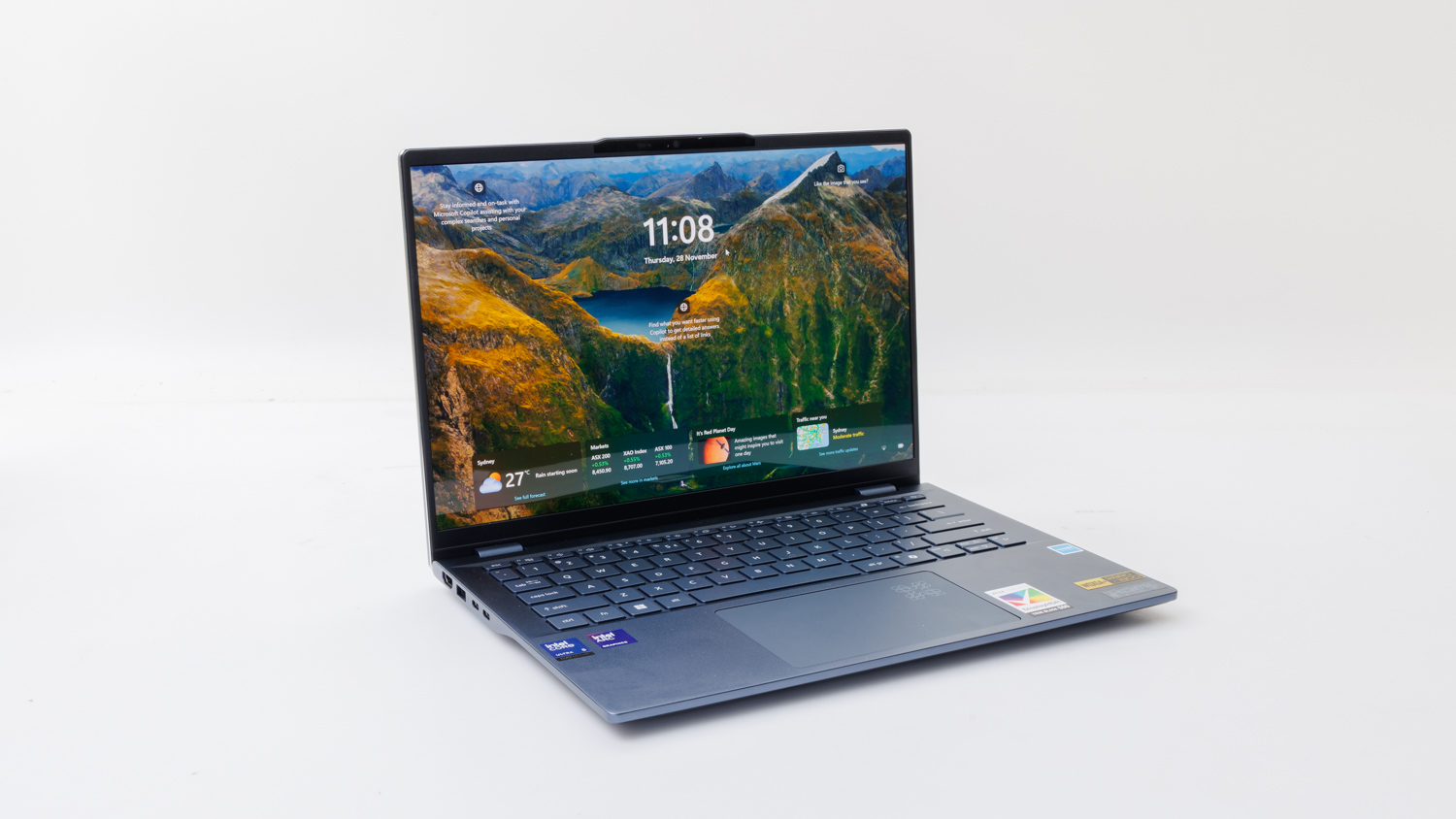
Acer's Swift 14 AI is a Microsoft Copilot PC that uses familiar Intel processing. It's a well-performing laptop for all but the most demanding tasks, and can even be used for running relatively recent popular games with a moderate amount of detail. Dim the lights though, because the screen is very reflective, and wear some headphones or plug in some speakers, because the built-in audio will not be kind to your ears.
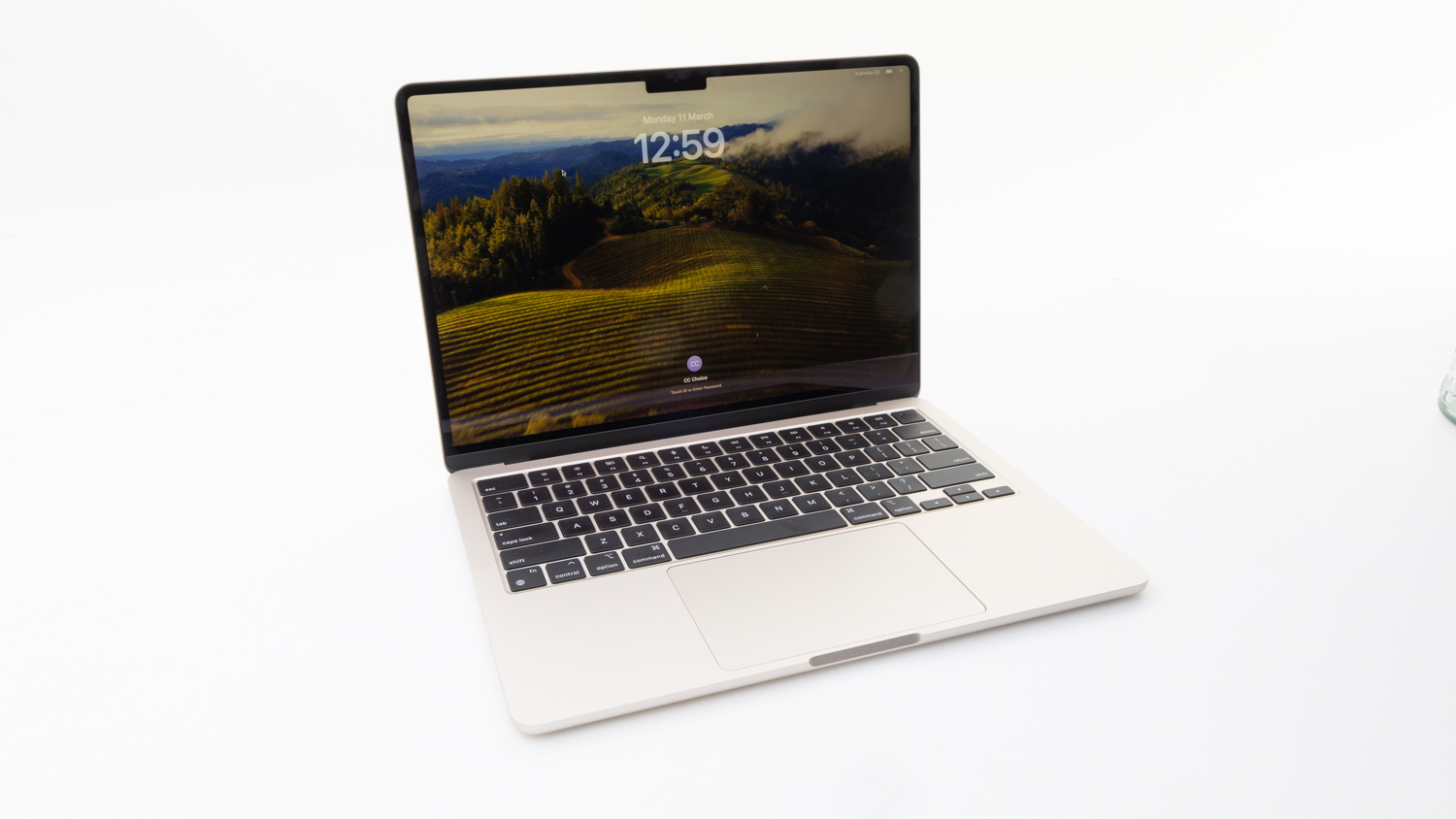
Apple's MacBook Air with M3 processor delivered slightly better performance and battery life in our tests, compared to the M2 model, with the added bonus of being a silent-running, passively cooled laptop. It maintains a light yet solid chassis, and continues to offer very good display and audio quality. The backlit keyboard with Touch ID has well-spaced keys that are easy to hit and quiet when hit, and the touchpad is huge. A point of different between the M2 and M3 MacBook Air laptops is the ability of the M3 to now support two external displays (with the lid closed) via its Thunderbolt 4 ports, rather than just one external display, making it more suitable for docking.
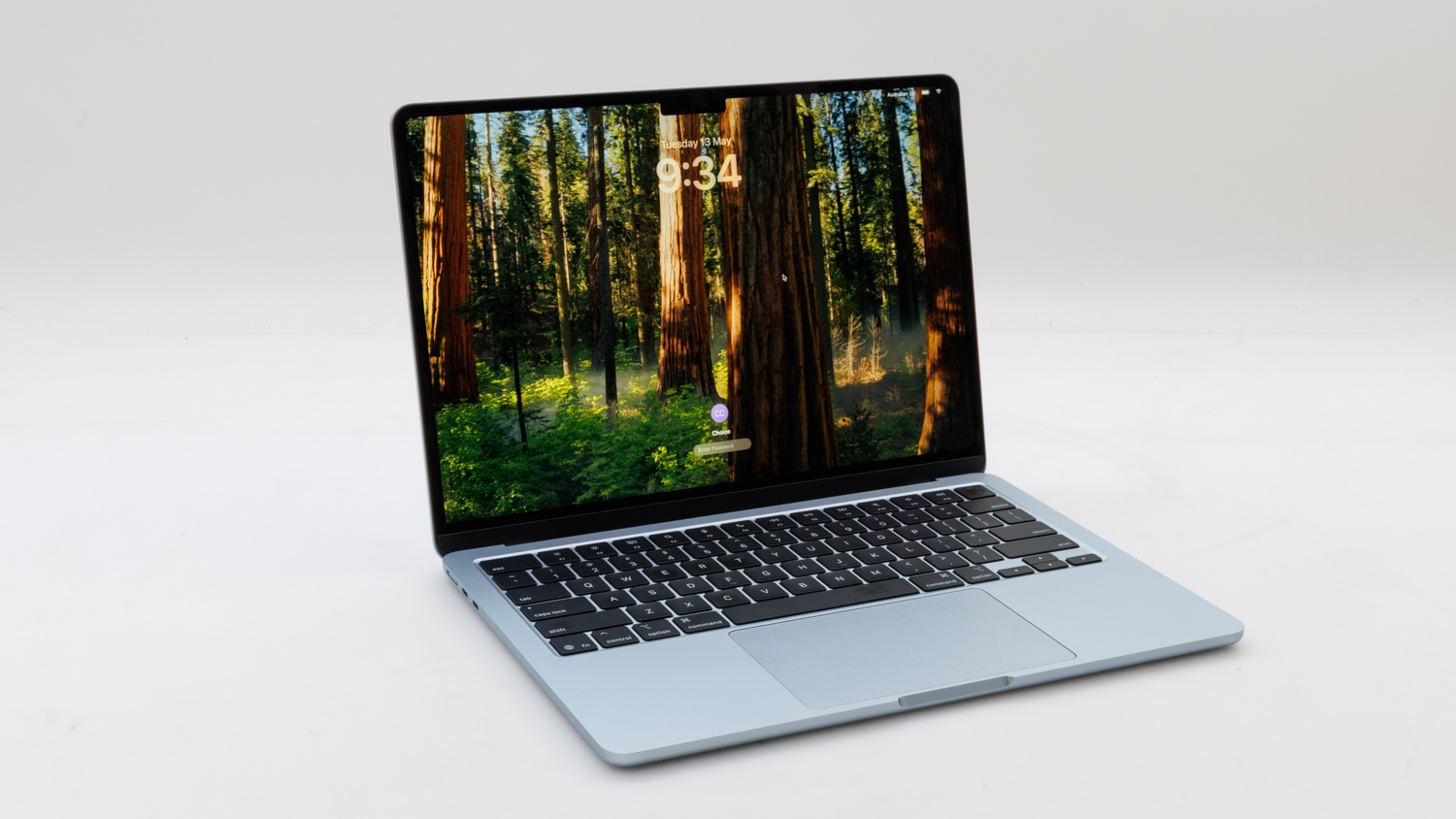
The 2025 version of Apple's MacBook Air 13-inch gets a bump in processor speed over the previous MacBook Air generation (Apple M4 chip versus Apple M3 chip), and this showed in many of our tests. The screen remains very good (and very bright), the laptop doesn't make any noise thanks to a fanless design, and there are Thunderbolt 4 ports for adding external peripherals and storage. It remains one of the top lightweight laptops on the market for those of you who need to carry your Mac on a daily basis. Battery life was also slightly improved over the previous model in our tests.
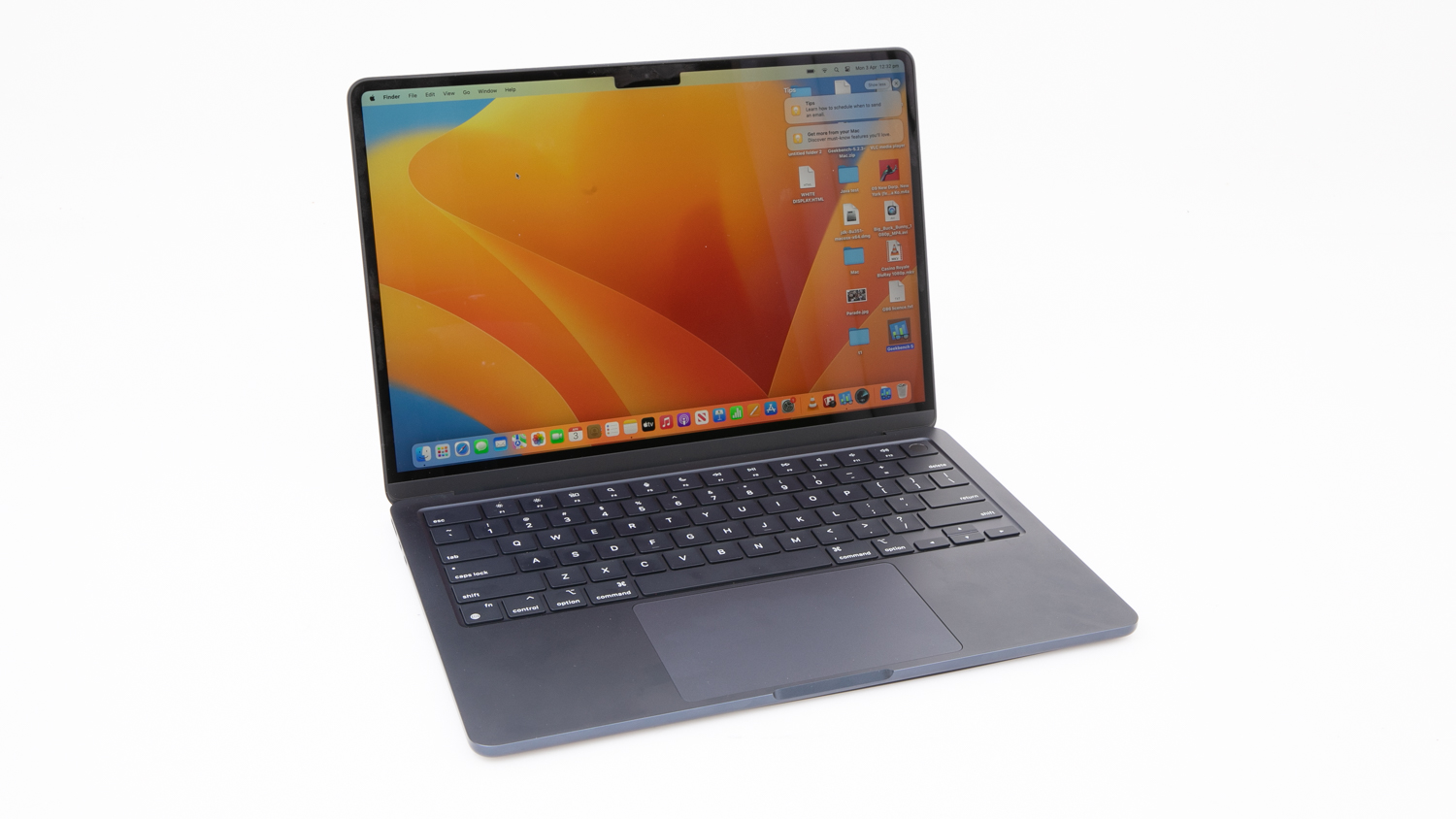
Apple's MacBook Air is comfortable to use, provides fast performance, and contains a very good screen. It's an ideal candidate for a portable laptop that can be packed into a bag and taken to the classroom of office. It doesn't have as many ports and slots as the MacBook Pro, and it also can't be charged as quickly -- it was slow to charge up to 80 per cent.
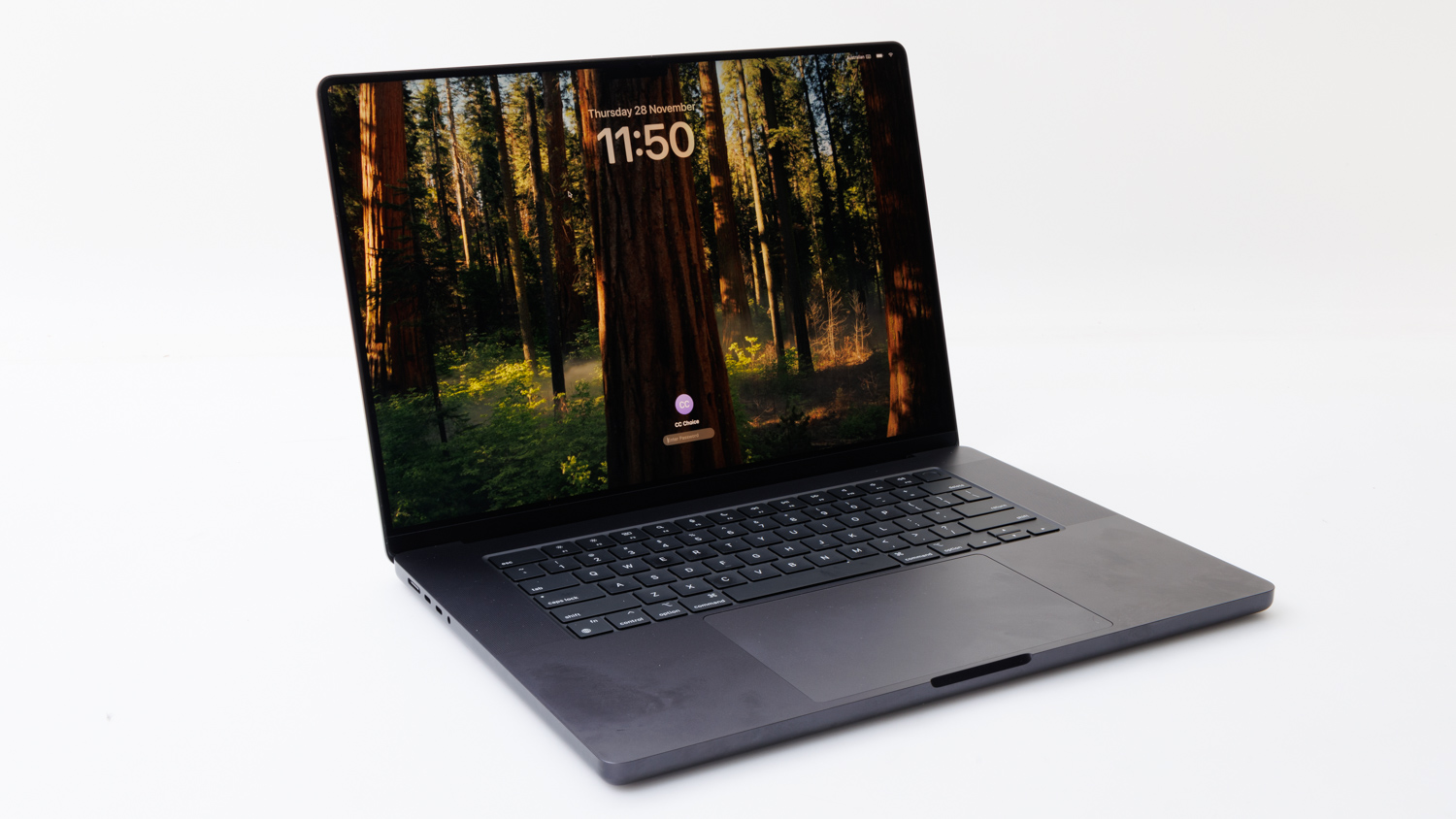
Apple's MacBook Pro is of the most powerful laptops on the market and this one is very highly specced for users who need to run demanding software in their chosen field. The screen has a massive resolution, with excellent colour reproduction, and reflections from lights will barely be an issue against the anti-glare coating. The keyboard is sturdy, the touchpad is very large, and there are ample ports for connecting external input devices, very fast storage, and extra screens. The webcam includes Centre Stage functionality, which can follow and zoom into you if you move around while on a call or in a meeting, but leave the lights on because it doesn't do very well in dim lighting.
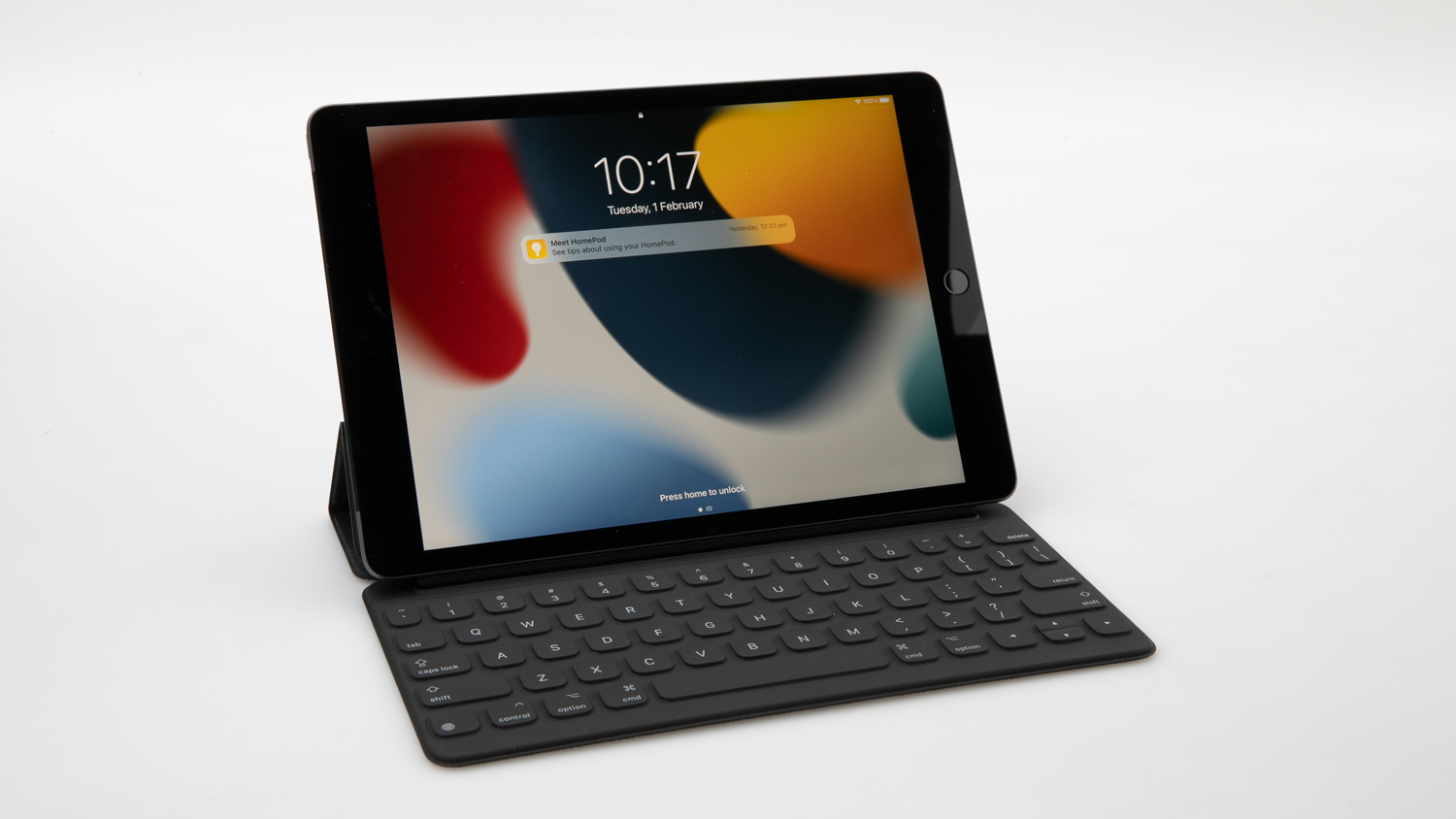
The 9th generation of Apple's standard iPad continues to show why this slate is the benchmark for this type of product. It's light, slim, solid, responsive, and comes with some great included software. It's not as good when used as a laptop, as the Smart Keyboard can feel quite cramped and awkward to type on, but the option is there to turn it into an everyday computer as long as it runs all the apps the you need.
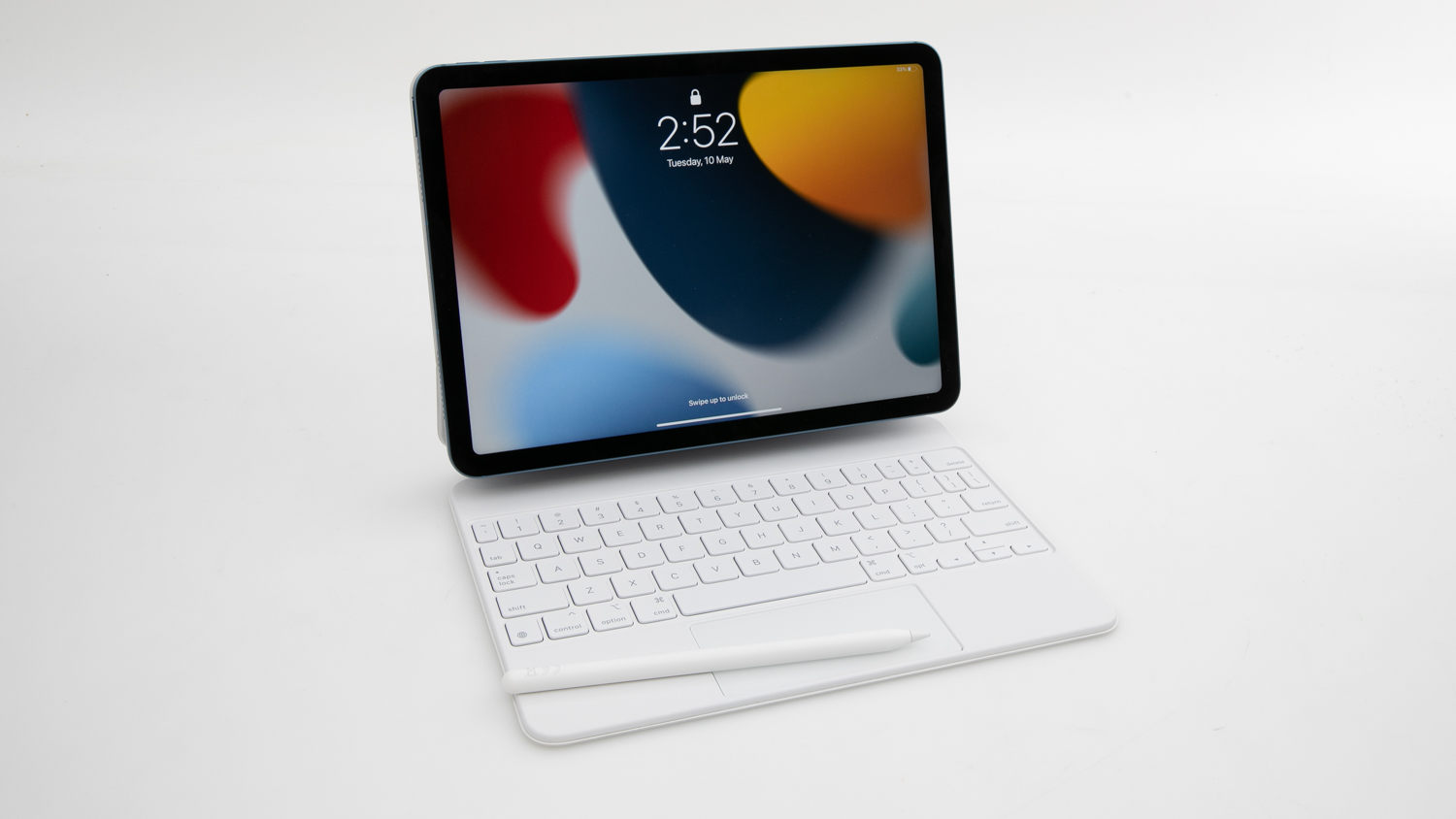
Apple's iPad Air is one of the lightest tablets on the market, and a very good one at that. Paired with the Magic Keyboard accessory, which allows the tablet to sit an angle, it can also become a very handy laptop computer for basic office work and communications tasks.
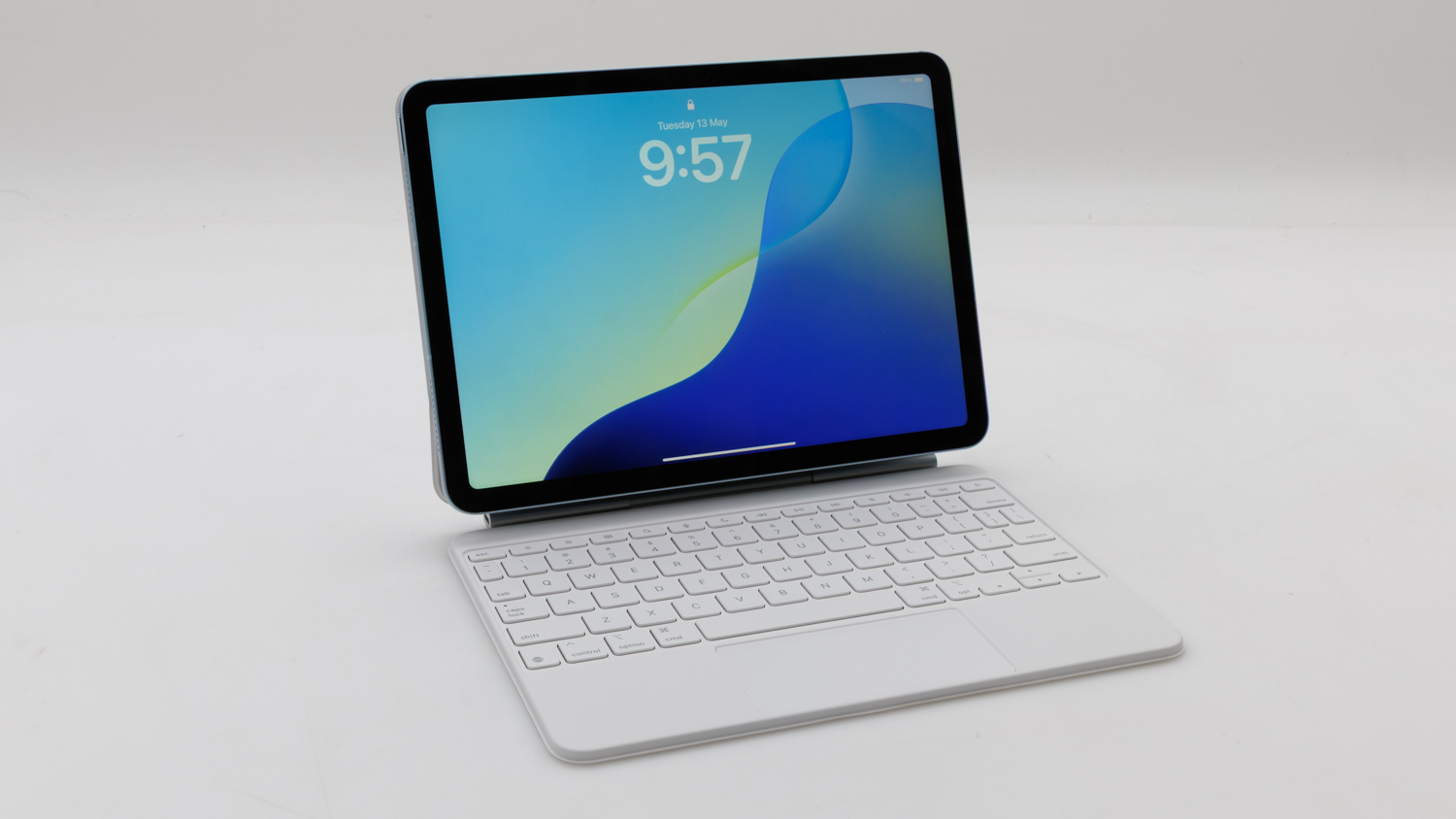
Apple's early 2025 model iPad Air features an 11-inch screen and an Apple M3 processor. It's the model to go for if you don't need an iPad Pro, but want something a bit lighter and faster than the standard iPad. Paired with the Magic Keyboard, it can be used like a regular laptop when rested on a desk, but is prone to tipping if used in the lap. The keyboard adds to the cost but it makes for a very comfortable typing experience if you want your tablet to a go-to device for work and play. The webcam features Centre Stage, which pans and zooms when used with FaceTime, and this can be quite handy. All up, light, speedy, and available in storage options up to 1TB, with a USB-C port for charging and accessing external display and storage devices.
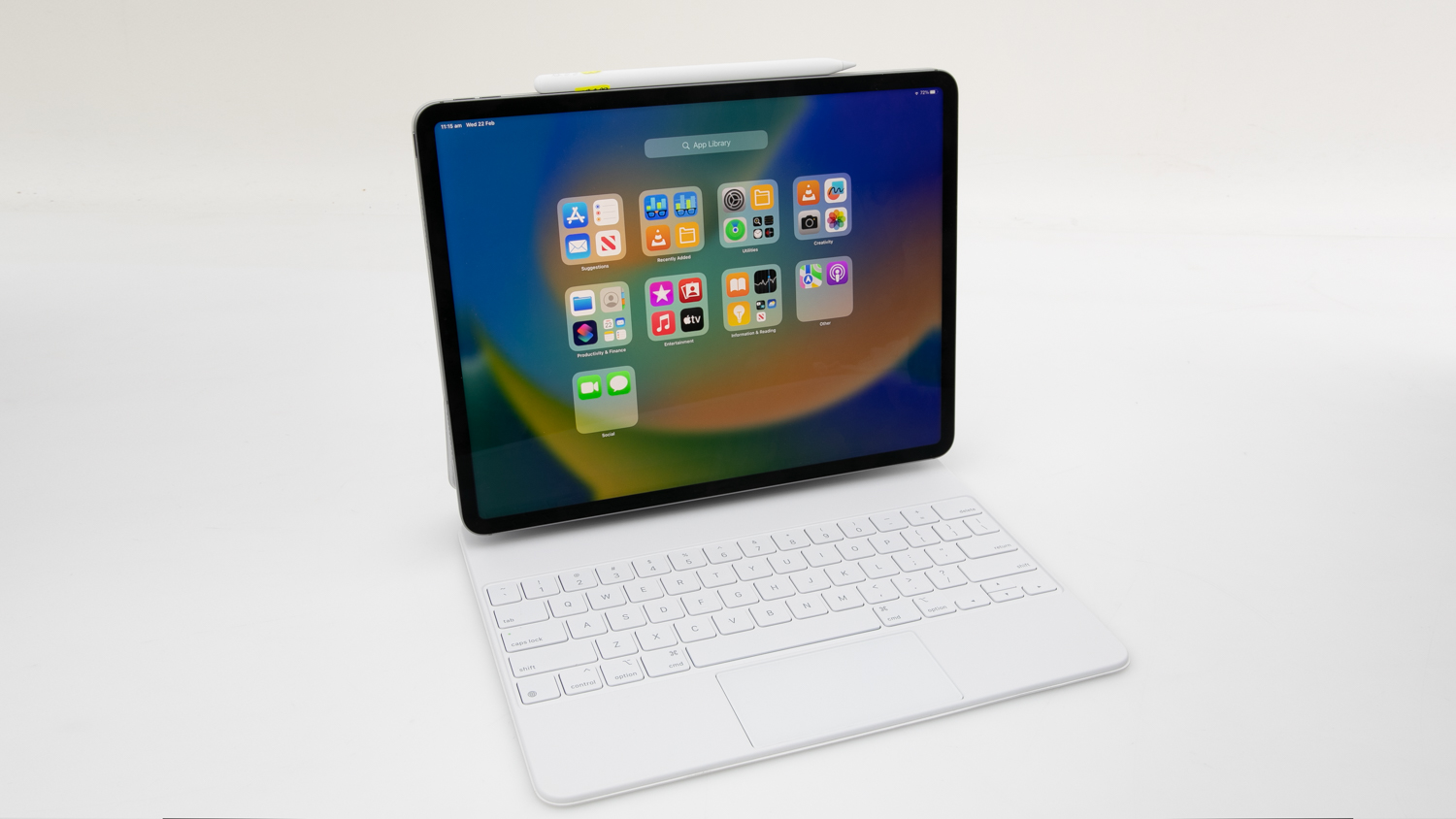
Apple's iPad Pro with Magic Keyboard and Pencil is the standard for tablets that can be used as laptop-style computers. The Magic Keyboard suspends the iPad Pro tablet above the keyboard, which itself has backlit keys that are comfortable to hit, as well as a small touchpad that can be used for navigation. It's costly, but it's a high-end machine with 2TB of internal storage and fast Apple M2 processor.
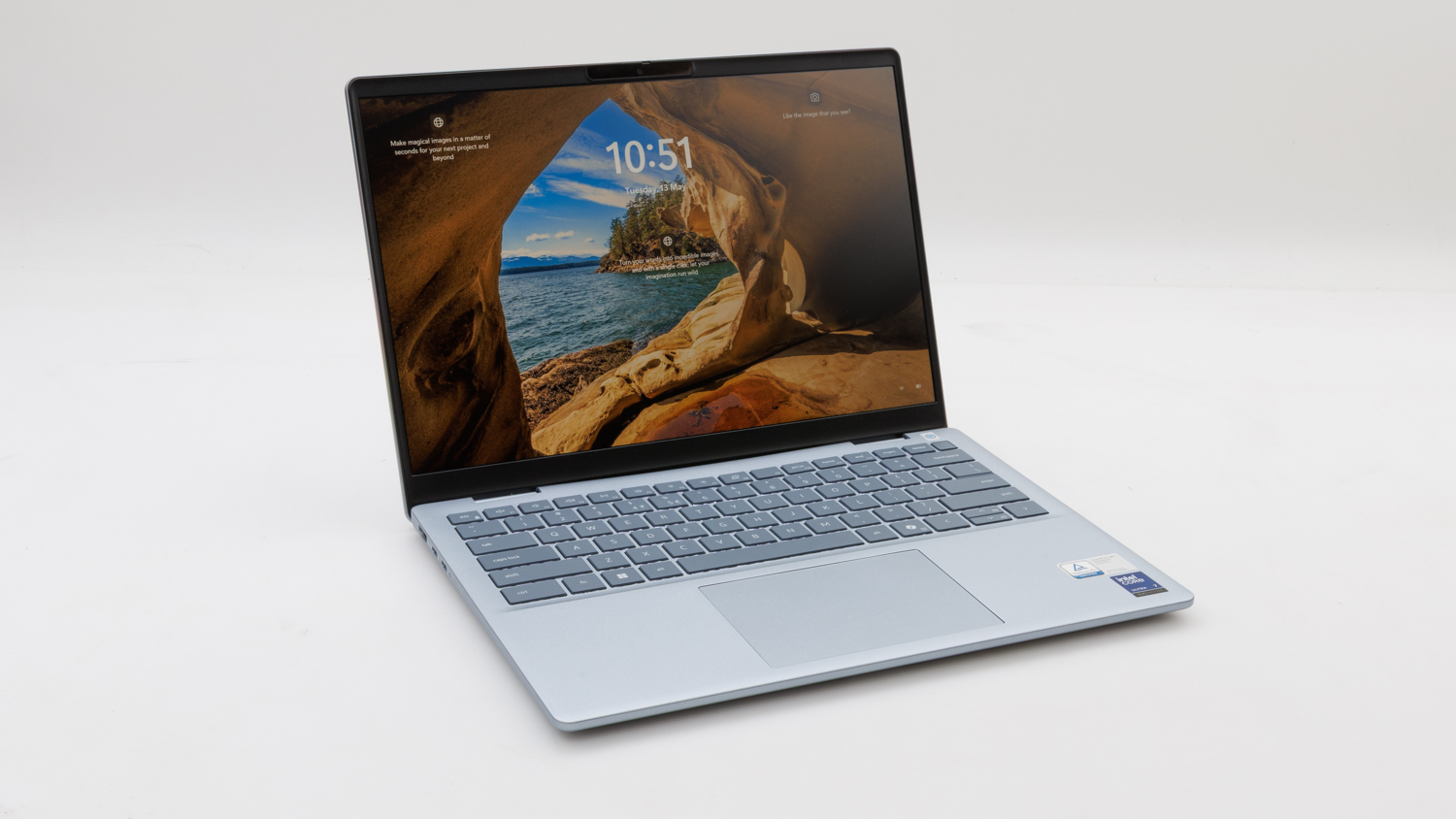
The Dell 14 Plus is a Copilot PC equipped with one of Intel's newest Core Ultra 7 processors, which provides an increased balanced between power and efficiency. Overall performance was decent for general processing and graphics tasks, while battery life was good at over 11 and a half hours in our tests. A matte, 14-inch screen with a 2560 x 1600-pixel resolution, 1TB storage drive, a very comfortable keyboard, and a very good webcam, are other standout features of this laptop.
Dell's Inspiron 14 Plus is a Microsoft Copilot PC that uses a Snapdragon processor and is swift for everyday tasks. It may not be able to run some software, such as some recent high-profile games, but most everyday productivity software should be fine. It has a matte screen that produces minimal glare, and there is a large touchpad and very good keyboard that also contribute to a high level of user comfort.
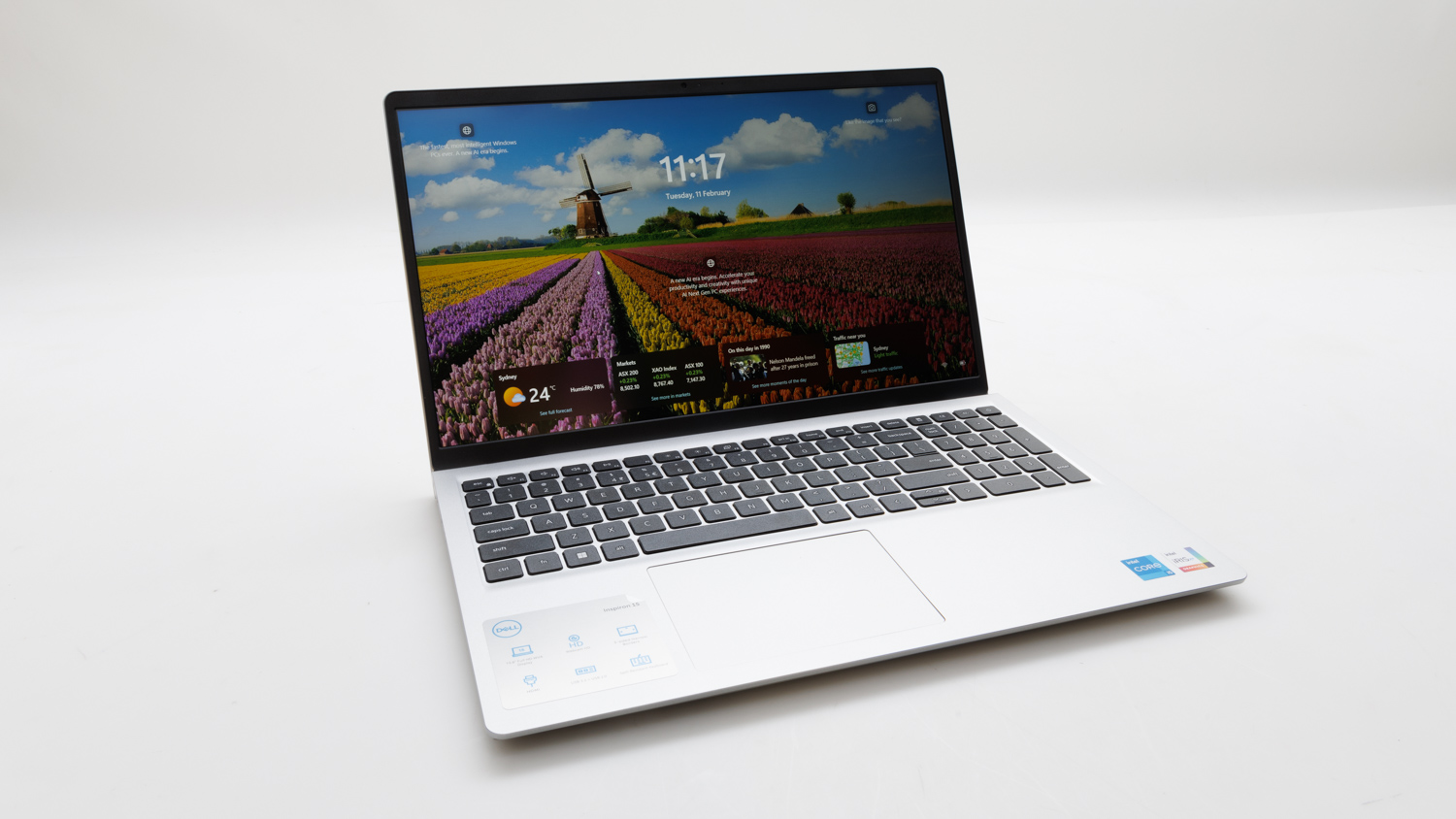
The Intel-based Dell Inspiron 15 3000 (3530) has a similar build quality to the AMD-based Inspiron 15 3000 (3535), but it has a higher price ($824 at the time of testing) and offers a bit more processing performance and better Wi-Fi for that extra money. However, the battery life wasn't great in our tests, averaging only 4hr 37min, and the storage suffered from the same inconsistent write speed issue we noticed in the Inspiron 3000 (3535). It's worth noting that this laptop has very good upgrade and repair potential, with the SSD, battery, RAM, and Wi-Fi module all replaceable, and there is even space to add an internal 2.5-inch SATA drive for extra storage.
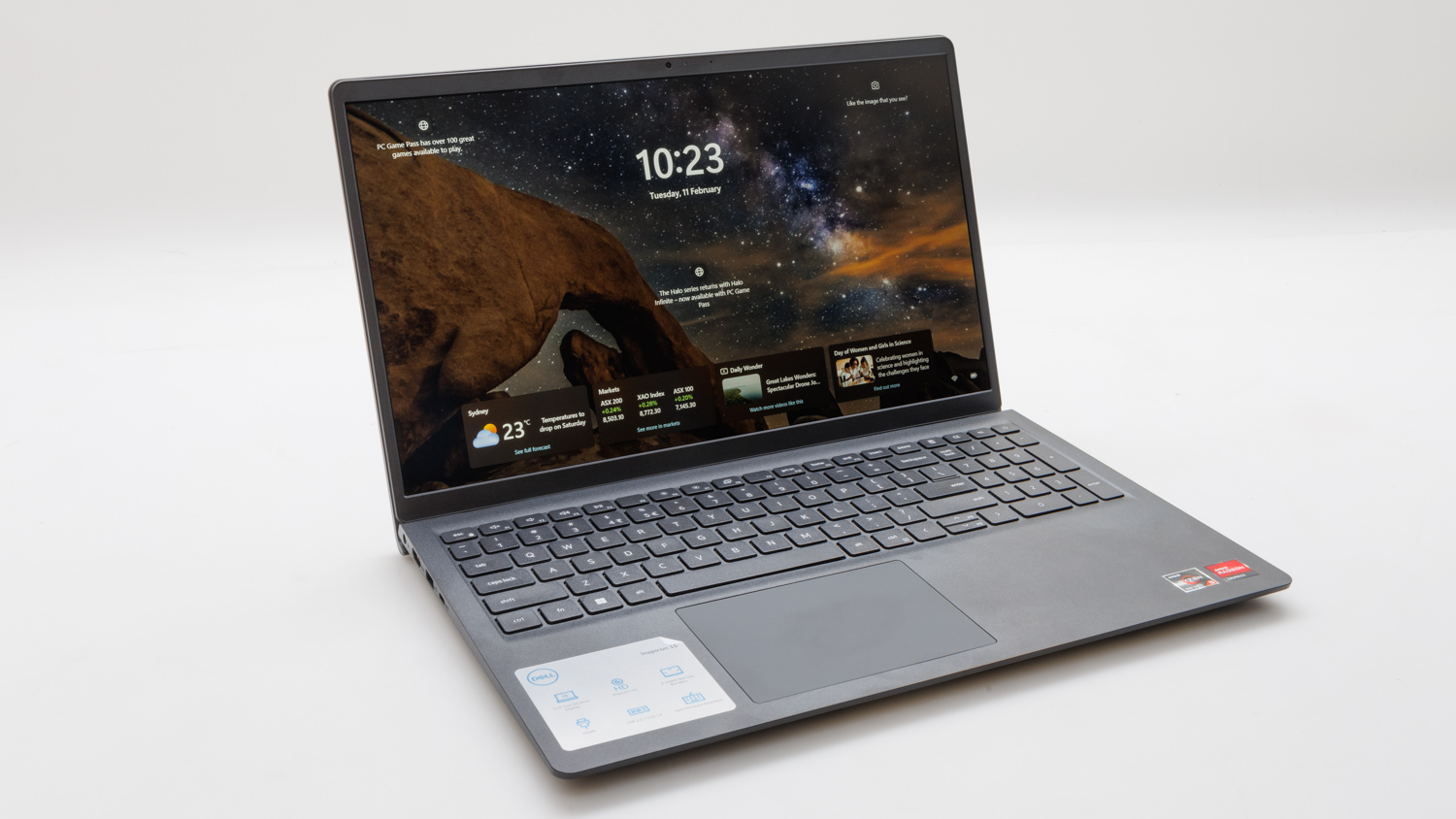
Dell's $649 (at the time of testing) 15.6-inch Inspiron 3000 (3535) is a mixed bag of a product, but it could suit the needs of anyone looking for something affordable for everyday admin tasks and video playback. On the one hand, it supplied good battery life of over six hours in our tests, and it's screen has decent viewing angles from the sides, unlike many other laptops in this price range. On the other hand, its storage performance was very inconsistent, especially when writing data, which can affect the reponsiveness of the system when saving files or moving them around. The build quality is also compromised, with a touchpad that rattles, a keyboard that bounces a little and feels hollow underneath, and a lid which has a finish that's a fingerprint magnet.
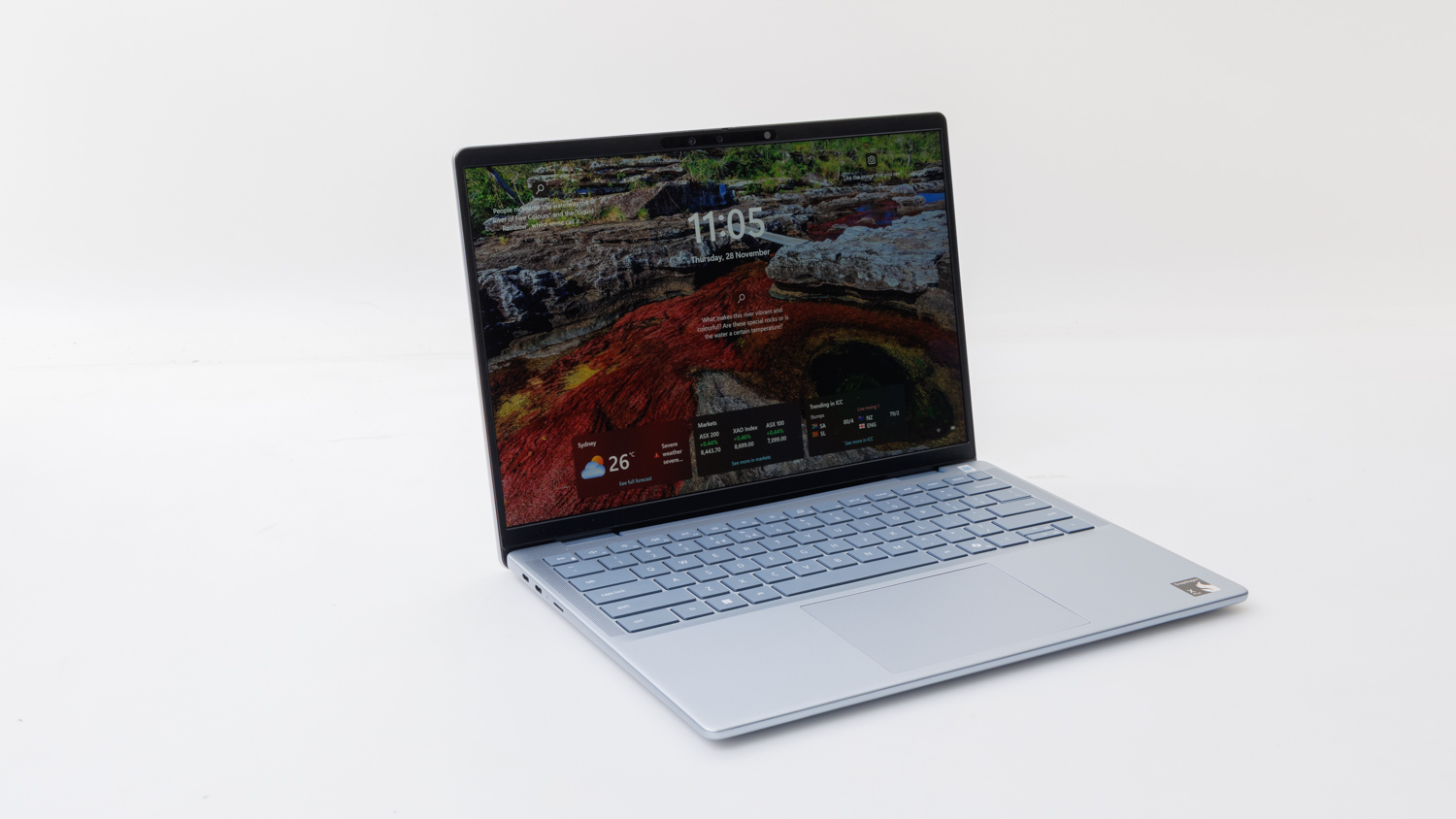
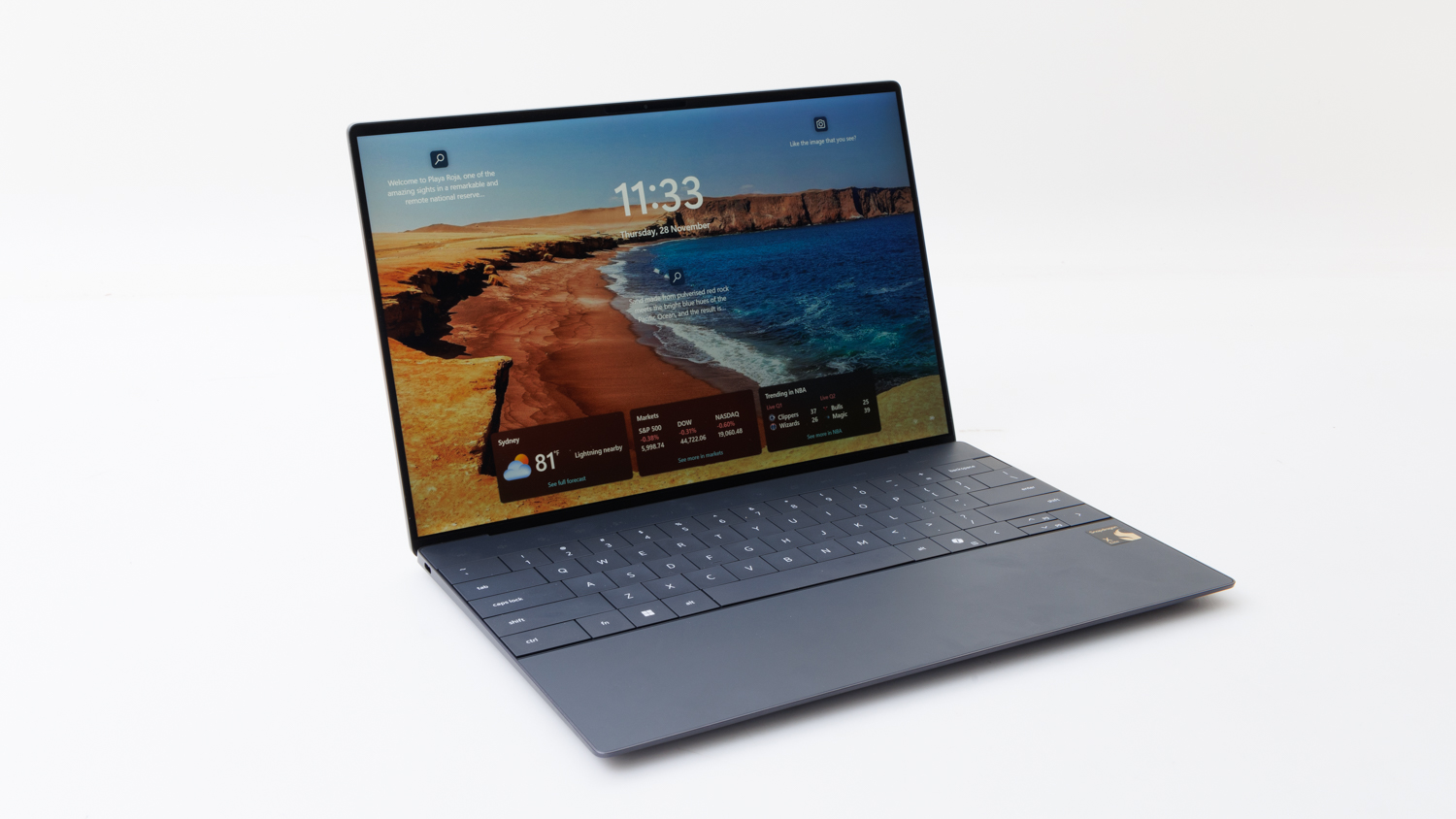
The Dell XPS 13 9345 is an exceptionally portable Microsoft Copilot PC that's smaller than a sheet of A4 paper. It's also quite thin and sleek, with only two USB-C (USB4) ports supplying connections to external devices. Despite its size, the keyboard sports wide keys and spans from one edge to the other, making the most of the space that's available. The palm rest has a touchpad that's concealed under it, which means you'll have to learn where its boundaries are after you start using it. Illuminated F-keys, a very good screen, long battery life, and a Snapdragon processor round out the other major talking points.
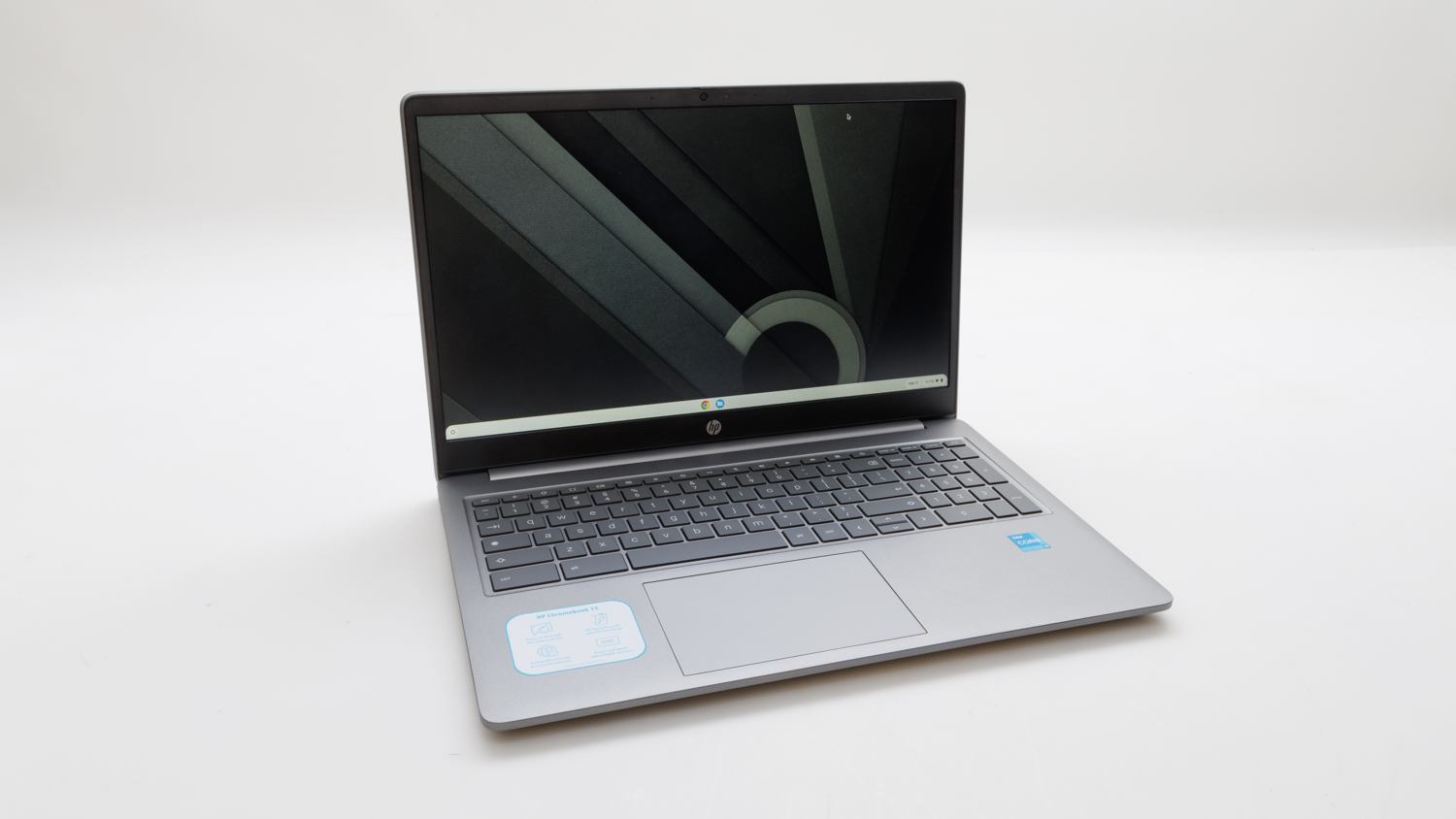
HP's large Chromebook 15 has a good screen, decent processing power, and a battery that averaged 6 hours and 27 minutes in our rundown test. Being a Chromebook, it will only appeal to those of you who already make heavy use of Google's ecosystem, and it's suitable mainly for web-based applications for productivity and entertainment tasks -- mainly Google Docs, Sheets, Netflix, and anything else you can stream.
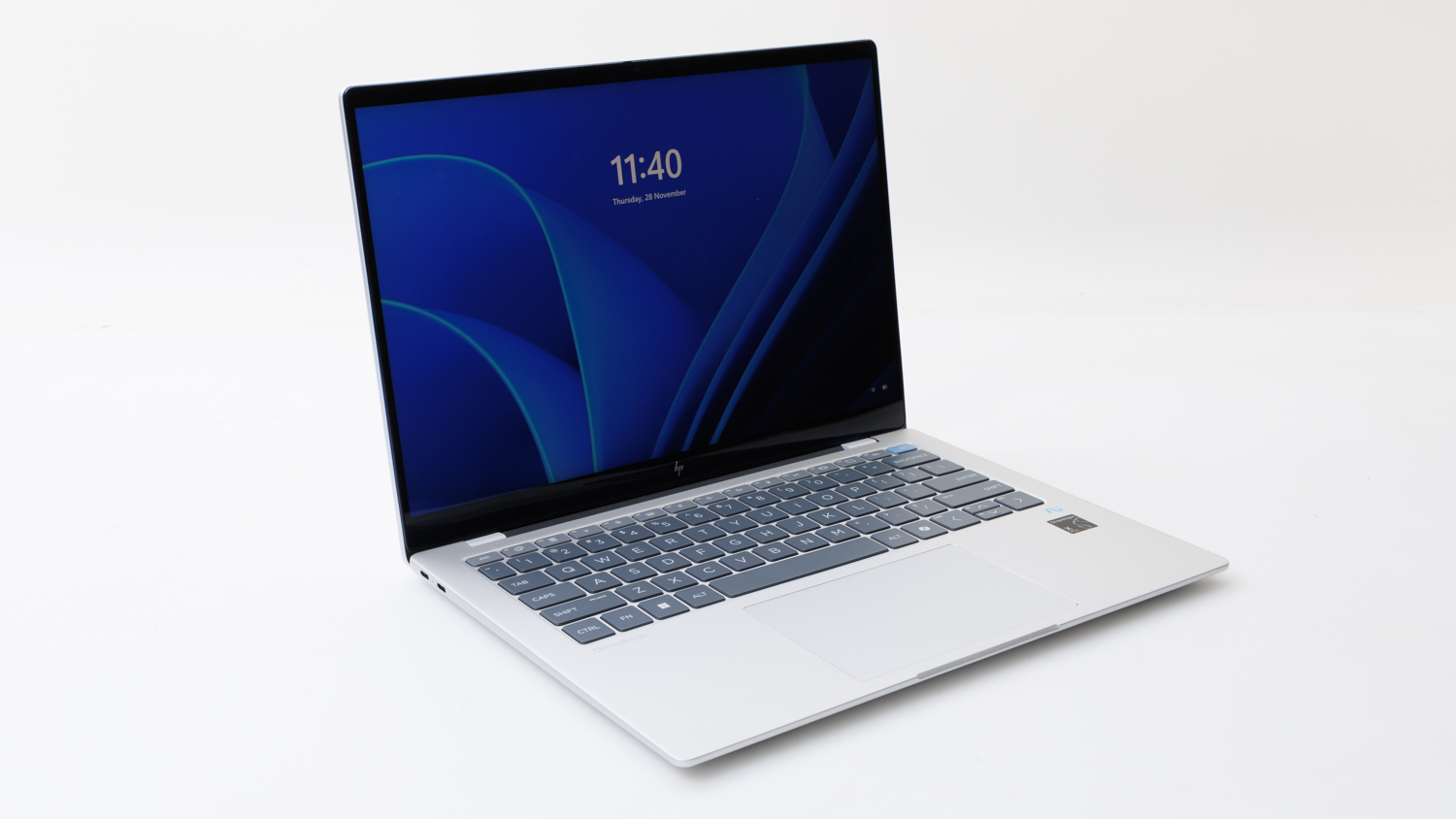
The HP Omnibook X is a Microsoft Copilot PC that makes use of the latest Snapdragon processor. This means It might be restricted in some of the software it can run -- for example, some recent high-profile games might not work. For most everyday productivity software, the laptop should perform well. The battery life, keyboard, and touchpad are all very good, and the 14-inch screen's resolution is higher than Full HD. It is quite glossy though, which could make it annoying to view in bright environments. There are a couple of USB-C ports, but they are not equal: one has a maximum speed of 10Gbps, and one has a maximum speed of 40Gbps (USB4). The labelling is too small to make it obvious.
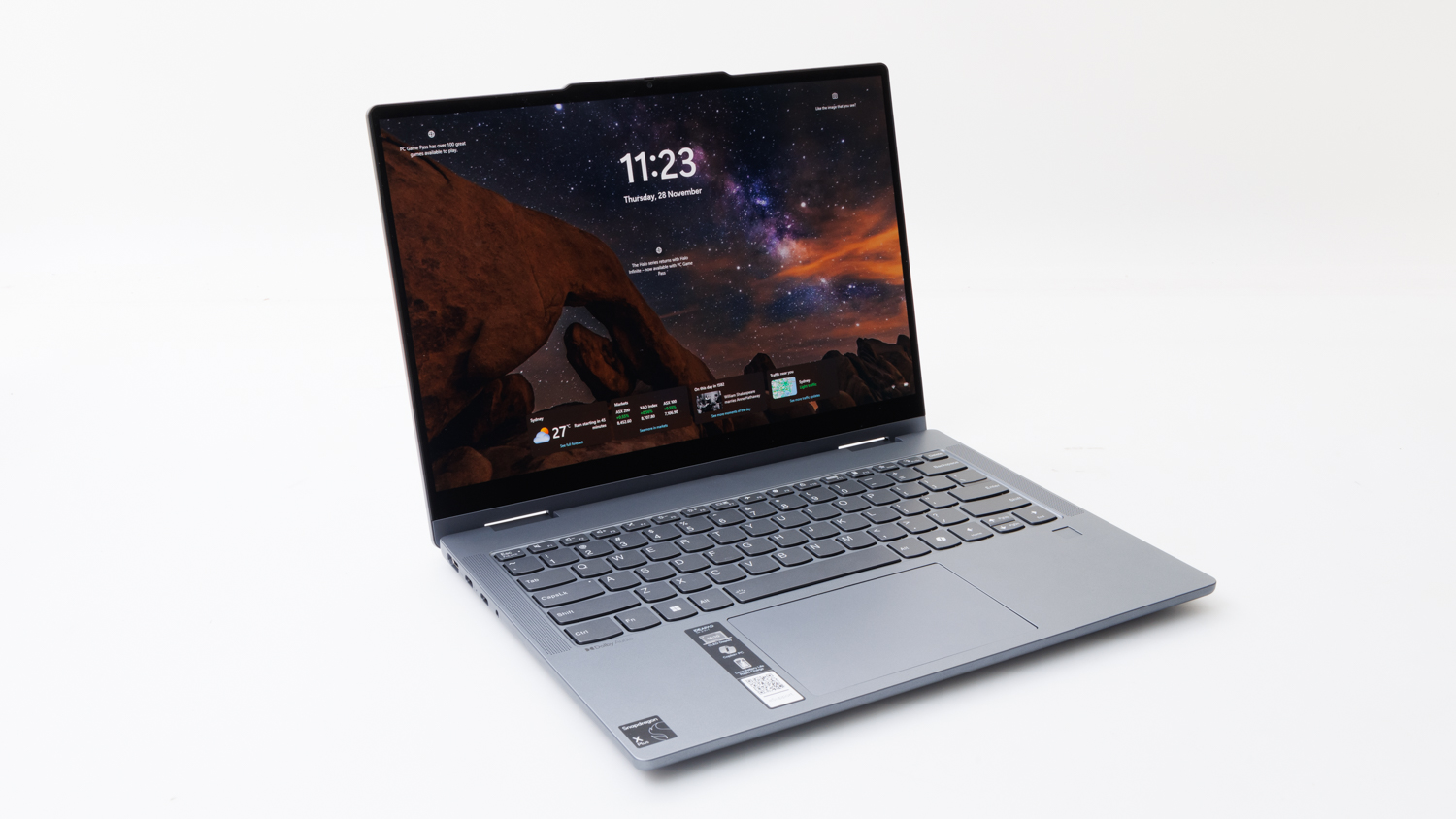
Lenovo's IdeaPad 5 2-in-1 is a Microsoft Copilot PC with a Snapdragopn processor that can be converted from laptop to tablet by swinging the screen all the way around. That gives it just a bit more versatility, especially for tasks where using the supplied stylus to input information, markup documents, or draw and write on the screen, makes things easier than using the touchpad. You get a full array of ports that includes HDMI and a microSD card slot, and the overall ease of use is very good. It has a glossy screen with reflections that can be annoying, especially since they can seem a little wobbly, and its resolution of 1920 x 1200 isn't as impressive as some other Copilot PCs we've seen recently, but it's also a lower priced model because of it.
Lenovo's IdeaPad Slim 5 is a 14-inch Copilot PC with a Snapdragon processor. It's very zippy, it can last a long time on battery power (just shy of 15 hours in our rundown tests), and there are plenty of useful ports along its left and right edges. This includes two USB-C ports, which are not USB4 or Thunderbolt 4/5 speed, but they are quick enough to be used for displays and storage devices. The screen has a matte finish with a Full HD resolution, and a large touchpad and soft keyboard make it a comfortable overall user experience.
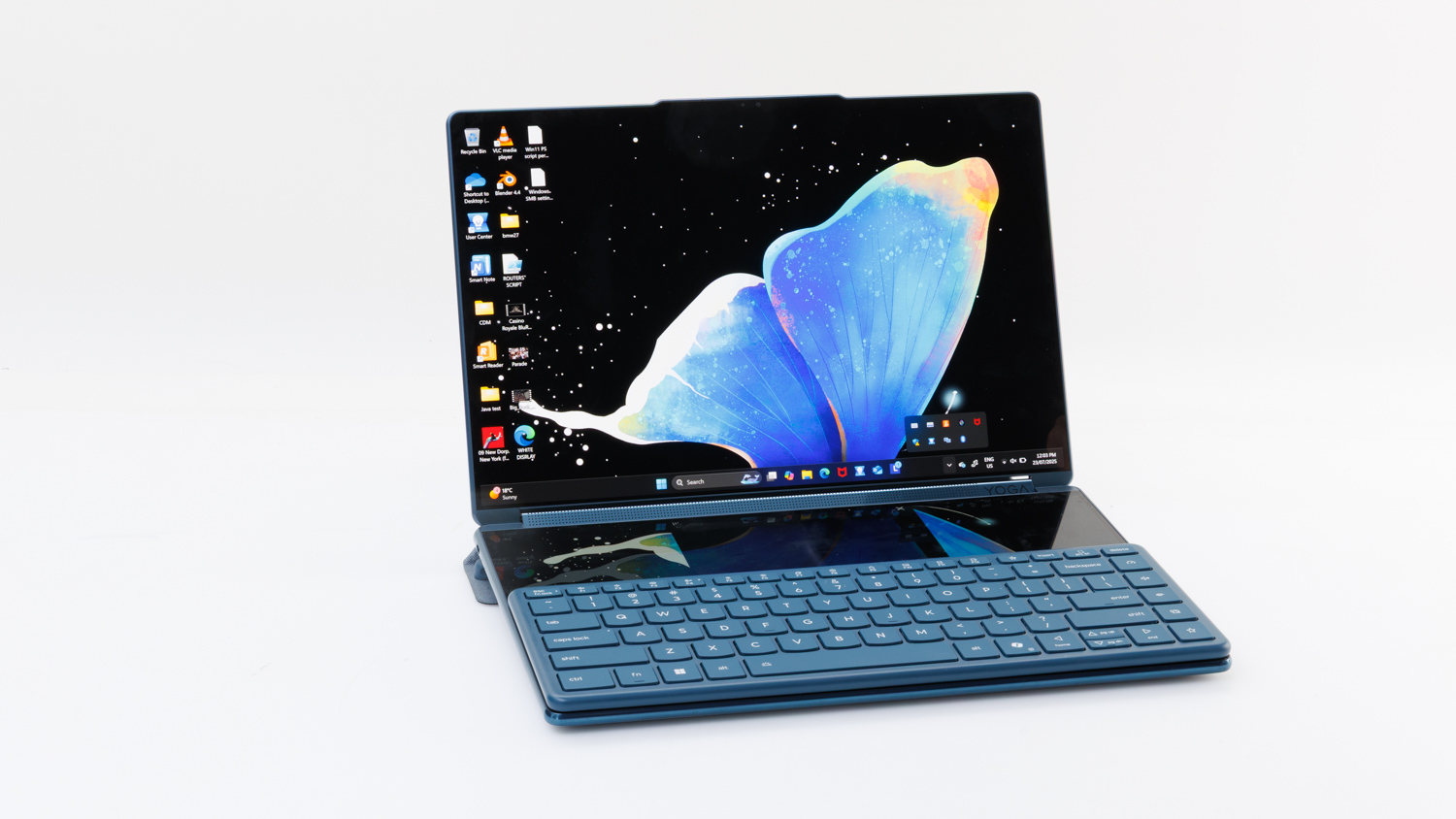
Lenovo has created a laptop that is far different from anything else on the market. You get two screens that are attached by a central hinge, and a stand accessory allows you to place the laptop in portrait or landscape orientations to make use of both screens at once. It's perfect for multitasking. A Bluetooth keyboard and a mouse are supplied, so you can get a desktop-like experience from this otherwise mobile product, and there is also a stylus for taking notes and drawing when in tablet mode. The screens are excellent, and the versatility of the product is impresive once you get used to all the ways it can be used -- if you don't want to take the external keyboard and mouse with you, the second screen can be used as a virtual keyboard and touchpad.
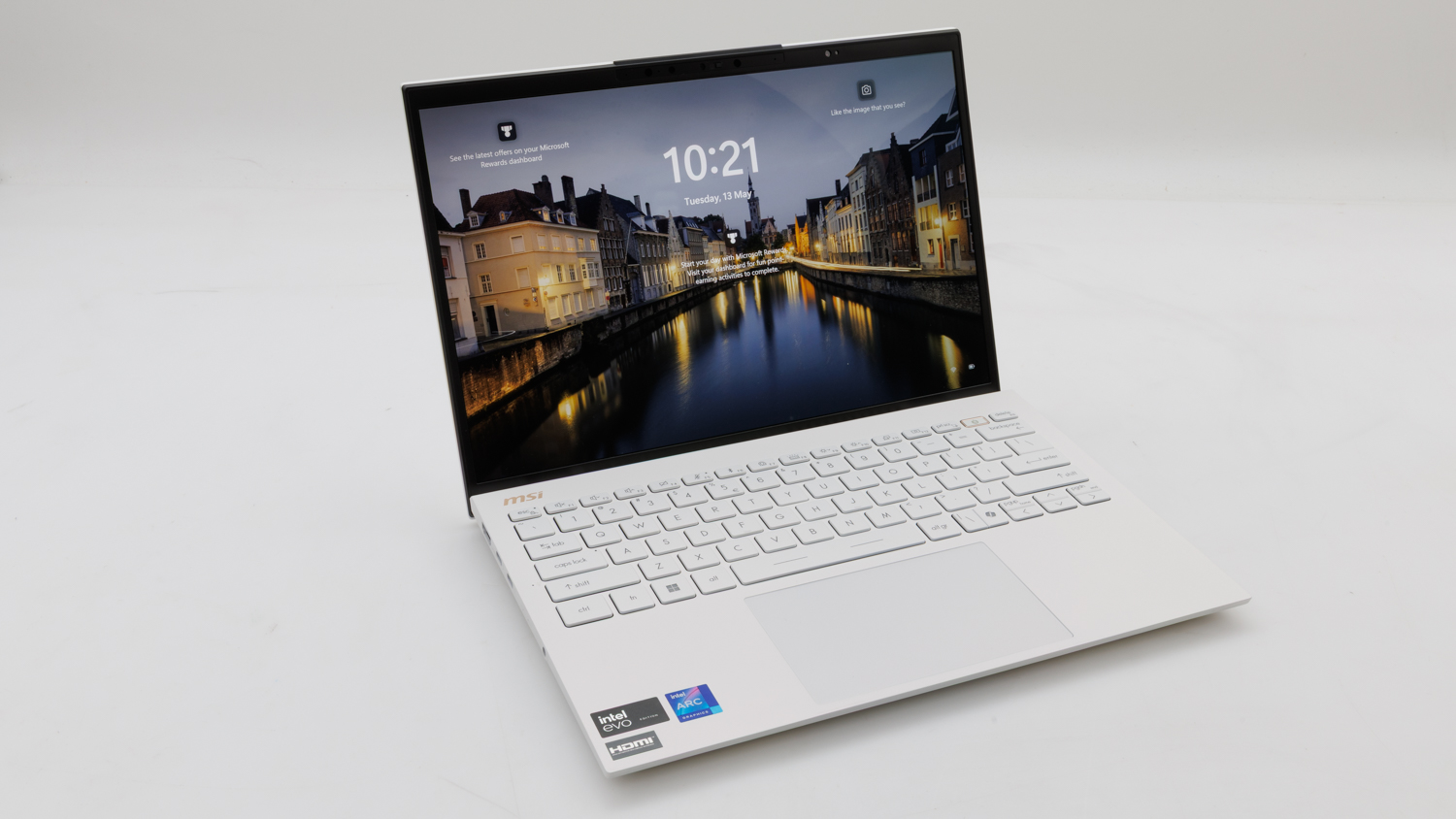
MSI's Prestige 13 AI Evo is a very lightweight laptop with plenty of versatility. You get a very good OLED screen, a fast Intel Core Ultra 7 processor (which includes a neural processor for local AI tasks), good battery life (over 8 hous), and plenty of ports along sides. It's easy to plug in a couple of screens, storage devices, and peripherals when using it for work at home or in the office. It's also very comfortable for typing and navigating. Its only problem is the poor audio from the inbuilt speakers -- you'll need headphones or external speakers when its time for serious listening.
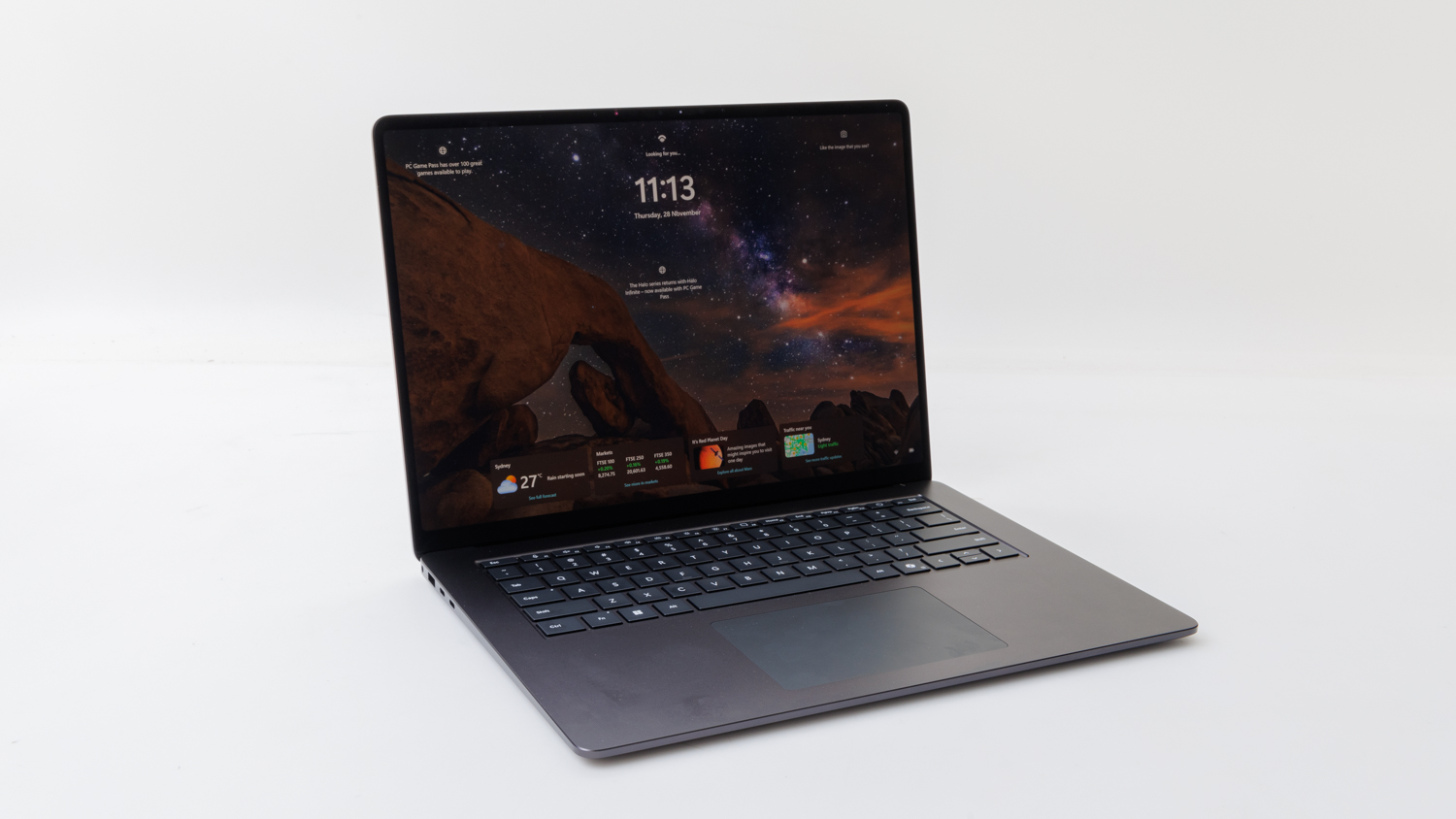
Microsoft's 7th edition of the Surface Laptop embraces the Snapdragon processor, which, with its dedicated neural processing unit (NPU), has a focus on AI. The NPU comes in handy when running tasks such as Live Captions, leaving the main processor to deal with other tasks. The laptop itself has not changed much physically from the previous generation, with the main difference being the processing technology. While the Snapdragon performs well in everyday tasks, there may be some software (such as recent high-profile games) that might not run on it.
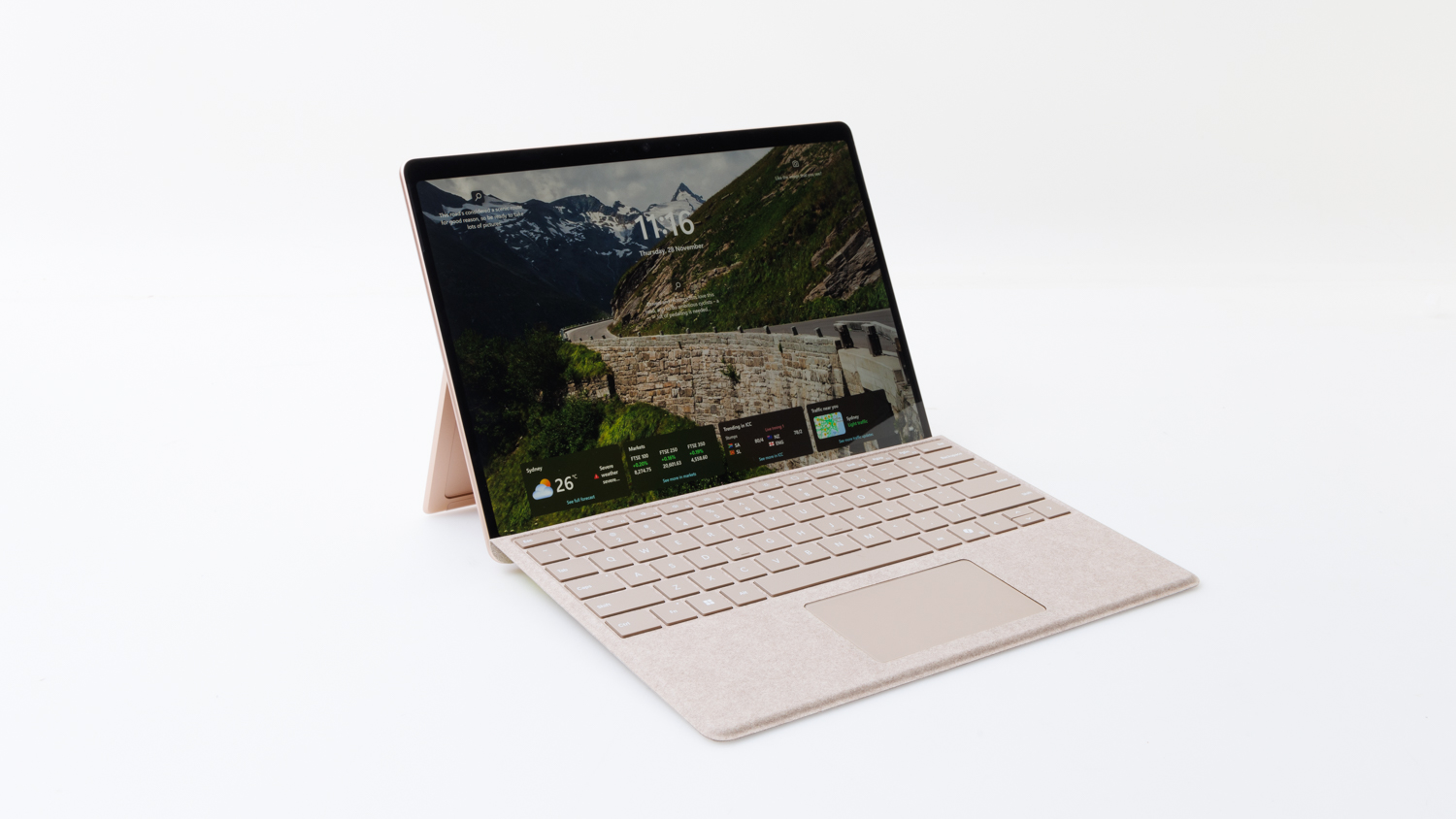
The Microsoft Surface Pro enters its 11th edition with a new Snapdragon processor that aims to boost performance and efficiency over previous Intel-based models. If you're upgrading from 2022's 9th edition model, for example (the 10th only came out in the first quarter of 2024), then you'll see definite improvements in battery life, processing, storage speed, Wi-Fi speed, and even the webcam. The ease of use remains the high, with a very good touchscreen, and a very good detatachable keyboard, but since it relies on a kickstand, it can be difficult to use in a lap. While the Snapdragon performs well in everyday tasks, there may be some software (such as recent high-profile games) that might not run on it.
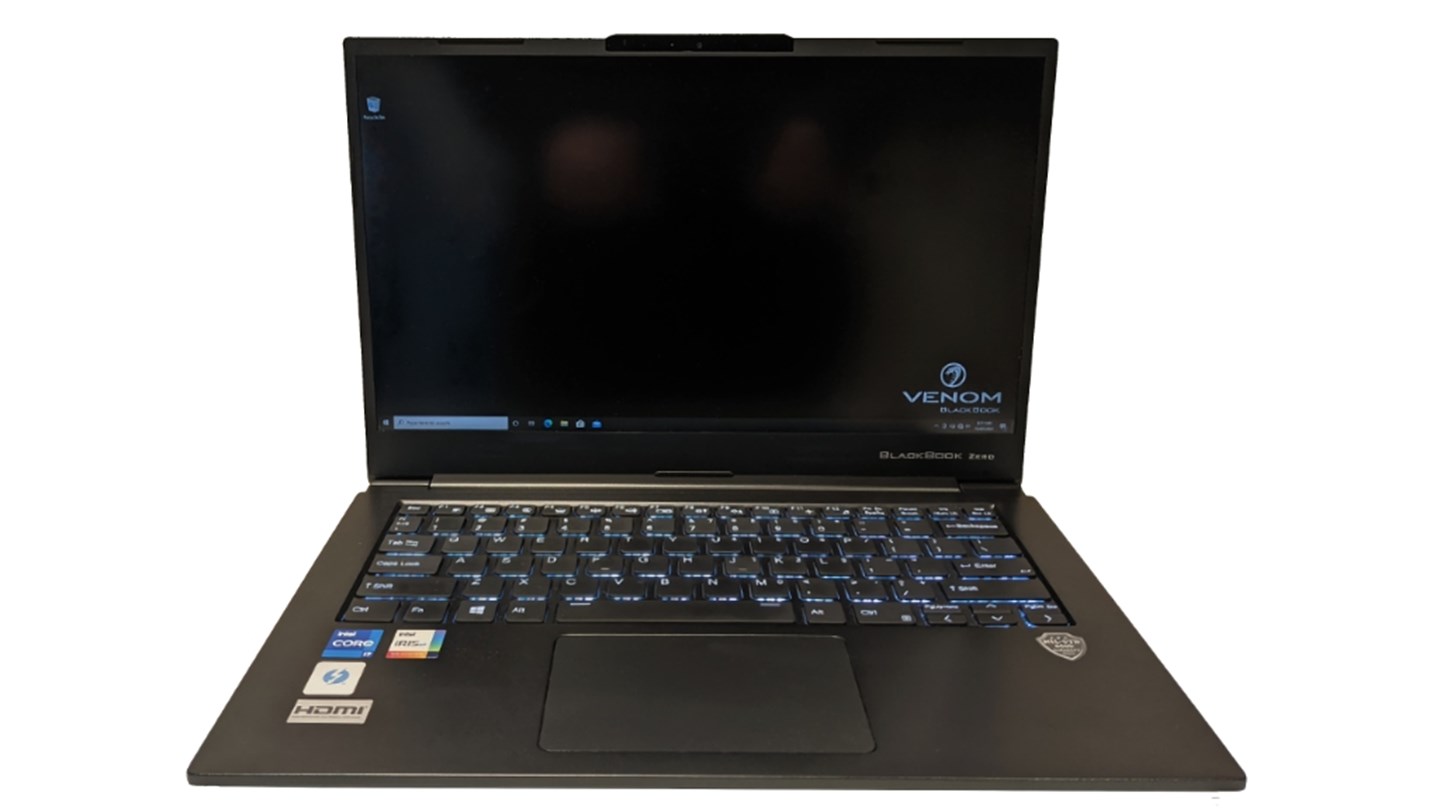
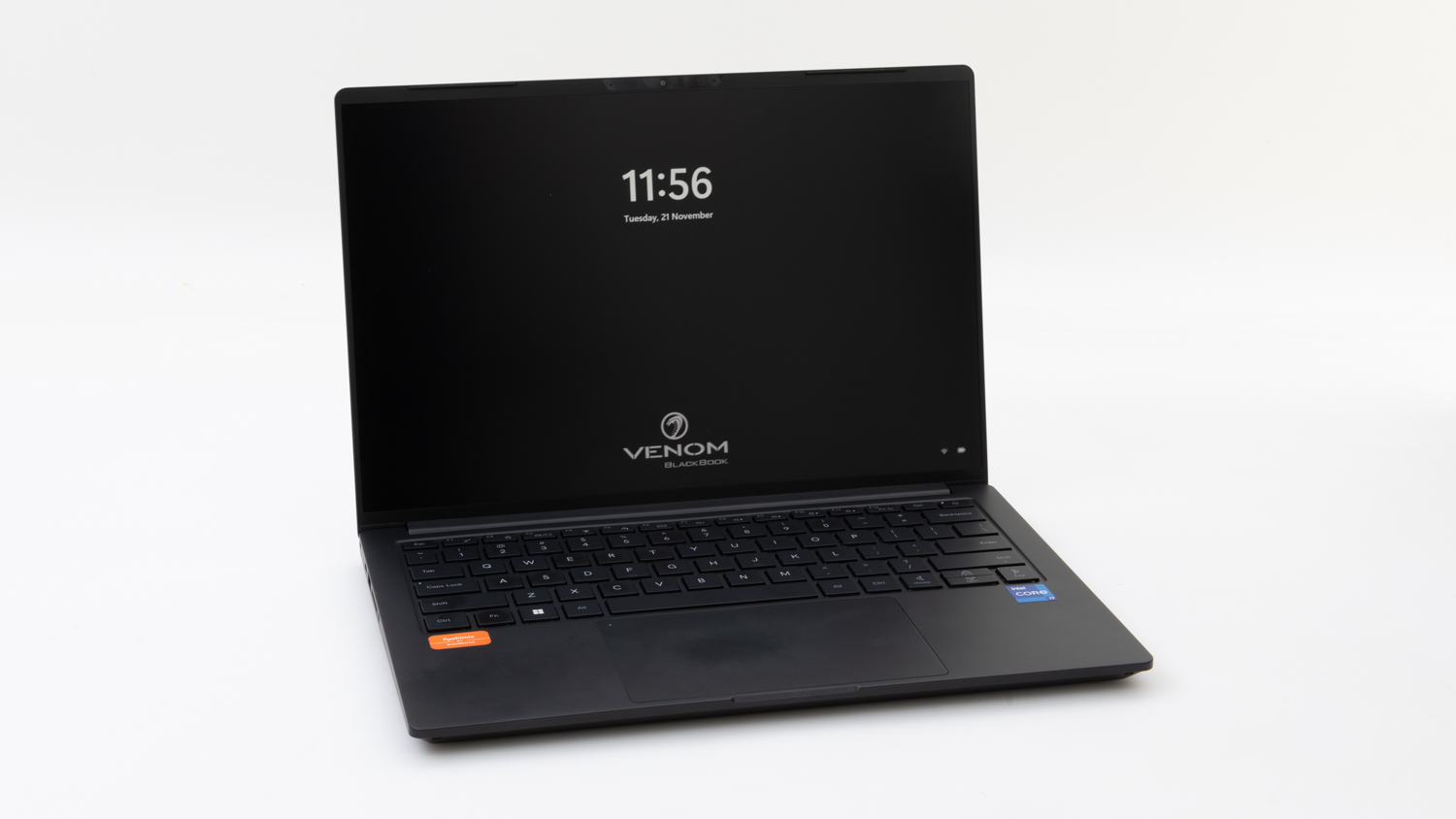
The Venom BlackBook offers a fast configuration in a chassis that is strong and relatively light. It comes with a very good Full HD screen, a comfortable backlit keyboard, and it has a useful range of ports (including Thunderbolt) for external displays and storage devices. It has a bottom panel that can be removed easily to access its battery, storage, Wi-Fi, and memory components. Consider this laptop if performance is a main concern.
Aussie vendor, Venom, has many BlackBook Zero 14 Phantom G9 configurations to choose from, mainly if you're after plenty of speed, RAM, and storage capacity. The Platinum edition we've tested comes with a 13th Gen Core i7 CPU that's surrounded by 32GB of RAM and a 1TB SSD. It's a beast for multi-tasking and working on large files, and is therefore more suited to a professional user than an everyday consumer of content. Also present is a very good, high-resolution 14-inch screen, a keyboard that's very comfortable to use, and a useful array of ports (although of two USB-C ports, only one is Thunderbolt 4). Worth noting that all this is packed into a small chassis that is highly portable, and which features a high-capacity battery that lasted over eight hours in our rundown tests. The downside is that it can take an extremely long time to recharge, but you do get two chargers, so you can keep one at work and one at home, for example. Note that performance management software is installed and performance results are based on that software's default setting (it can run a bit faster).
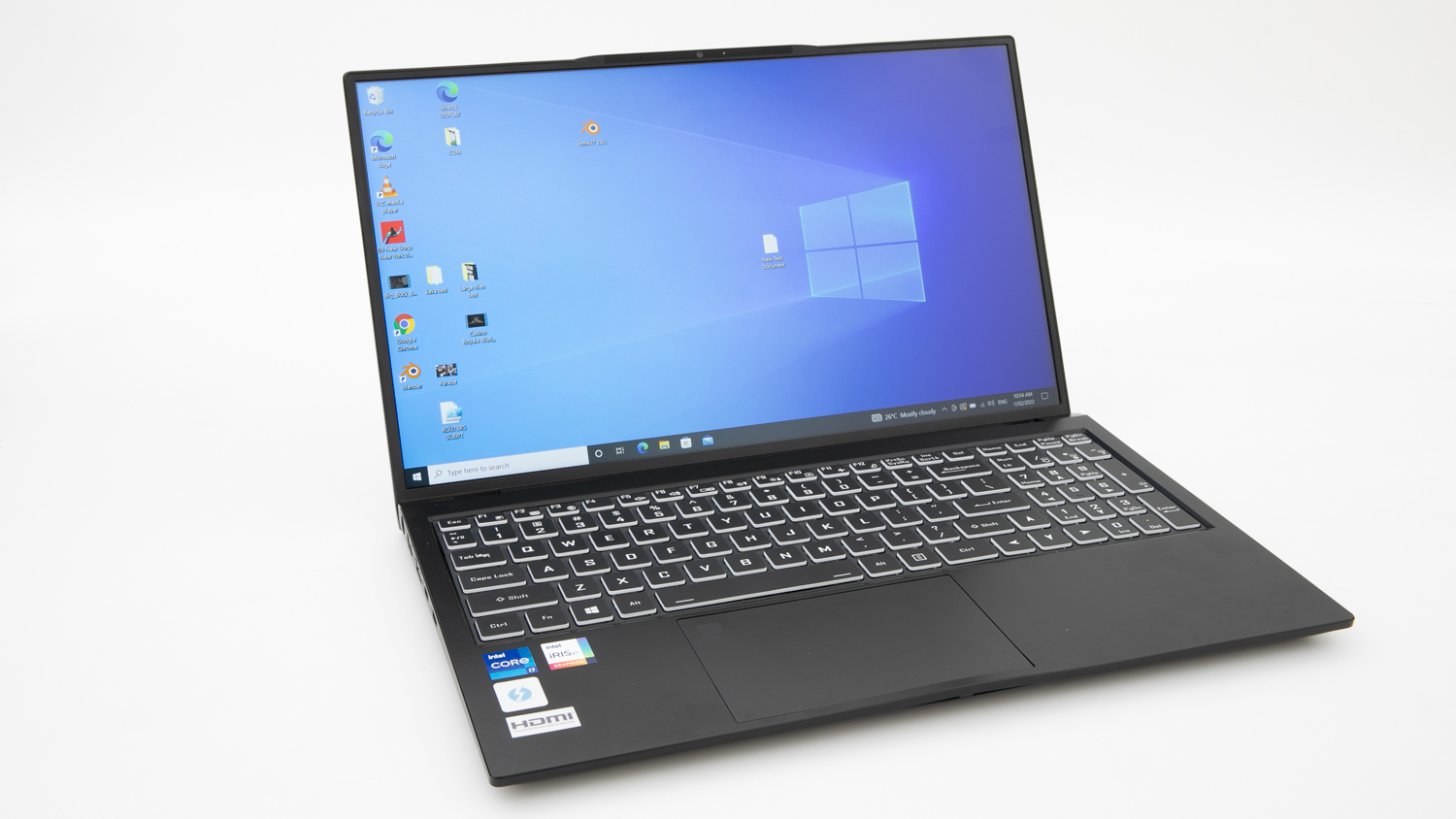
Venom's BlackBook Zero 15 Phantom (Dark Shadow edition) is for users who require plenty of RAM and storage capability in their laptop. This model ships with 32GB of RAM, and it comes with an SSD that is among the fastest we've seen. If you are a tinkerer, you can open the bottom panel to add more RAM and storage. The port selection is a bit quirky, due to some slow ports being included in the configuration, and the fan can get quite loud, but it's a solid laptop for serious work.
Sustainability
Warranty (years)
1
1
1
1
1
1
1
1
1
1
1
1
1
1
1
1
1
1
1
1
1
1
2
1
1
1
3
1
Replaceable battery
Not collected
Not collected
Not collected
Not collected
Replace/upgrade RAM
Not collected
Not collected
Not collected
Not collected
Slots for additional RAM
Not collected
Not collected
Not collected
Not collected
Replace/upgrade storage
Not collected
Not collected
Not collected
Not collected
Slot for additional storage
Not collected
Not collected
Not collected
Not collected
Replace/upgrade Wi-Fi
Not collected
Not collected
Not collected
Not collected
Country of origin
China
China
China
China
China
China
China
China
China
China
Vietnam
China
China
China
China
China
China
China
China
China
China
China
China
China
China
China
China
Not stated
Comments
Good points
- Very good keyboard
- Very good touchpad (large)
- Full-sized HDMI port
- Silent operation
- Can upgrade or replace some components (battery, SSD, Wi-Fi)
- Excellent touchpad (very large)
- Very good webcam
- Full-sized HDMI port
- Can upgrade or replace some components (SSD, battery, Wi-Fi)
- Short time to charge to 80 per cent
- Can upgrade or replace some components (SSD, Wi-Fi, battery)
- Silent operation
- Very good touchpad
- Full-sized HDMI port
- Very good Wi-Fi speed (Wi-Fi 6)
- Short time to charge to 80 per cent
- Full-sized HDMI port
- Very good keyboard
- Very good touchpad (large)
- Can upgrade or replace some components (SSD, Wi-Fi, battery)
- Very good screen luminance
- Silent operation
- Very good keyboard
- Very good screen
- Very good screen luminance
- Excellent viewing angles
- Excellent touchpad
- Very large touchpad
- Very good Wi-Fi speed
- Very good audio quality
- Charger has two USB-C ports so it can be shared with another device
- Very good keyboard
- Excellent touchpad (very large)
- Very good webcam with Centre Stage feature, which can be useful as it automatically pans and zooms when you move
- Silent operation
- Very good screen luminance
- Very good screen
- Extra USB-C port on charger for charging mobile devices
- Very good keyboard
- Excellent touchpad
- Very good screen luminance
- Excellent viewing angles
- Very good screen
- Excellent storage write speed
- Very good audio (full and crisp sound with spacious stereo)
- Very good screen
- Matte screen with minimal glare
- Excellent touchpad (very large)
- Full-sized HDMI port
- Very good keyboard
- Has a full-sized SD card slot
- Excellent viewing angles
- Excellent screen luminance
- Silent operation
- Very good screen luminance
- Excellent viewing angles
- Very good screen
- Very good touchscreen
- Silent operation
- Very good keyboard
- Very good Wi-Fi speed
- Very good screen
- Excellent viewing angles
- Silent operation
- Very good screen luminance
- Very good screen
- USB-C port not Thunderbolt, but supports secondary display (HDMI tested); keyboard attachment has a USB-C port for charging only
- Webcam has Centre Stage feature, which can be useful as it automatically pans and zooms when you move
- Silent operation
- Very good keyboard
- Very good screen luminance
- Excellent viewing angles
- Very good screen
- Very good audio quality
- Very good keyboard
- Very good touchpad (large)
- Very good webcam
- Full-sized HDMI port
- Can upgrade or replace some components (SSD, battery, Wi-Fi)
- Very good screen
- Very good Wi-Fi speed (Wi-Fi 6)
- Short time to charge to 80 per cent
- Very good screen
- Matte screen with minimal glare
- Very good keyboard
- Very good touchpad (large)
- Has a microSD card slot
- Can upgrade or replace some components (SSD, battery)
- Very good screen luminance
- Full-sized HDMI port
- SD card slot
- Can upgrade or replace some components (SSD, battery, RAM, Wi-Fi, plus add a 2.5in SATA drive)
- Very good touchpad (large)
- Full-sized HDMI port
- SD card slot
- Can upgrade or replace some components (SSD, battery, Wi-Fi)
- Very good Wi-Fi speed (Wi-Fi 6)
- Very good storage read and write speed
- Very good screen
- Matte screen with minimal glare
- Can upgrade or replace some components (SSD, battery)
- Very good screen luminance
- Very good battery life
- Has a microSD card slot
- Can upgrade or replace some components (battery, Wi-Fi)
- Very good Wi-Fi speed (Wi-Fi 6)
- Very good battery life
- Very good keyboard
- Very good touchpad (large)
- Can upgrade or replace some components (SSD, battery)
- Very good screen luminance
- Very good Wi-Fi speed (Wi-Fi 6)
- Short time to charge to 80 per cent
- Full-sized HDMI port
- Very good keyboard
- Very good touchpad (large)
- Has a microSD card slot
- Can upgrade or replace some components (SSD, battery)
- Very good keyboard
- Very good touchpad (large)
- Full-sized HDMI port
- Has a microSD card slot
- Can upgrade or replace some components (SSD, battery, Wi-Fi)
- Very good Wi-Fi speed (Wi-Fi 7)
- Short time to charge to 80 per cent
- USB-C ports not Thunderbolt, but support external storage and secondary display
- Very good screen
- Very good screen luminance
- Very good Wi-Fi speed
- Very good audio quality
- Has three Thunderbolt 4 ports
- Very good external keyboard supplied (backlit)
- Can be used as a dual-screen desktop computer with the supplied stand, wireless keyboard and mouse
- Very good keyboard
- Very good touchpad (large)
- Full-sized HDMI port
- Has a microSD card slot
- Can upgrade or replace some components (SSD, battery)
- Very good screen luminance
- Very good screen
- Very light weight (967g)
- Very good webcam
- Very good Wi-Fi speed (Wi-Fi 6)
- Very good screen
- Very good keyboard
- Very good touchpad (large)
- Has a microSD card slot
- Can upgrade or replace some components (SSD, battery)
- Charger has a USB-A port for charging other devices
- Excellent screen luminance
- Very good battery life
- Excellent Wi-Fi speed (Wi-Fi 6)
- Very good screen
- Very good keyboard
- Can upgrade or replace some components (SSD)
- Webcam is excellent in bright light and very good in dim light
- Excellent screen luminance
- Very good battery life
- Very good touchpad
- Full-sized HDMI port
- microSD card slot
- Very good Wi-Fi speed
- Very good storage read speed
- Excellent storage write speed
- Very good screen
- Excellent viewing angles
- Relatively easy to access and replace components
- Very good keyboard
- Excellent touchpad
- Very large touchpad
- Very good screen
- Excellent viewing angles
- Very good screen luminance
- Very good storage read speed
- Very good storage write speed
- Full-sized HDMI port
- SD card slot
- Can upgrade or replace some components (SSD, RAM, Wi-Fi, battery)
- Very good Wi-Fi speed
- Ships with a spare charger
- Can be upgraded and expanded relatively easily (one free RAM slot, one free M.2 SSD slot)
- Comes with an extra power supply
- Comes with a USB stick to restore the laptop to factory condition
- microSD card slot
- Full-sized HDMI port
- Gigabit Ethernet port
- Very good storage read speed
- Excellent storage write speed
- Excellent viewing angles
- Very good screen
- Very good touchpad
Bad points
- Short power cord
- Lacks an SD card slot
- Long time to charge to 80 per cent
- Narrow viewing angles
- Charger is not USB-C
- Keyboard is not backlit
- Lacks an SD card slot
- Poor storage read and write speeds
- USB-C port limited to USB devices only (no power or display)
- Low amount of usable storage space (under 80GB)
- Narrow viewing angles
- Keyboard is not backlit
- Lacks an SD card slot
- Charger is not USB-C
- Short power cord
- Poor audio (tinny and harsh sound)
- Very glossy screen with reflections that look wobbly
- Lacks an SD card slot
- Short power cord
- Lacks HDMI
- Lacks an SD card slot
- Can not easily replace or upgrade components
- Lacks an SD card slot
- Lacks HDMI
- Supplied charging cable is MagSafe (but can use USB-C)
- Short power cord
- Can not easily replace or upgrade components (trained technician only)
- Lacks HDMI
- Lacks an SD card slot
- Can not replace or upgrade components (battery only)
- Long time to charge to 80 per cent
- Short power cord
- Short power cord
- Can not easily replace or upgrade components (trained technician only)
- Charger is not USB-C
- Keyboard is not backlit
- Short power cord
- No SD card slot
- Long charge time to 80 per cent
- Keyboard can feel cramped and has keys with shallow travel
- No shortcut keys on the keyboard for system settings such as brightness
- Poor storage read and write speed
- No SD card slot
- Small touchpad
- Long time to charge to 80 per cent
- Long time to charge to 100 per cent
- Very short power cord
- Very short power cord
- Long time to charge to 80 per cent
- Volume buttons change up and down function based on orientation, with no ability to disable this feature at the time of testing
- Keyboard is not backlit
- Small touchpad
- Lacks an SD card slot
- Very long time to charge to 80 per cent
- Very long time to charge to 100 per cent
- Very short power cord
- Can be hard to rest in lap
- No headphone port
- Lacks an SD card slot
- The two USB-C ports have different speeds and it is hard to know which is which
- Poor audio (noticeable sibilance and unnatural treble)
- Lacks HDMI
- Poor storage write speed
- Charger is not USB-C
- Keyboard is not backlit
- Noticeable rattle and movement when touchpad tapped
- Poor Wi-Fi speed
- Poor storage write speed
- Charger is not USB-C
- Keyboard is not backlit
- Noticeable rattle and movement when touchpad tapped
- Some keyboard bounce
- Poor audio (hollow with noticeable sibilance)
- Touchpad can feel uncomfortable to use
- Lacks HDMI
- Lacks an SD card slot
- Lacks a headphone port
- Lacks HDMI
- Poor Wi-Fi speed
- Poor storage read and write speeds
- Keyboard is not backlit
- Poor audio (unnatural high frequencies that sounded distorted)
- Lacks HDMI
- No proper gripping point for opening the laptop; could use a notch
- Lacks an SD card slot
- The two USB-C ports have different speeds and it is difficult to know which is which
- Poor audio (unnatural overall sound with poor direction)
- Very glossy screen with reflections that look wobbly
- Heavy as a tablet
- Short power cord
- Lacks an SD card slot
- Lacks HDMI
- Not easy to use in your lap
- Poor audio
- Lacks HDMI
- Charger is not USB-C
- Can be hard to rest in lap due to kickstand and loose keyboard
- Small touchpad
- Lacks an SD card slot
- Charger is not USB-C
- Lacks a headphone port
- Poor audio quality
- Cooling fan can be very noisy
- Extremely long time to charge to 80 per cent and 100 per cent
- Has two USB-C ports, but only one is Thunderbolt 4
- Fan noise can be noticeable, especially under heavy CPU load
- Charger is not USB-C
- Not all USB-A and USB-C ports on this laptop are fast; must be aware of which port you are plugging into
- Cooling fan can become very loud
- Poor webcam quality
- Poor audio quality
- Base can get noticeably warm
Features
Screen finish
Matte
Matte
Matte
Glossy
Glossy
Glossy
Glossy
Matte
Glossy
Glossy
Glossy
Glossy
Matte
Matte
Matte
Matte
Matte
Matte
Glossy
Glossy
Matte
Glossy
Glossy
Glossy
Glossy
Matte
Matte
Matte
Touchscreen
USB-C
USB 2.0 ports
1
0
1
0
0
0
0
0
0
0
0
0
0
0
1
1
0
0
0
0
0
0
0
0
0
0
0
1
USB 3.0 ports
1
2
1
2
0
0
0
0
0
0
0
0
1
1
1
1
0
1
1
2
2
0
1
1
0
2
2
1
USB 4 as USB-C port
0
2
0
2
0
0
0
0
0
0
0
0
0
2
0
0
2
0
1
0
0
0
0
2
2
0
0
0
USB-C (USB 3.2 Gen 1 or 2, not Thunderbolt 3 or 4) ports
1
0
1
0
0
0
0
0
0
1
1
0
1
0
1
1
0
2
1
2
2
0
0
0
0
0
1
1
Thunderbolt 3 or 4 (as USB-C) ports
0
0
0
0
2
2
2
3
0
0
0
1
1
0
0
0
0
0
0
0
0
3
2
0
0
1
1
1
SD card slot (full-size)
SD card slot (micro)
HDMI port
Gigabit ethernet port
Rear camera
Backlit keyboard levels of brightness
0
3
0
2
10
10
10
10
0
10
0
1
2
2
0
0
1
0
3
2
2
2
3
3
3
5
2
4
Specifications
Screen size (inches)
15.6
16
14
14
13.6
13.6
13.6
16.2
10.2
10.9
11
12.9
14
14
15.6
15.6
13.4
15.6
14
14
14
14
13.3
15
13
14
14
15.6
Native screen resolution (pixels)
1920 x 1080
1920 x 1200
1920 x 1080
2880 x 1800
2560 x 1664
2560 x 1664
2560 x 1664
3456 x 2234
2160 x 1620
2360 x 1640
2360 x 1640
2732 x 2048
2560 x 1600
2560 x 1600
1920 x 1080
1920 x 1080
1920 x 1200
1920 x 1080
2440 x 1400
1920 x 1200
1920 x 1200
2880 x 1800
2880 x 1800
2496 x 1664
2880 x 1920
1920 x 1080
2880 x 1800
1920 x 1080
Processor (CPU) type
Intel Pentium Silver N6000
Snapdragon X X126100
Intel Celeron N4500
Intel Core Ultra 5 226V
Apple M3
Apple M4
Apple M2
Apple M4 Pro
Apple A13 Bionic
Apple M1
Apple M3
Apple M2
Intel Core Ultra 7 256V
Snapdragon X Plus X1P64100
Intel Core i5-1334U
AMD Ryzen 5 7520U
Snapdragon X Elite X1E80100
Intel Core i3-N305
Snapdragon X Plus X1P42100
Snapdragon X Plus X1P42100
Snapdragon X Plus X1P42100
Intel Core Ultra 7 255H
Intel Core Ultra 7 155H
Snapdragon X Elite X1E80100
Snapdragon X Plus X1P64100
Intel Core i7-1165G7
Intel Core i7-1360P
Intel Core i7-1165G7
CPU frequency (GHz)
1.1
2.96
1.1
2.1
4.05
4.41
3.46
4.5
2.65
3.2
4.05
3.48
2.2
3.42
1.3
2.8
3.4
1.8
3.24
3.24
3.24
2
3.8
3.4
3.4
2.8
2.2
2.8
RAM (GB)
8
16
4
16
16
16
8
48
3
8
8
16
16
16
16
8
32
8
16
16
16
32
16
16
16
16
32
32
Video graphics type
Intel UHD graphics
Qualcomm Adreno X1-45 GPU
Intel UHD Graphics
Intel Arc Graphics 130V
Apple M3
Apple M4
Apple M2
Apple M4 Pro
Apple A13 Bionic
Apple M1
Apple M3
Apple M2
Intel Arc 140V
Qualcomm Adreno X1-85 GPU
Intel Iris Xe
AMD Radeon 610M
Qualcomm Adreno X1-85 GPU
Intel UHD graphics
Qualcomm Adreno X1-45 GPU
Qualcomm Adreno X1-45 GPU
Qualcomm Adreno X1-45 GPU
Intel Arc 140T
Intel Arc
Qualcomm Adreno X1-85 GPU
Qualcomm Adreno X1-85 GPU
Intel Iris Xe
Intel UHD Graphics
Intel Iris Xe
Storage capacity (GB)
256
512
128
512
512
512
256
2048
256
256
1024
2048
1024
512
512
512
1024
128
512
1024
512
1024
512
512
512
1024
1024
2048
Available user space (GB)
180
400
74
402
464
445
218
1970
241
241
952
2031
872
415
385
393
844
96
412
885
396
864
392
406
406
913
906
1820
Storage type
SSD
SSD
eMMC
SSD
SSD
SSD
SSD
SSD
SSD
SSD
SSD
SSD
SSD
SSD
SSD
SSD
SSD
UFS (Universal Flash Storage)
SSD
SSD
SSD
SSD
SSD
SSD
SSD
SSD
SSD
SSD
Wi-Fi version
5
6E
5
7
6E
6E
6
6E
5
6
6E
6E
7
7
6
5
7
6
7
7
7
7
7
7
7
6
6
6
Weight of laptop (kg)
1.6
1.9
1.4
1.2
1.2
1.2
1.2
2.1
0.7
1.1
1.1
1.4
1.5
1.4
1.6
1.6
1.2
1.7
1.3
1.5
1.5
1.2
1
1.7
1.2
1
1.2
1.7
Weight of power supply (kg)
0.13
0.34
0.13
0.32
0.18
0.19
0.17
0.34
0.1
0.09
0.09
0.09
0.32
0.3
0.32
0.33
0.26
0.3
0.31
0.29
0.18
0.2
0.34
0.26
0.22
0.3
0.34
0.3
Size (mm, H x D x W)
23 x 236 x 360
29 x 250 x 357
19 x 217 x 325
22 x 252 x 312
13 x 215 x 304
13 x 215 x 304
14 x 215 x 303
19 x 248 x 355
14 x 180 x 250
15 x 192 x 249
16 x 189 x 248
15 x 228 x 282
18 x 227 x 319
20 x 224 x 309
22 x 235 x 358
22 x 235 x 358
19 x 197 x 295
23 x 242 x 362
18 x 223 x 313
21 x 229 x 313
23 x 222 x 312
30 x 250 x 357
20 x 212 x 299
19 x 239 x 329
18 x 215 x 289
21 x 215 x 322
20 x 213 x 308
22 x 221 x 356
Related products
Availability
Tested model
Tested model
Tested model
Tested model
Tested model
Tested model
Tested model
Tested model
Tested model
Tested model
Tested model
Tested model
Tested model
Tested model
Tested model
Tested model
Tested model
Tested model
Tested model
Tested model
Tested model
Tested model
Tested model
Tested model
Tested model
Tested model
Tested model
Tested model