Money management and budgetings

Spendee Premium review

Spendee Premium

CHOICE Expert Rating

75%
What is the CHOICE Expert Rating?
Good points

Good Points

  • Excellent identification of transactions
  • Categorisation of expenses
  • Can set categorical budgets
  • Charts to show expenditure
  • Can set recurring transactions
  • Very good clarity of budget data
Bad points

Bad Points

  • Can't sync with all Austalian banks (banks such as NAB, Bendigo Bank, and Bank Australia were missing from the list)
  • No savings goal feature
  • Must ensure that the correct currency is selected for the wallet and expenses prior to entering data

Recommended products

Recommended
Recommended

Test results

CHOICE Expert Rating
75%
Versatility score
69%
Ease of use score
83%
General comments
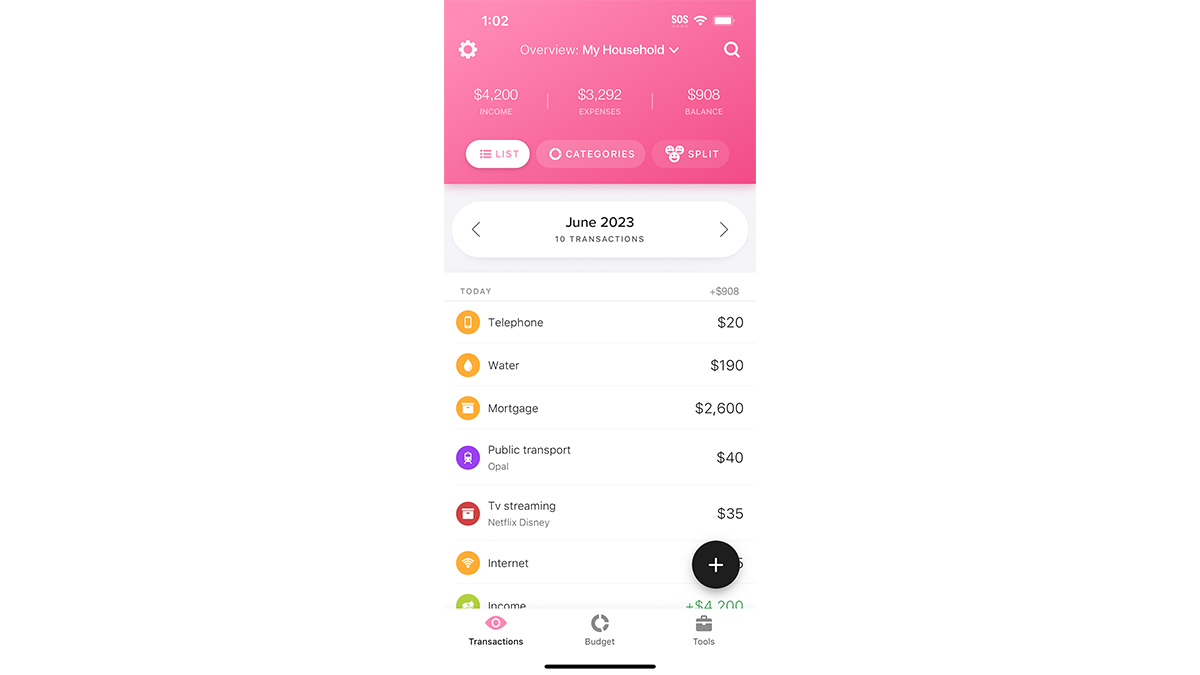
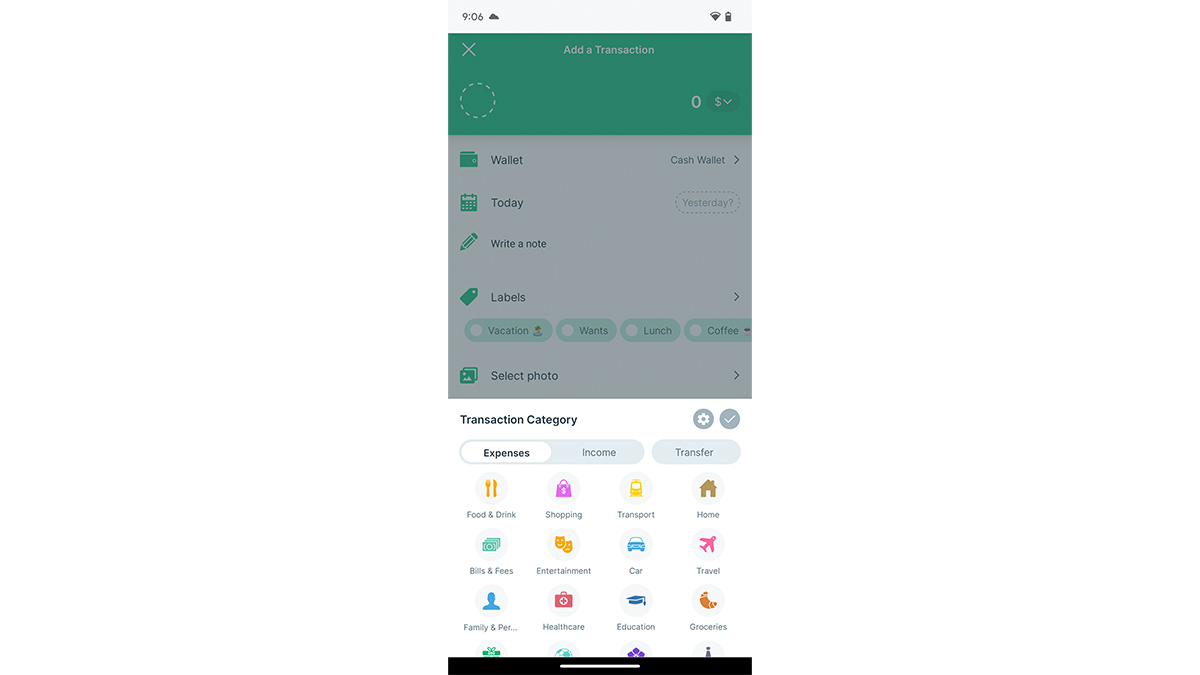
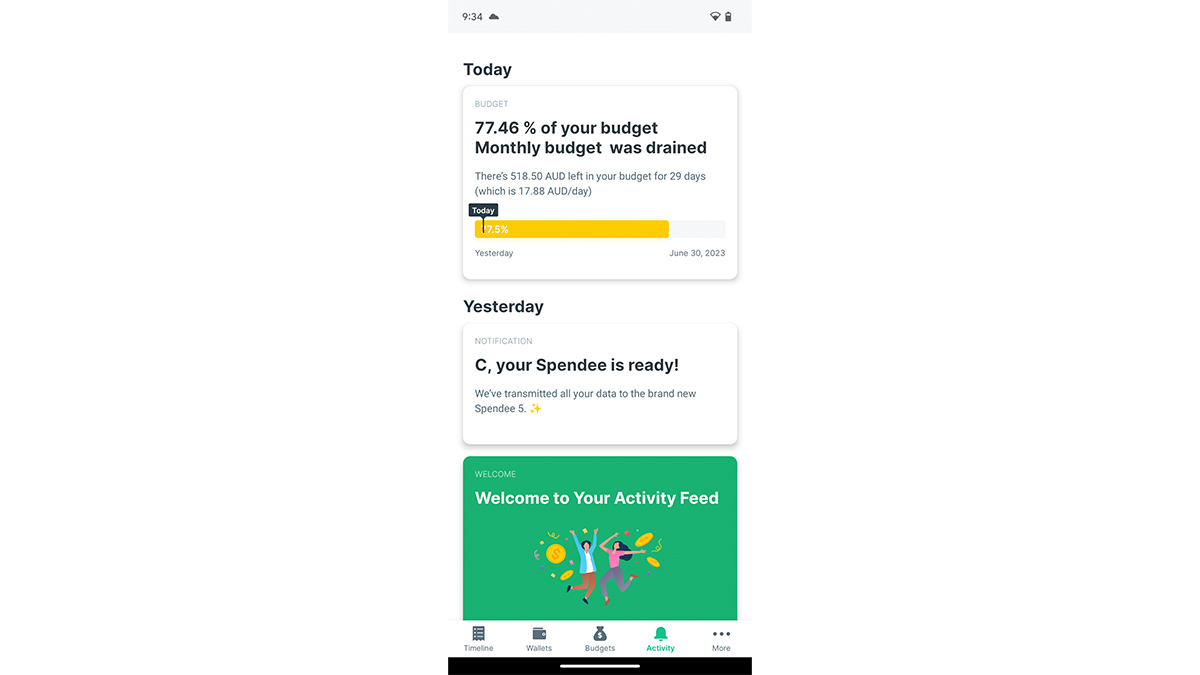
A versatile app that can connect to a bank or be used for manual tracking of spending. You can attach images and labels to transactions, and regular transactions can be set to recurring. Budgets can be set generally, or on a per category basis, and a donut graph will show you what you spend the most money on per month. For automated tracking, a bank account can be connected within the app, but it doesn't support all Australian banks. For example, NAB and Bank Australia were not listed.

Specifications

Android
iOS
Web browser
Windows
macOS
Security PIN
Data import supported file types
XLS, XLSX, CSV (via web)
Account aggregation service
Yes (Salt Edge)
Website
spendee.com

Cost

Price
$33.99
Subscription required

Features

Free version available
Free trial period (days)
7
Exports to CSV
Exports to PDF
Sync to banks
Can set recurring transactions
View scheduled transactions
Categorise transactions
Generates reports
Displays trends
Yes (total wealth and cashflow)
Displays forecast
Spending graphs or charts
Set savings goals
Attach images to transactions
Flag transactions for tax

Looking for user reviews?

We don't offer user reviews anymore. Help us improve this expert review by sharing your feedback in a quick survey.