The world of “smart”, internet-enabled appliances for the home continues to grow, from washing machines operated with your phone to voice-activated digital assistants that control your sound systems and lighting.
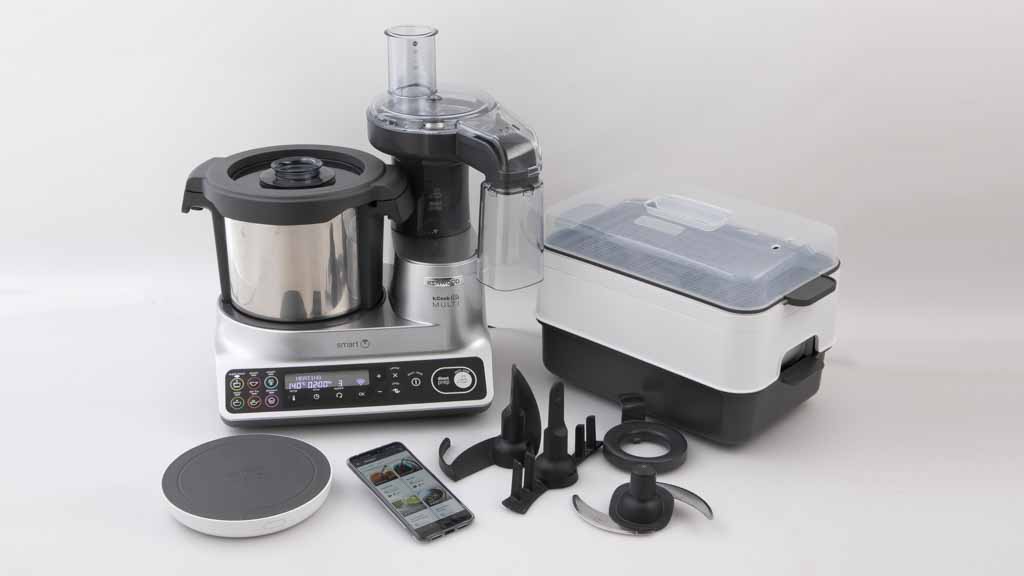
Like most all-in-one machines, the $1699 Multi Smart can heat and cook food as well as conduct common food preparation tasks including mixing, emulsifying, kneading, chopping, beating, whisking and steaming. It also has a food processor attachment and separate digital scale.
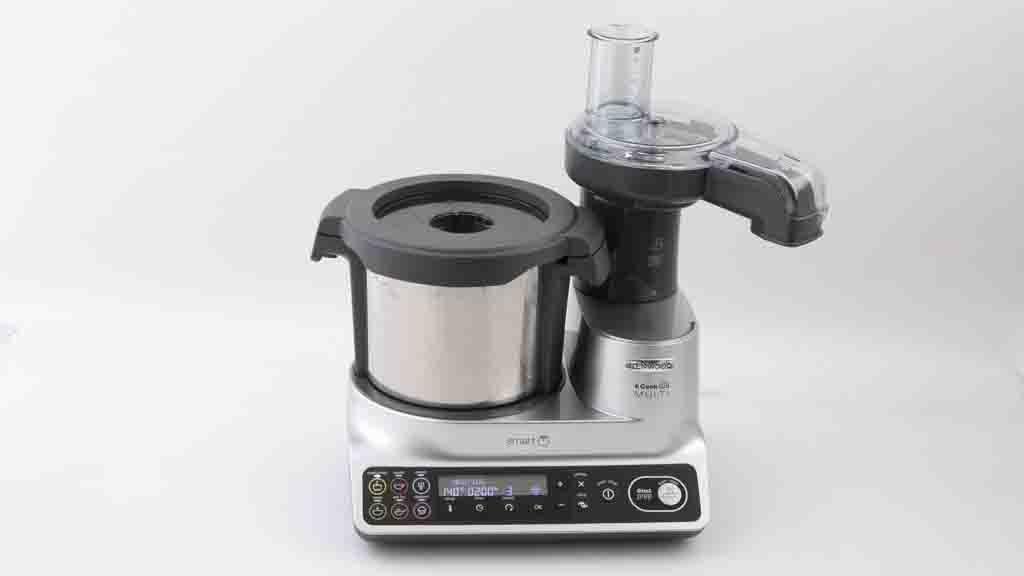
The Kenwood kCook Multi Smart.
The machine connects to your home’s wireless network and relies heavily on an app to perform cooking tasks. The app includes recipes and step-by-step methods. It’s also needed to see the measurements on the wireless digital scale. Getting the Multi Smart online for the first time is fiddly and involves a number of steps including setting up an account, but it was OK once we got it connected and the process was similar to setting up a smart speaker or camera.
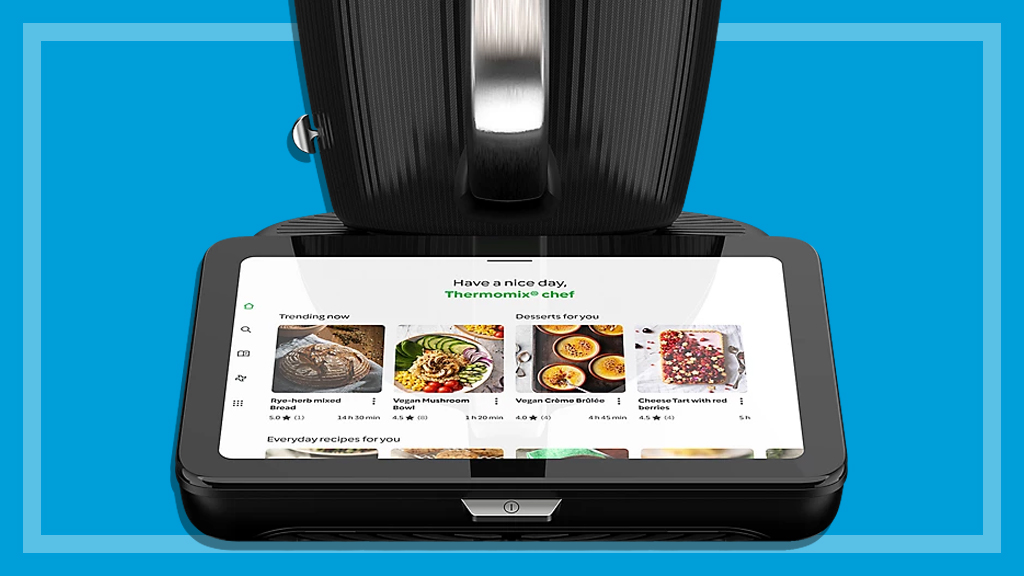
The kCook Multi Smart has step-by-step instructions.
Using the app
Although you can use physical buttons on the machine’s control panel to perform cooking tasks, the kCook Multi Smart is designed around guided cooking using the app (iOS or Android). This includes comprehensive steps for each of its recipes and the ability to control cooking tasks using your device. For example, the Victoria Sponge Cake recipe requires 200g of butter, so the first step involves connecting to your scale, viewing measurements on your device’s screen, ticking the task off once it’s done and swiping to the next step. Further along in the preparation process you can remotely mix the batter using the app, and so on.
There are more than 25 steps to swipe through on screen in this one recipe’s process, so after you’ve got some experience using the machine, swiping through each of these tasks could get tedious. There’s a text-based summary of the method for those who want to skip some steps, but the app’s mainly about guiding you through the cooking process, so that option defeats its purpose. Instead, we’d like the ability to control key steps using the app without spelling out every task and Kenwood says it’s working on an option that shows minimal step-by-step “cards”.
Our tester notes that instructions on how to get the machine to perform basic tasks like chopping and other ‘how to’ guides are lacking. Because the Multi Smart is a different way of cooking even advanced cooks would find these useful in developing an understanding of how the appliance works.
Performance
Cooking results for the Multi Smart are very good overall, and it’s excellent at steaming, crushing ice, mashing potato, kneading dough and making a mushroom risotto, among other things. It did not excel at making a green smoothie (a task better suited to a dedicated appliance). It also has a handy food processor attachment which adds to its multi-functionality, but if you’ve already got one then you may not need it as it’s fiddly to assemble and the small round chute is difficult to guide narrow vegetables through.
Safety features
The Kenwood kCook Multi Smart includes a few safety features:
When the machine is above 60ºC, it will slowly ramp up to high speeds during chopping and blending rather than start abruptly, to prevent splashing or spillage.
A transparent lid to let you see whether food is steaming or being mixed.
Warns you if the unit is vibrating excessively.
Processing blade is restricted to speed six (out of 12) when ingredients are above 105ºC using the pre-set functions, but we found you can manually override this.
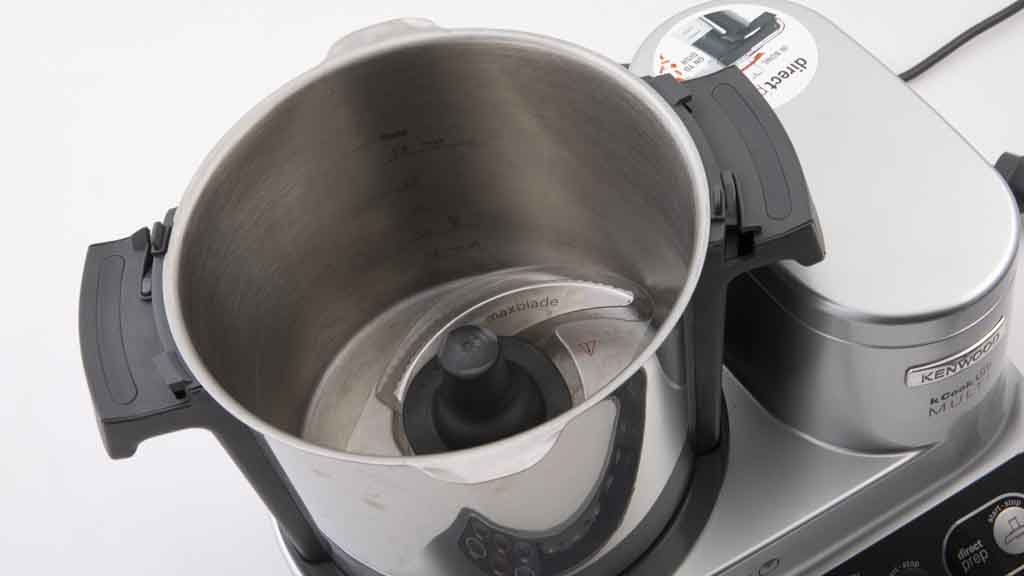
The inside of the Kenwood kCook Multi Smart.
While we are pleased to see Kenwood addressing safety, the functionality to manually override the speed limitations when cooking at high temperatures means we can’t recommend it. While cooking a potato and beef broth, we cranked the speed up to 105ºC and some liquid bubbled over from the surface. We alerted Kenwood who investigated, and in their response they compare this to the way a conventional saucepan could bubble over in some circumstances, depending on the viscosity of the ingredients used.
CHOICE verdict
The Kenwood kCook Multi Smart is good overall, and has a few safety features we’ve not seen in other all-in-one machines.
It’s worth considering as it performs very well, but people can still bypass the automatic restrictions and perform tasks at high speeds manually, so it doesn’t fully meet our safety criteria. It’s early days for the app, so it may improve in the future, but what currently affects its ease of use score is the relatively steep learning curve and usability of the app itself. Some guided tasks can be overly complicated. There’s currently a lack of online community support that you see with some other all-in-one cooking models, but this may improve as more people buy one. Novice cooks and those who are comfortable and keen adopters of smart devices will find it worth a go.
Kim Gilmour is a Senior project officer. She manages a range of product tests such as coffee machines, stick vacuums, bassinets, high chairs and ovens, which are all tested in our in-house labs.
Kim’s work gives people access to robust, independent advice and helps consumers make informed decisions about their purchases. Her work also helps to keep manufacturers in check, by regularly exposing product flaws which can result in better and safer products.
Prior to CHOICE, Kim spent 16 years working as a technology journalist in Sydney and London. With several years as a senior researcher/writer at our UK sister organisation, Which?.
Kim has authored how-to technology books such as Spotify for Dummies and Digital Photography for the Older and Wiser.
Kim has a Bachelor of Arts in Communication (Journalism) from Charles Sturt University.
Find Kim on LinkedIn.
Kim Gilmour is a Senior project officer. She manages a range of product tests such as coffee machines, stick vacuums, bassinets, high chairs and ovens, which are all tested in our in-house labs.
Kim’s work gives people access to robust, independent advice and helps consumers make informed decisions about their purchases. Her work also helps to keep manufacturers in check, by regularly exposing product flaws which can result in better and safer products.
Prior to CHOICE, Kim spent 16 years working as a technology journalist in Sydney and London. With several years as a senior researcher/writer at our UK sister organisation, Which?.
Kim has authored how-to technology books such as Spotify for Dummies and Digital Photography for the Older and Wiser.
Kim has a Bachelor of Arts in Communication (Journalism) from Charles Sturt University.
Find Kim on LinkedIn.
For more than 60 years, we've been making a difference for Australian consumers. In that time, we've never taken ads or sponsorship.
Instead we're funded by members who value expert reviews and independent product testing.
With no self-interest behind our advice, you don't just buy smarter, you get the answers that you need.
You know without hesitation what's safe for you and your family. And our recent sunscreens test showed just how important it is to keep business claims in check.
So you'll never be alone when something goes wrong or a business treats you unfairly.