Desktops and laptops

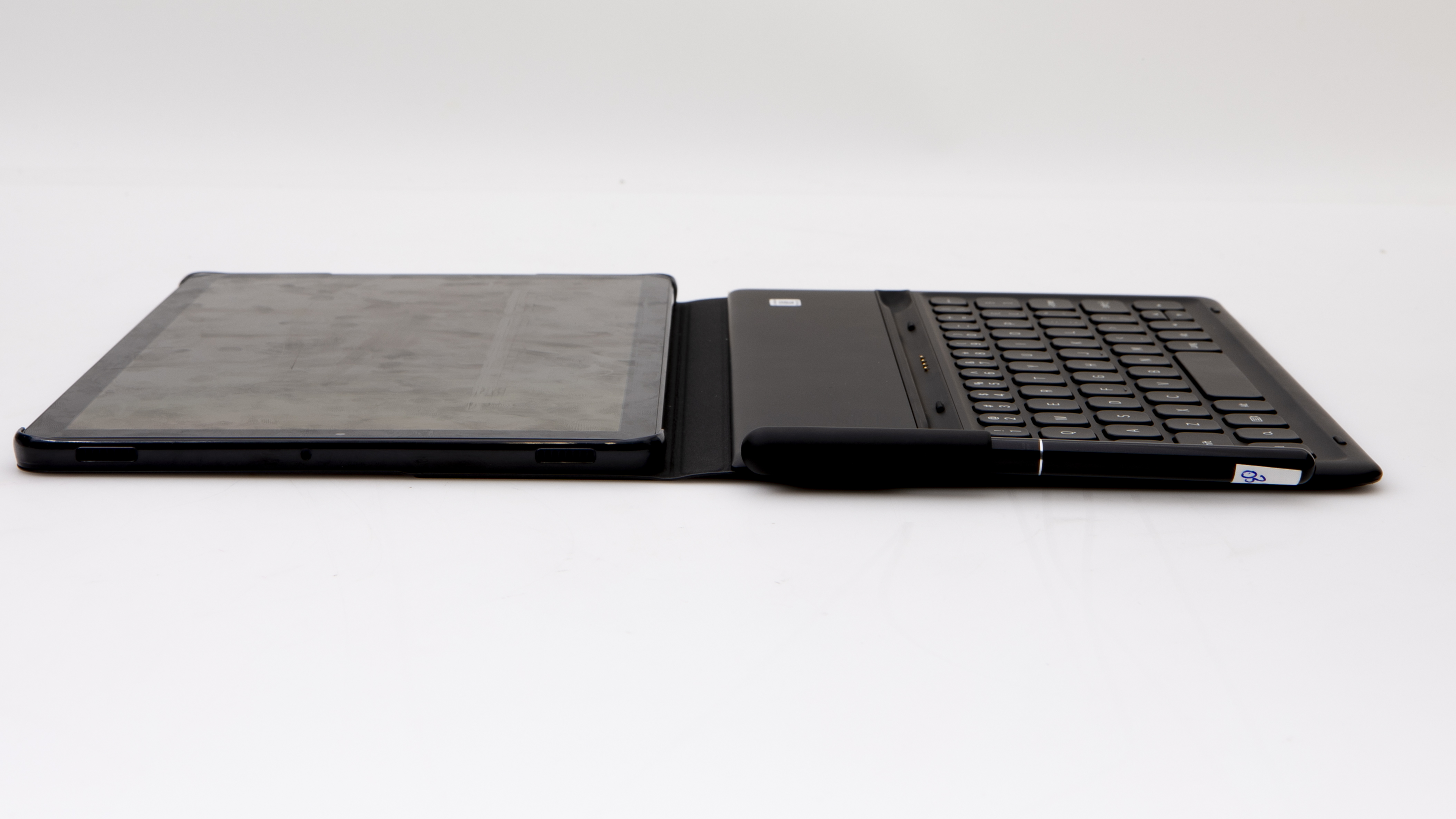
Samsung Galaxy Tab S4 Wi-Fi 256GB (SM-T830NZKLXSA) review

Samsung Galaxy Tab S4 Wi-Fi 256GB (SM-T830NZKLXSA)
CHOICE Expert Rating

70%
What is the CHOICE Expert Rating?
Good points

Good Points

  • Very good battery life
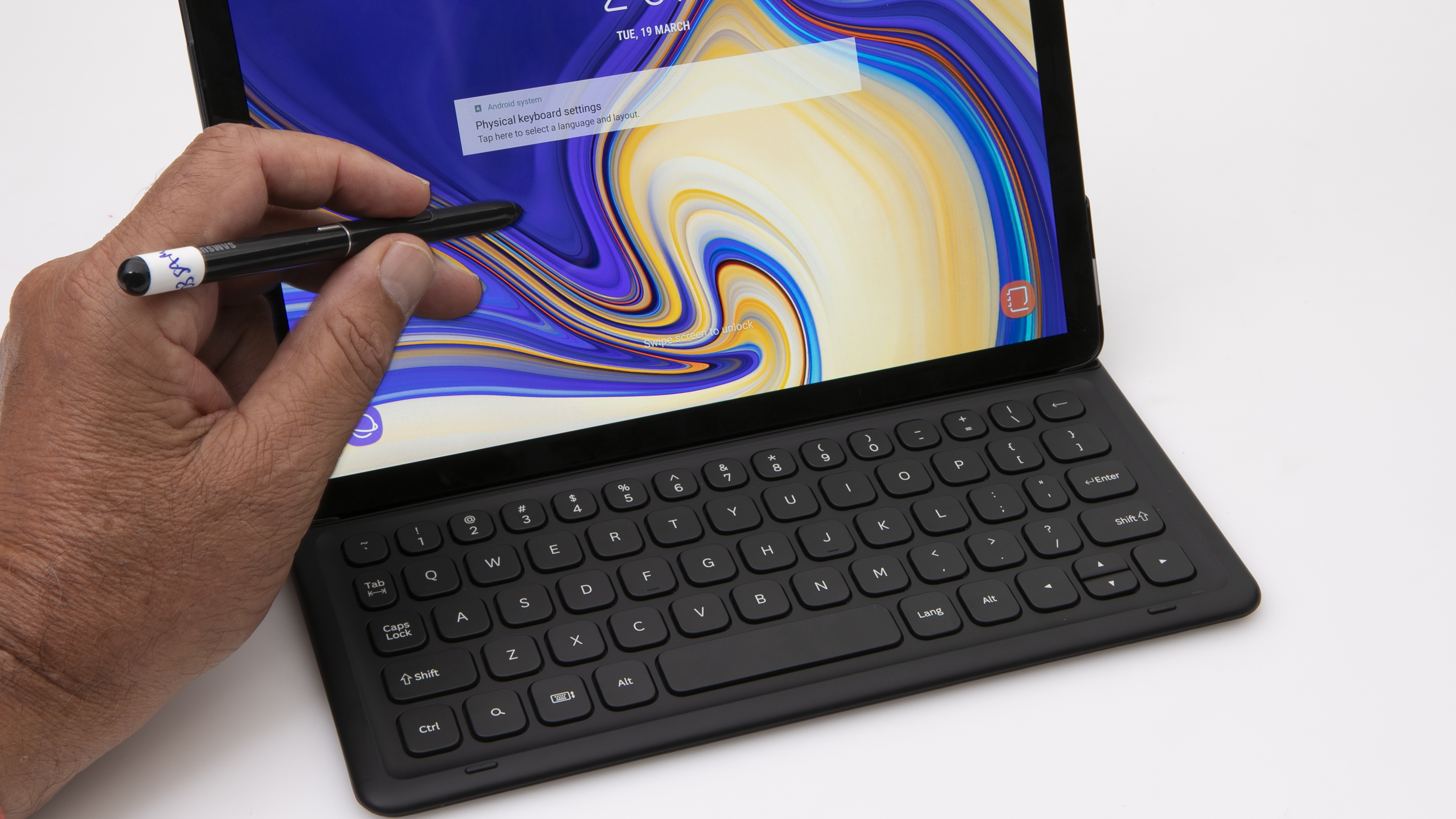
  • Excellent touchscreen performance with touch and with the supplied S-Pen
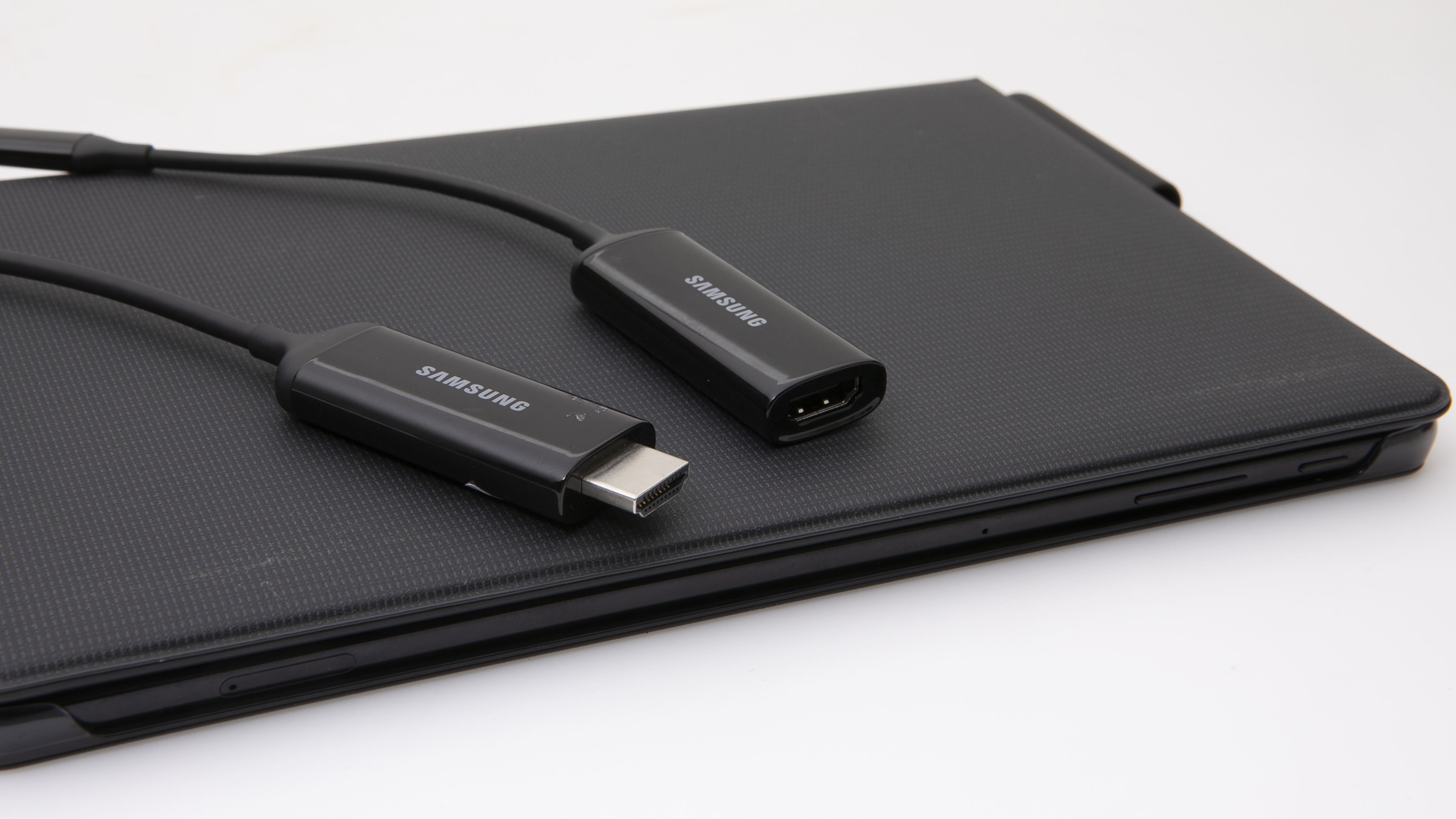
  • Samsung DeX feature can be used in conjunction with a DeX cable or third-party USB-C adapter turn the tablet into a desktop computer
  • Silent operation
  • Runs coolu003cbu003e
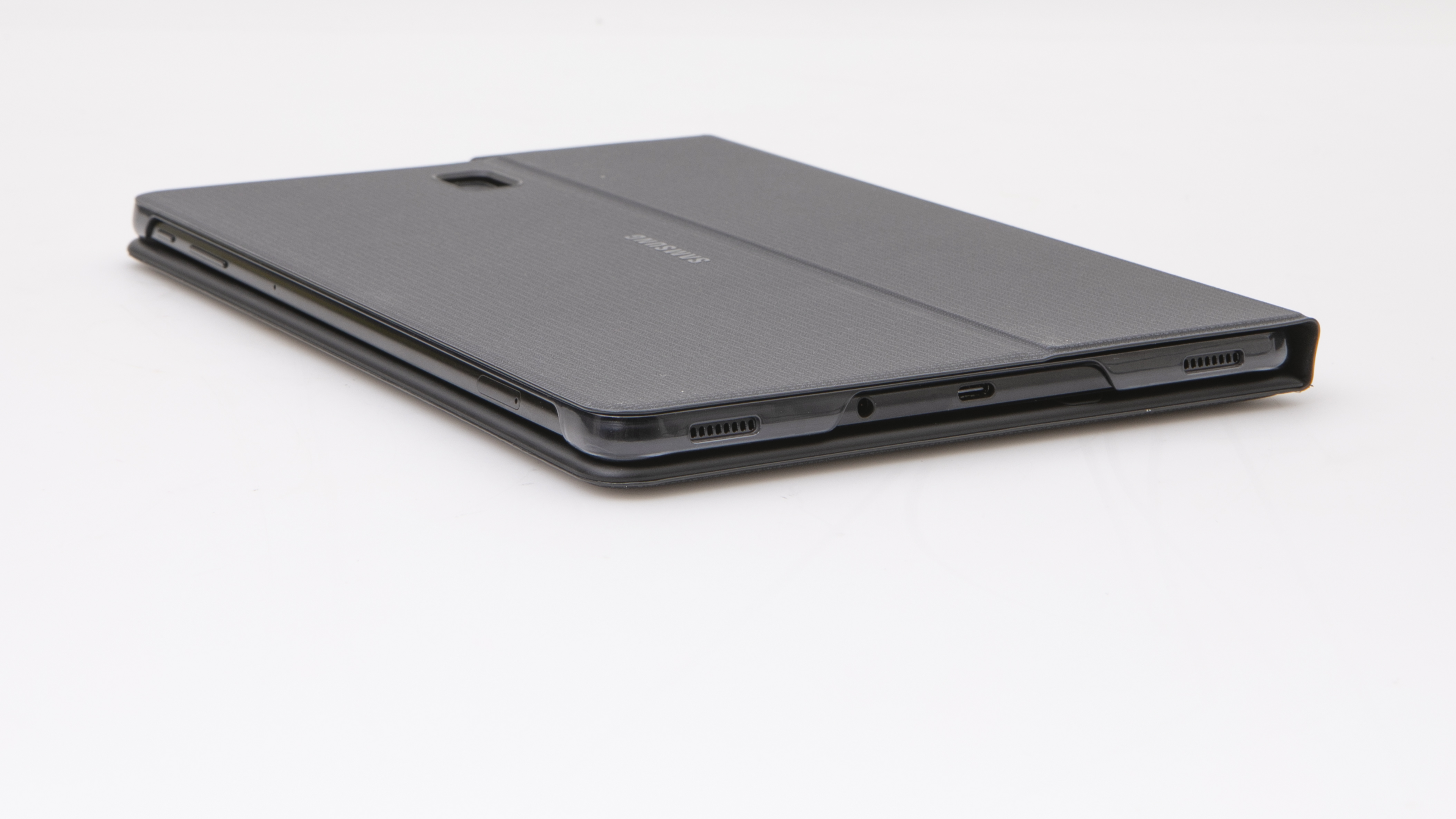
  • microSD card slot
Bad points

Bad Points

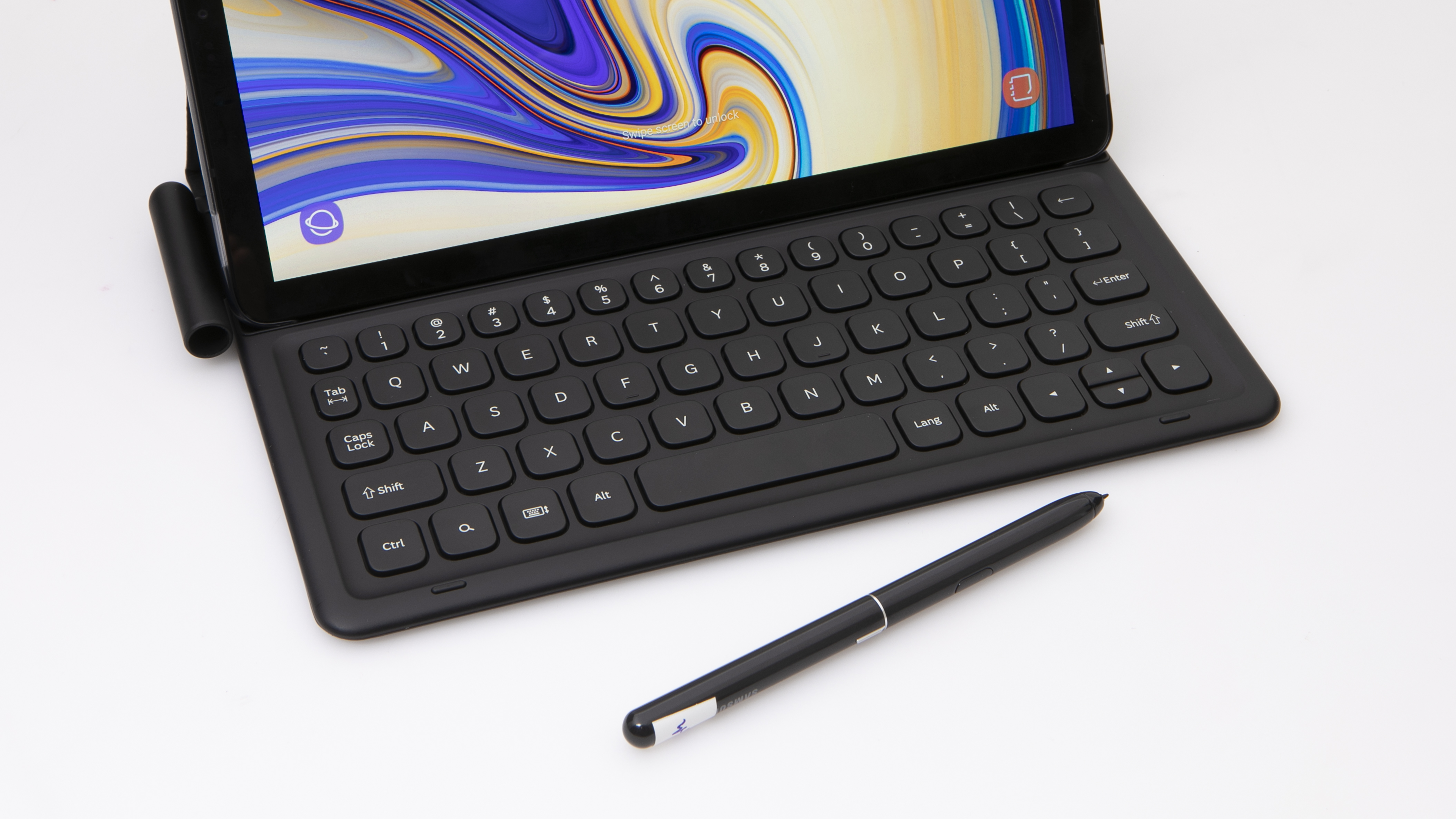
  • Book Cover Keyboard sits very close to the screen, which can make typing uncomfortable
  • Book Cover Keyboard is not backlit, and feels cramped due to its short width
  • Has one USB-C port and only ships with a USB-C to USB-A adapter; a hub is not supplied
  • Slow Wi-Fi performance
  • Long charge times
  • Short power cord
  • Power adapter has the USB port on the side, which means an adjacent power outlet might be obstructed

Type

Ultraportable
Ultrabook
Tablet mode
Operating system
Android OS

Recommended products

Recommended
Recommended for tablet use

Test results

CHOICE Expert Rating
70%
Performance score
48%
Tablet use score
79%
Ease of use score
75%
Battery life score
81%
Display score
79%
Audio score
60%
Wi-Fi score
50%
Storage write-speed (MBps)
138
Storage read-speed (MBps)
637
Wi-Fi speed (MBps)
9
Average battery life – heavy usage (hours)
10:27
Charging time to 80% full (h:min)
2:03
Expert tester comments
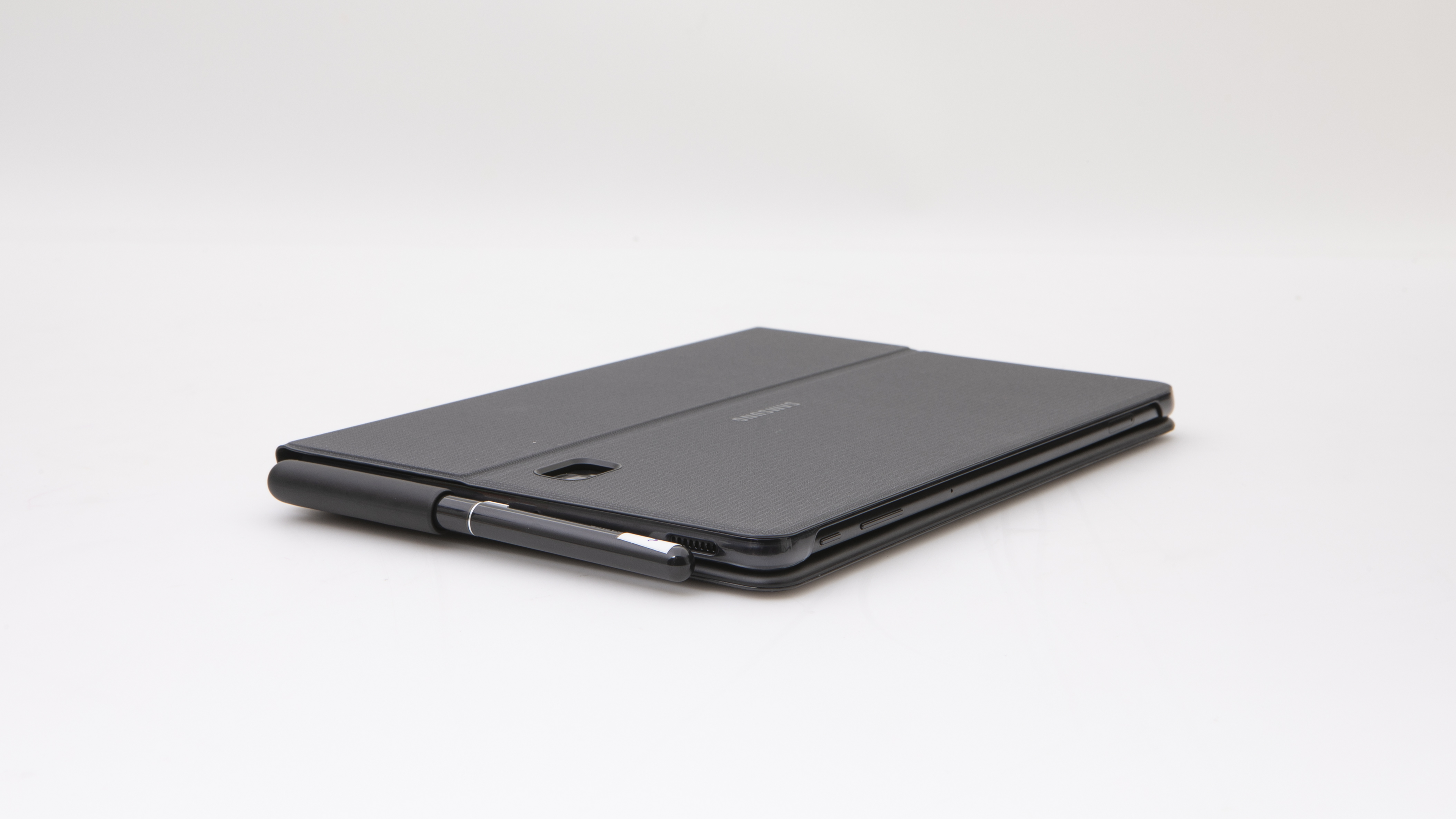
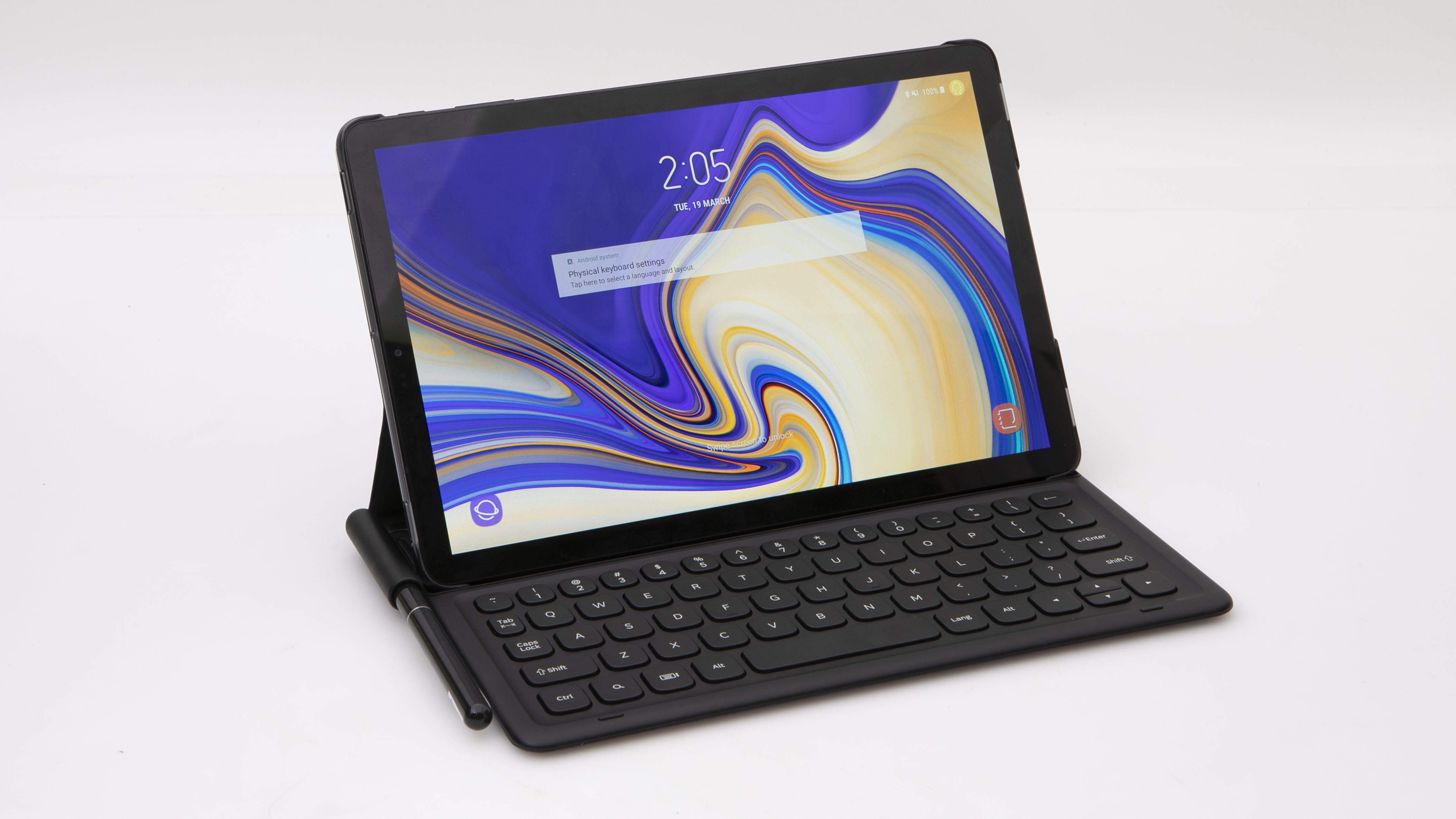
Samsung's thin and solidly-built Galaxy Tab S4 is a premium Android tablet that, with the right accessories, can be used as a laptop or even as a desktop computer thanks to its built-in DeX capability. We tested it as a laptop, using a Samsung Tab S4 Keyboard Cover (it comes with the S Pen stylus). This left the keys close to the screen, resulting in accidental screen taps while typing. However, we were impressed with the way Samsung's DeX software let us use it as a desktop computer. With an optional USB-C hub, for example, you can connect the tablet to a monitor, keyboard and mouse. Not bad if you want the convenience of a slim tablet, and a desktop computer all in the one device, but the cost of the required accessories add up, as you can see from the total price tag. Note: This laptop's performance is not directly comparable to current products due to it being tested with an older version of our benchmark.

Sustainability

Shop Ethical rating
C
Warranty (years)
0
Replaceable battery
Not collected
Replace/upgrade RAM
Not collected
Slots for additional RAM
Not collected
Replace/upgrade storage
Not collected
Slot for additional storage
Not collected
Replace/upgrade Wi-Fi
Not collected
Country of origin
Not collected

Related products

Availability
Discontinued model

Cost

Price
$1,511.00

Specifications

Screen size (inches)
10.5
Native screen resolution (pixels)
2560 x 1600
Processor (CPU) type
Qualcomm Kyro 280
CPU frequency (GHz)
2.45
RAM (GB)
4
Video graphics type
Adreno 540
Storage capacity (GB)
256
Available user space (GB)
243
Storage type
SSD
Wi-Fi version
5
Weight of laptop (kg)
0.8
Weight of power supply (kg)
0.1
Size (mm, H x D x W)
22 x 169 x 264

Features

Screen finish
Glossy
Touchscreen
USB-C
USB 2.0 ports
0
USB 3.0 ports
0
USB 4 as USB-C port
0
USB-C (USB 3.2 Gen 1 or 2, not Thunderbolt 3 or 4) ports
1
Thunderbolt 3 or 4 (as USB-C) ports
0
SD card slot (full-size)
SD card slot (micro)
HDMI port
Gigabit ethernet port
Rear camera
Backlit keyboard levels of brightness
0

Looking for user reviews?

We don't offer user reviews anymore. Help us improve this expert review by sharing your feedback in a quick survey.