Desktops and laptops

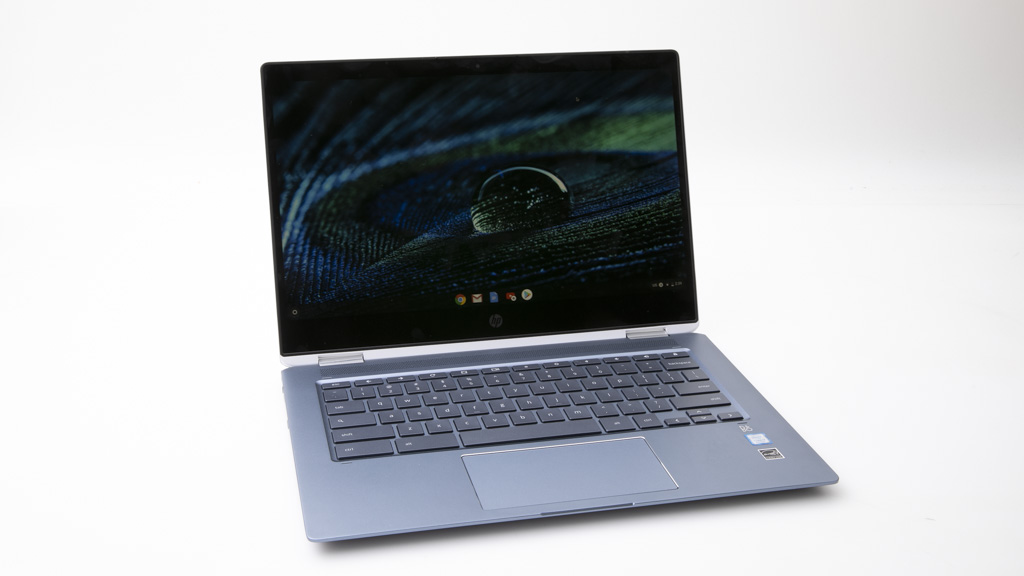
HP Chromebook x360 14-da0000TU review

HP Chromebook x360 14-da0000TU
CHOICE Expert Rating

69%
What is the CHOICE Expert Rating?
Good points

Good Points

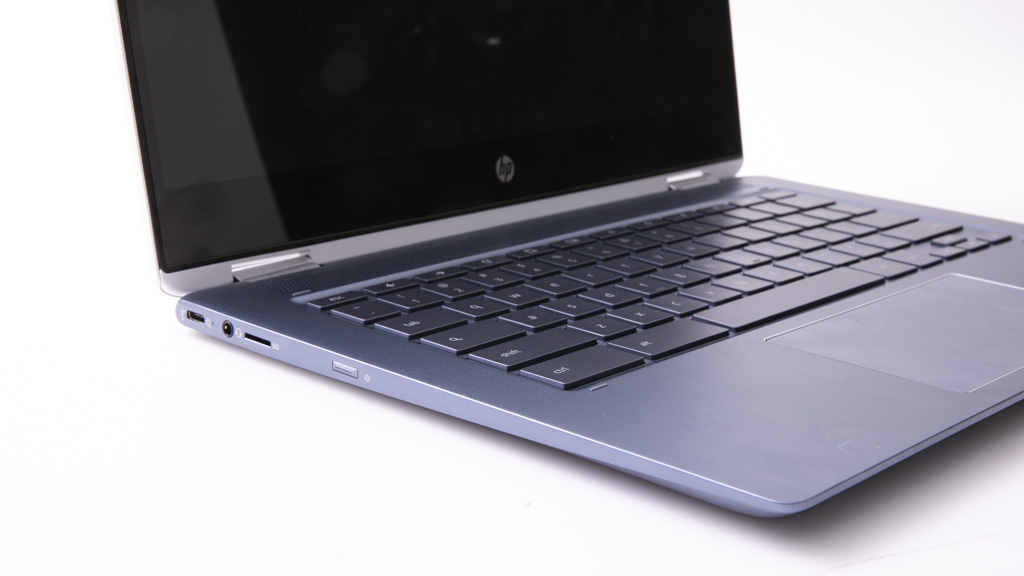
  • microSD card slot
  • Backlit keyboard
Bad points

Bad Points

  • Slow Wi-Fi performance
  • Poor graphics performance score

Type

Ultraportable
Ultrabook
Tablet mode
Operating system
Chrome OS

Recommended products

Recommended
Recommended for tablet use

Test results

CHOICE Expert Rating
69%
Performance score
48%
Tablet use score
59%
Ease of use score
78%
Battery life score
68%
Display score
77%
Audio score
50%
Wi-Fi score
53%
Storage write-speed (MBps)
90
Storage read-speed (MBps)
128
Wi-Fi speed (MBps)
13
Average battery life – heavy usage (hours)
6:58
Charging time to 80% full (h:min)
1:27
Expert tester comments
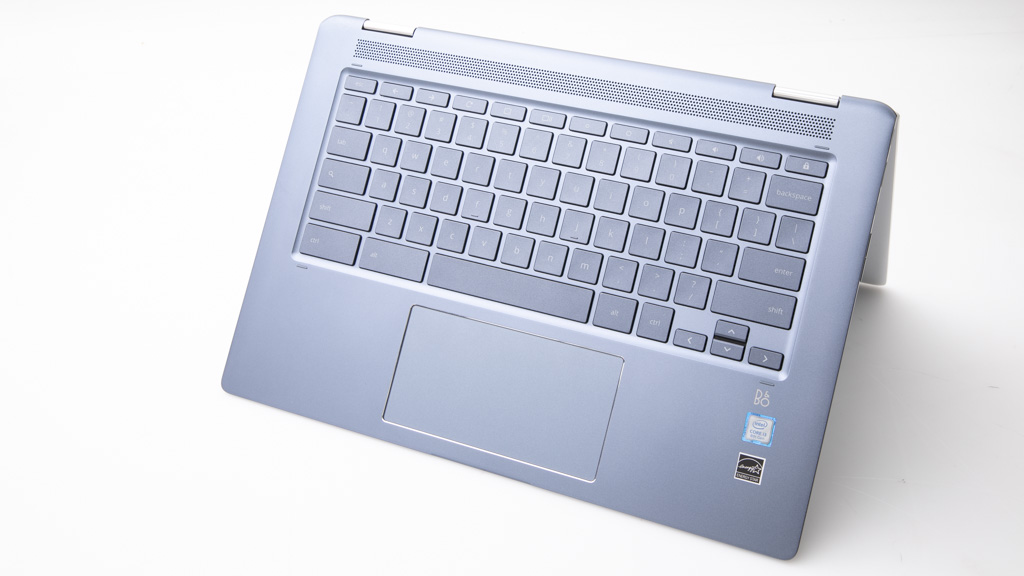
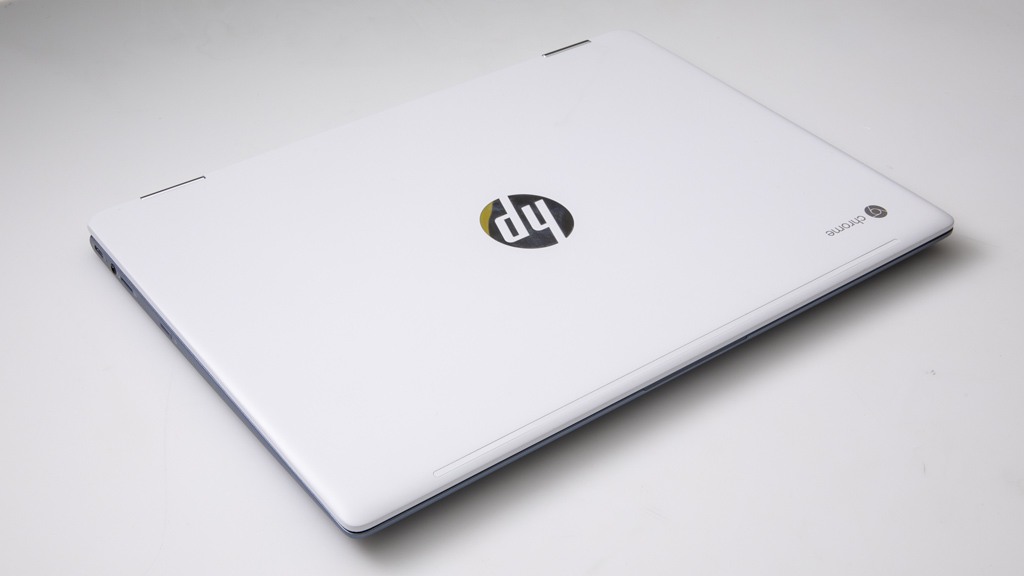
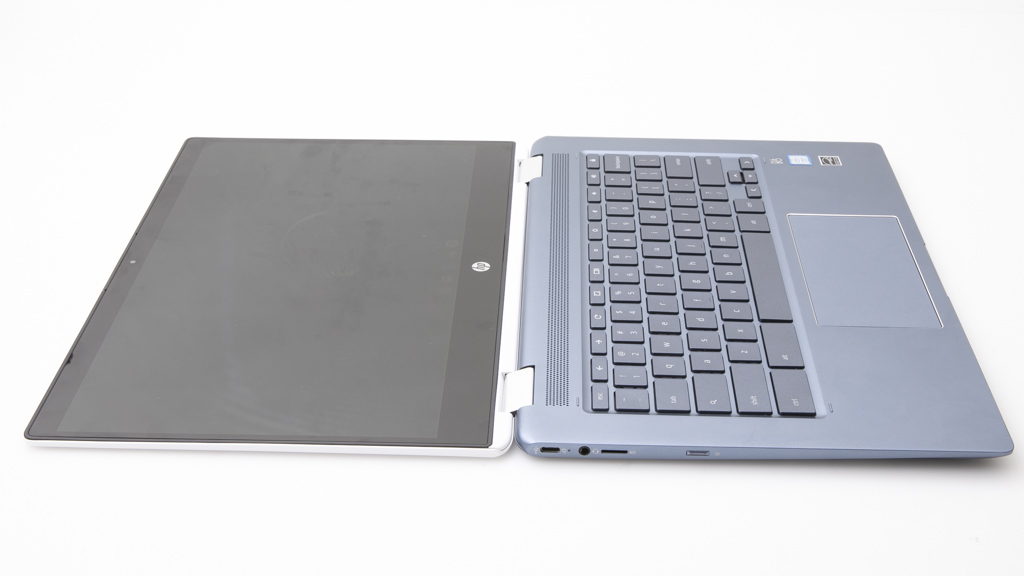
HP's x360 Chromebook can be used as a laptop, or you can tilt the screen all the way back to turn it into a tablet. It's suitable for Web tasks and for running apps from the Google Play Store, and it even has niceties such as a backlit keyboard and a luxuriously wide touchpad. Note: This laptop's performance is not directly comparable to current products due to it being tested with an older version of our benchmark.

Sustainability

Shop Ethical rating
C
Warranty (years)
1
Replaceable battery
Not collected
Replace/upgrade RAM
Not collected
Slots for additional RAM
Not collected
Replace/upgrade storage
Not collected
Slot for additional storage
Not collected
Replace/upgrade Wi-Fi
Not collected
Country of origin
Not collected

Related products

Availability
Discontinued model

Cost

Price
$999.00

Specifications

Screen size (inches)
14
Native screen resolution (pixels)
1920 x 1080
Processor (CPU) type
Intel Core i3-8130U
CPU frequency (GHz)
2.2
RAM (GB)
8
Video graphics type
Intel UHD Graphics 620
Storage capacity (GB)
64
Available user space (GB)
45
Storage type
SSD
Wi-Fi version
5
Weight of laptop (kg)
1.6
Weight of power supply (kg)
0.3
Size (mm, H x D x W)
18 x 225 x 325

Features

Screen finish
Glossy
Touchscreen
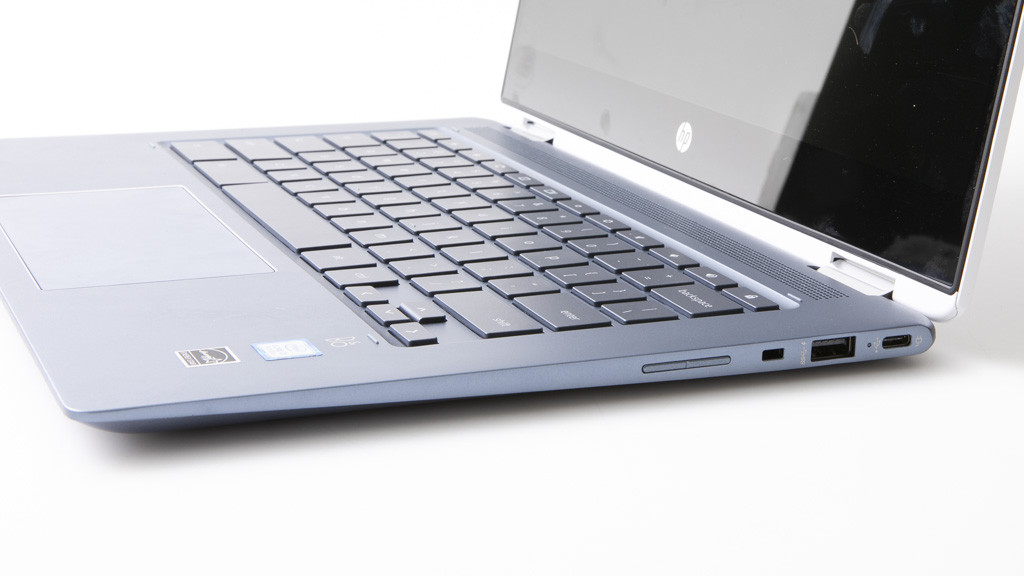
USB-C
USB 2.0 ports
0
USB 3.0 ports
1
USB 4 as USB-C port
0
USB-C (USB 3.2 Gen 1 or 2, not Thunderbolt 3 or 4) ports
2
Thunderbolt 3 or 4 (as USB-C) ports
0
SD card slot (full-size)
SD card slot (micro)
HDMI port
Gigabit ethernet port
Rear camera
Backlit keyboard levels of brightness
1

Looking for user reviews?

We don't offer user reviews anymore. Help us improve this expert review by sharing your feedback in a quick survey.