
Filter brands
Brands
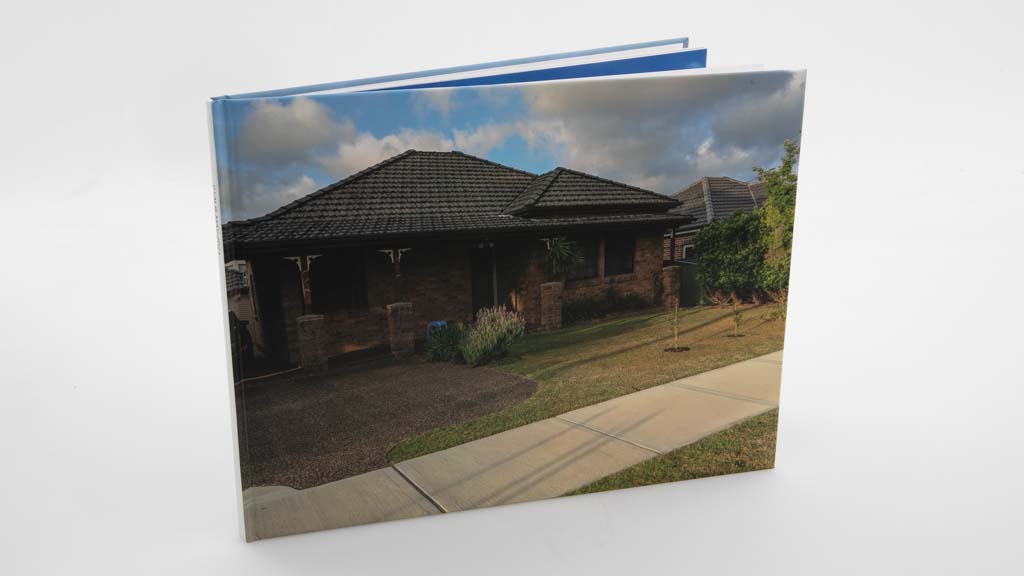
Albumworks Classic Photobook (11" x 8.5" Landscape Photocover)
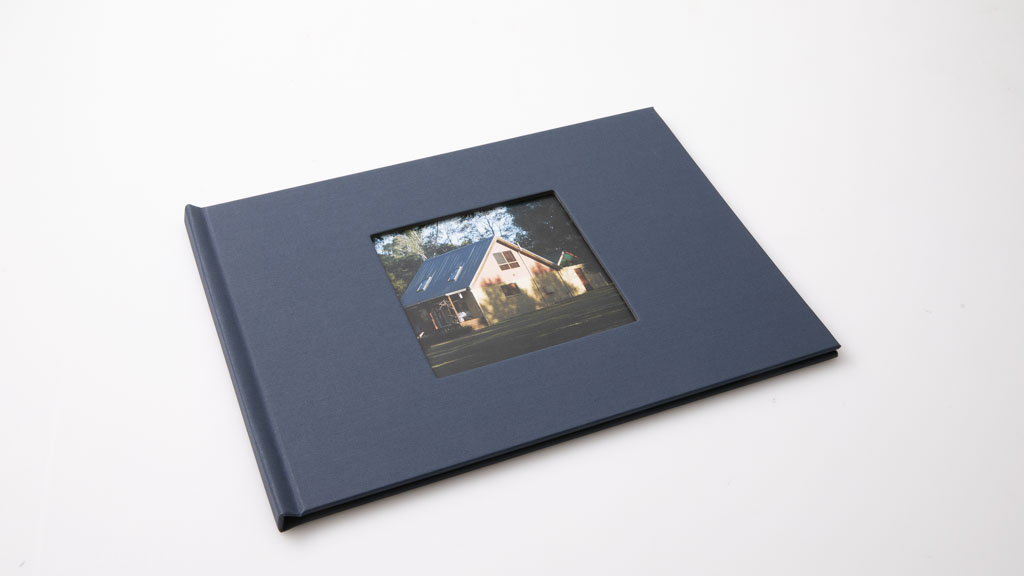
Big W Photos 8x11" Classic Hard Cover Book
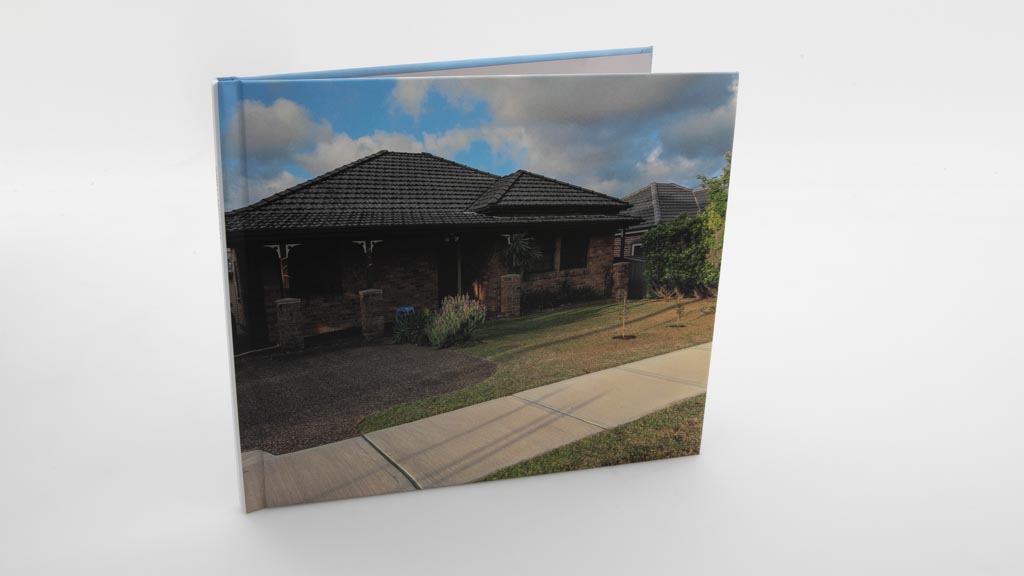
Blurb Standard Landscape: 10x8in, 25x20 cm, Hardcover ImageWrap
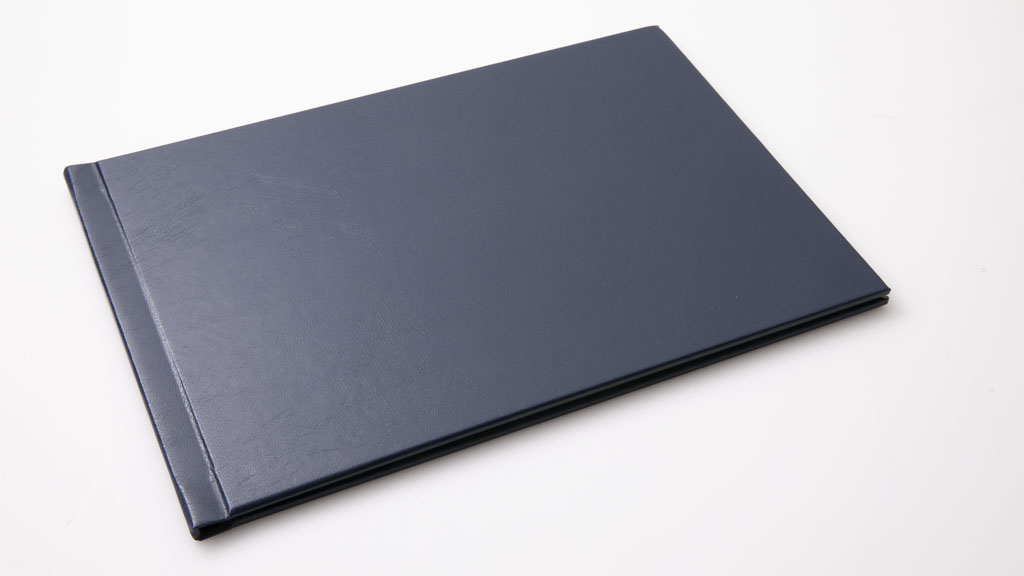
Cahoots A4 Classic Landscape Fabric Hardcover Photobook
Camera House 8.5x11" Personalised Hard Cover Photo Book
Clickonprint Classic A4 Landscape
Domayne Photos 8x11" Classic Hard Cover Book
Fabness 11"x8" (28x20cm) Hard Cover Book 20-120 pages
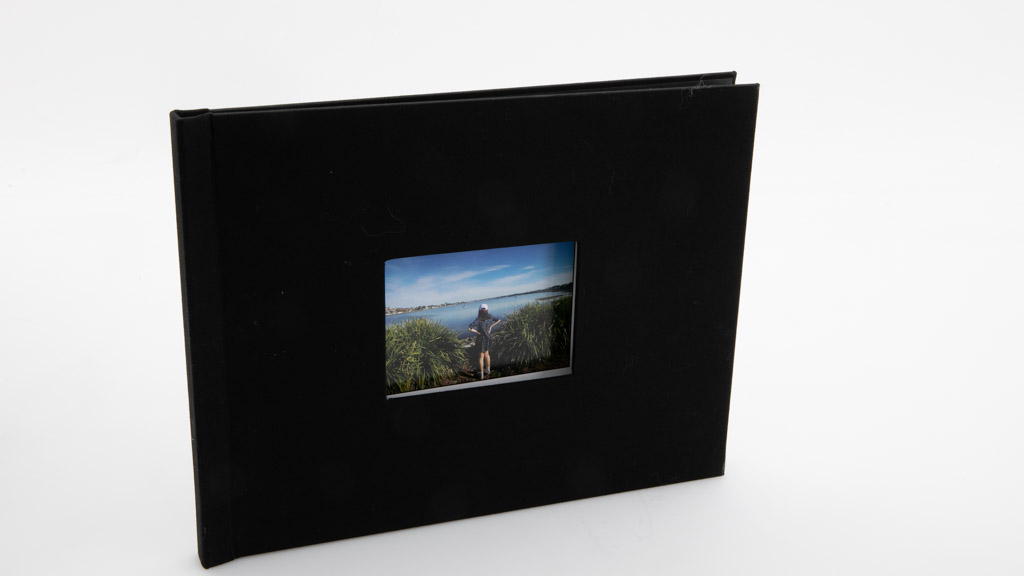
Fotofast 11x8.5" Double Sided Everyday Book
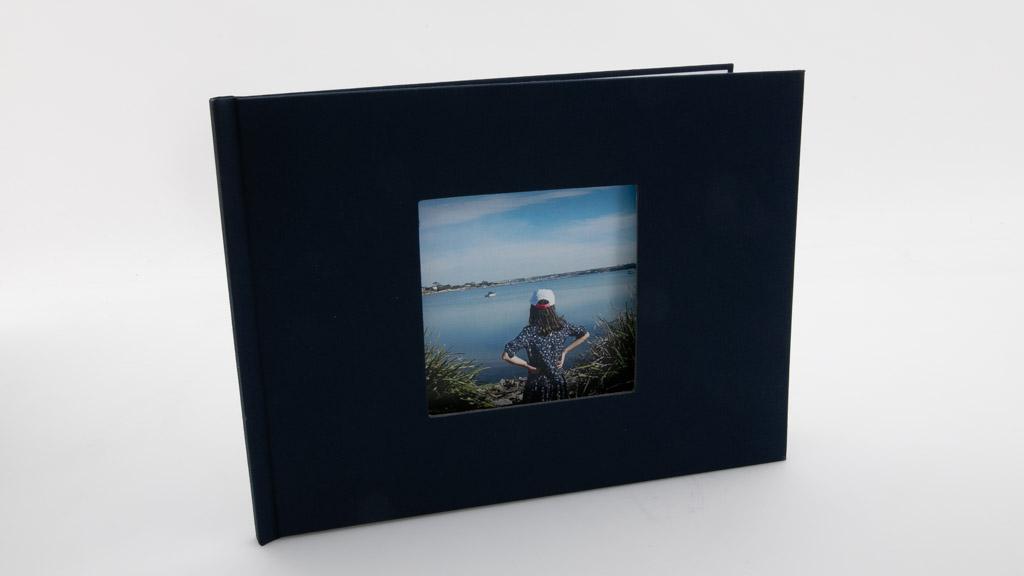
Fujifilm 8x11" Classic Hard Cover Book
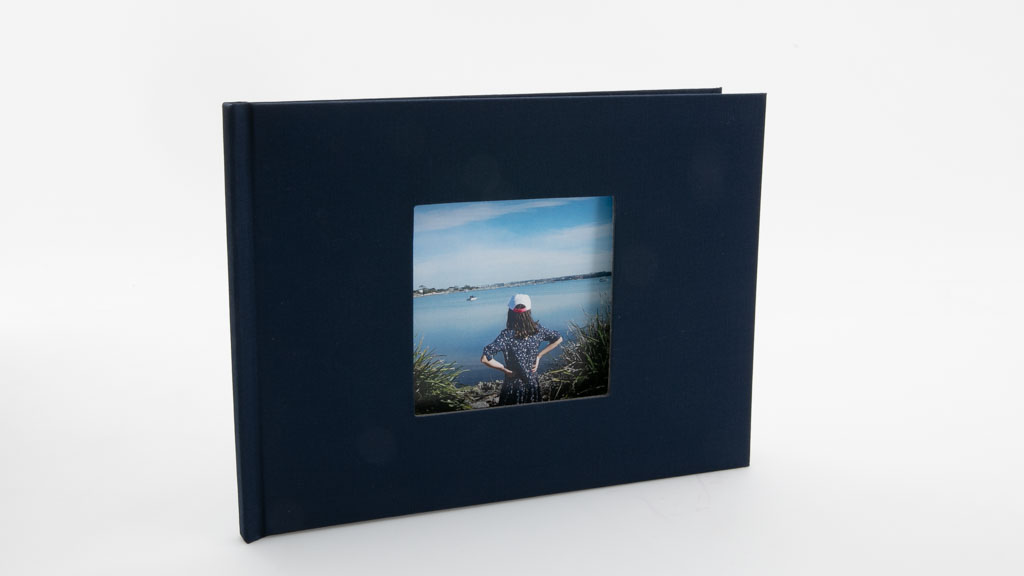
Harvey Norman 8x11" Classic Hard Cover Book
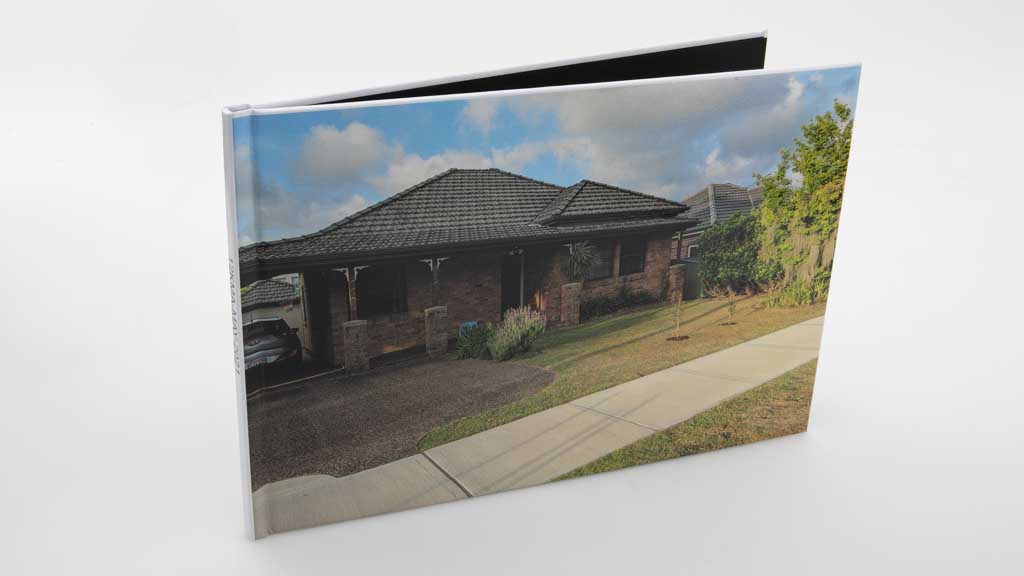
Kmart 8x12" Premium Hardcover Photo Book
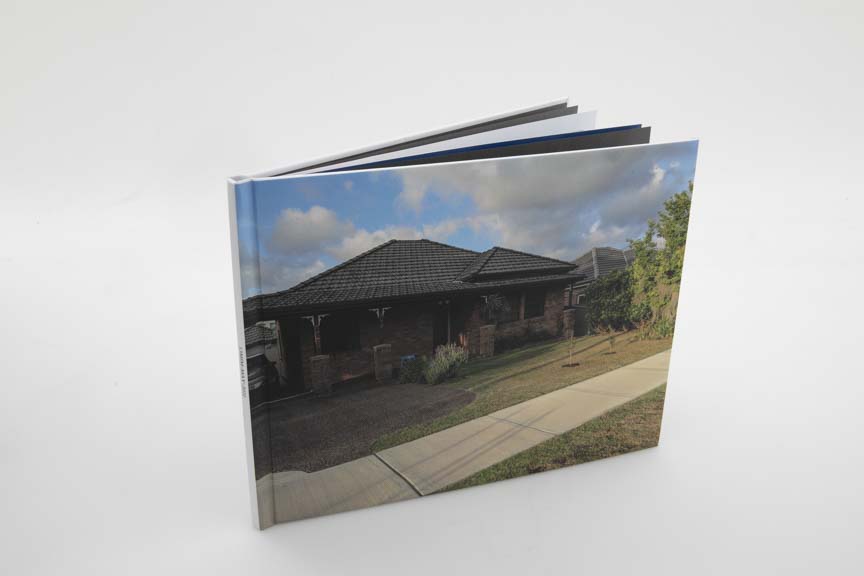
Mimeo Hardcover 11 x 8.5"
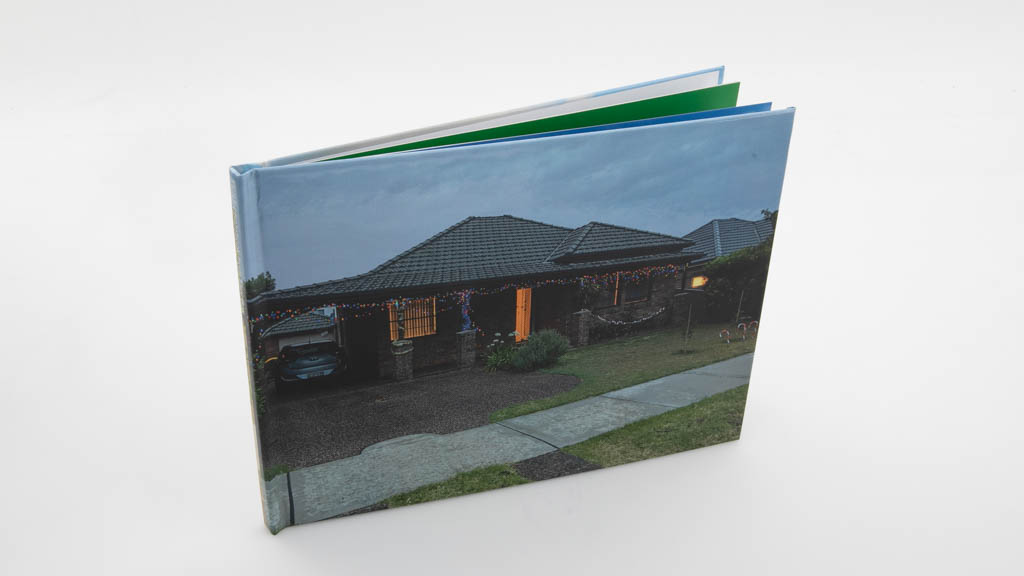
Mini Box 28cm x 20cm Hard Cover Personalised Photo Book
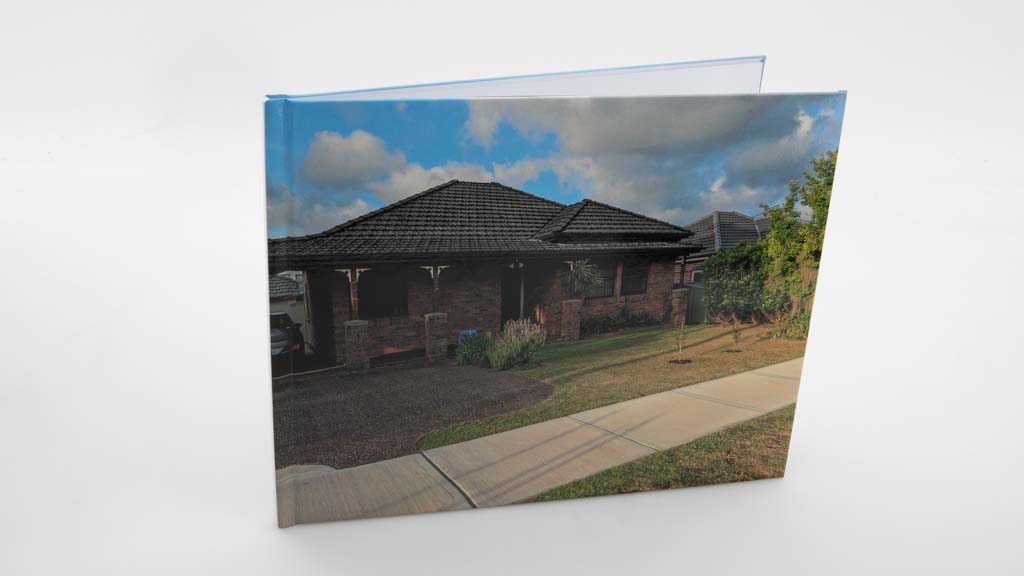
Mixbook 11x8.5" Glossy Hardcover
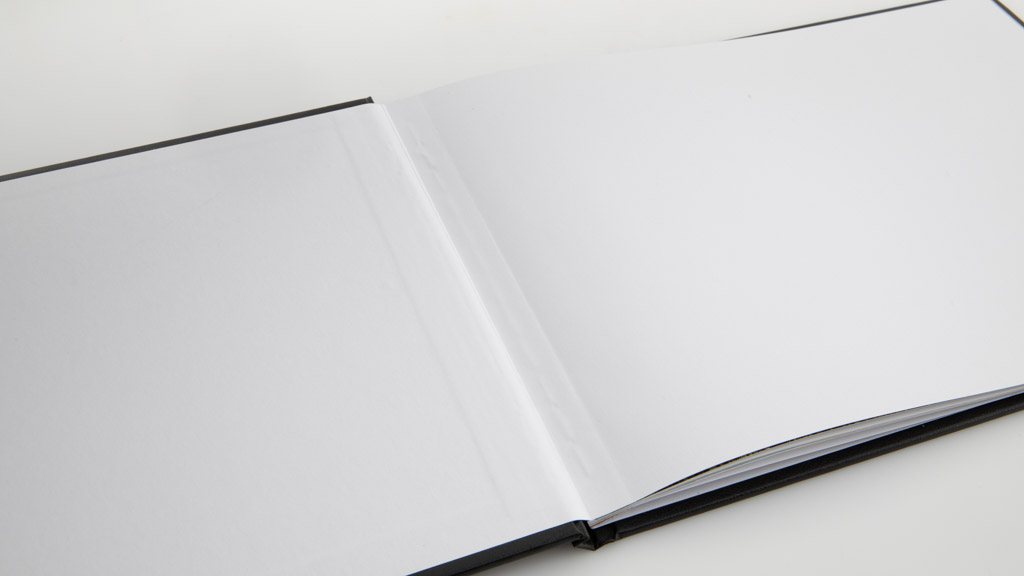
Momento Regular Landscape, Hardcover, Faux Leather, Black
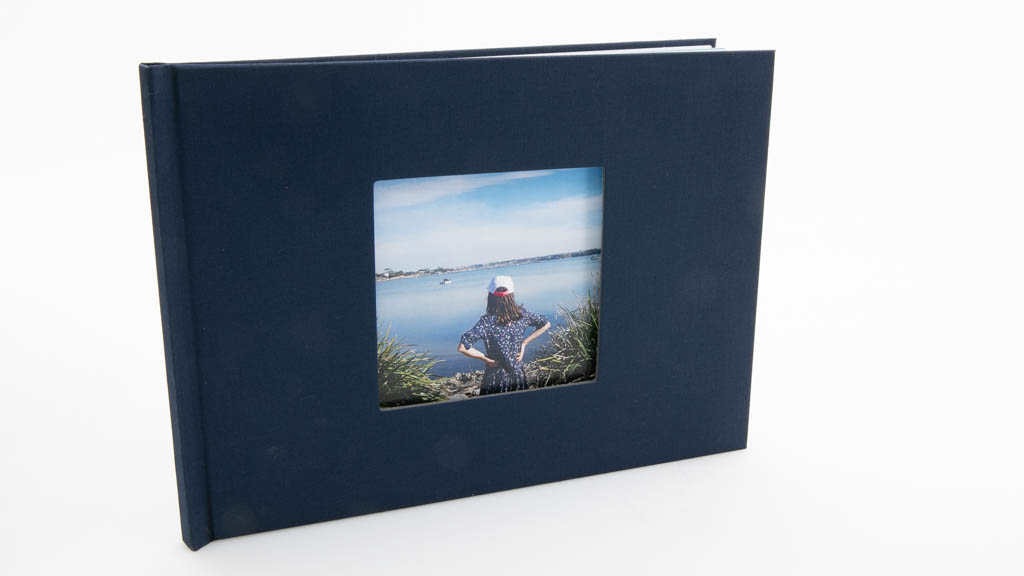
Officeworks 8 x 11" Classic Hard Cover
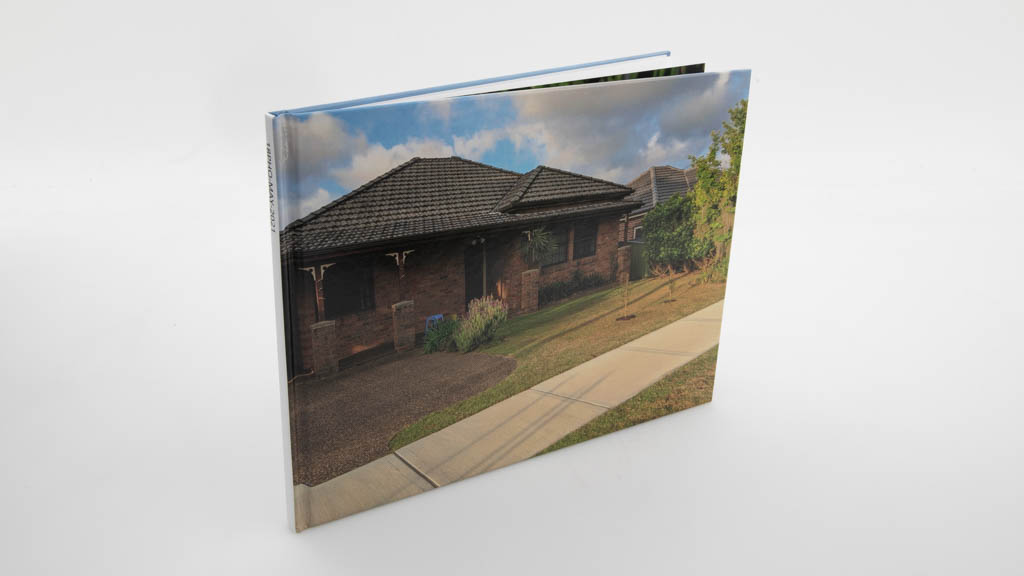
Photobook Australia Medium Landscape Imagewrap 11x 8.5
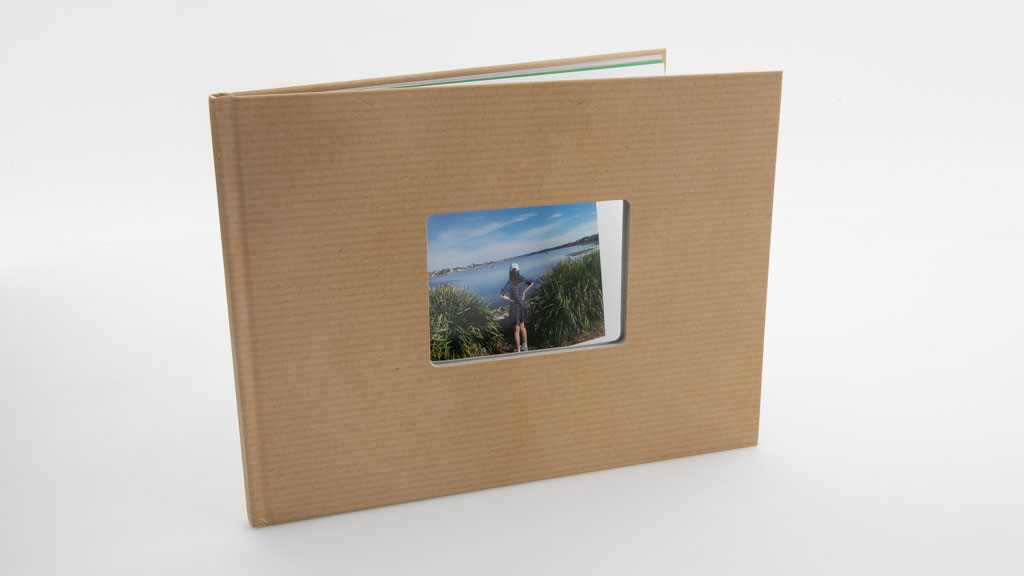
Photobox A4 Classic Photo Book
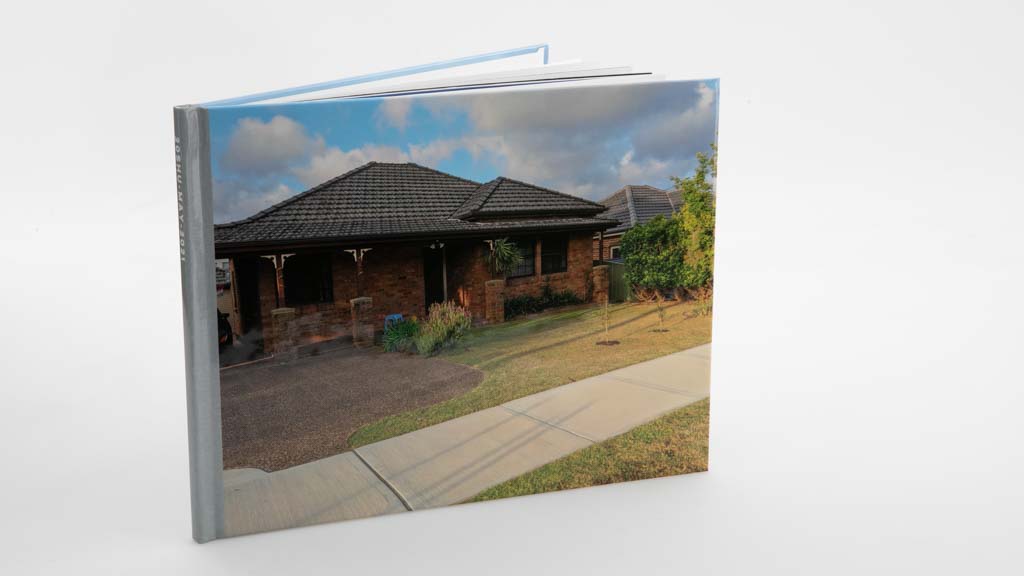
Shutterfly 8x11 Hard photo cover
Snapfish 20x28cm (8" x 11") Custom Hardcover
The Canvas Factory General A4 Hardcover Photo Book 2
Vistaprint Large Landscape Photo Book
Cost
Price
$75
$32
$42
$64
$40
$78
$40
$55
$62
$29.95
$19.97
$50
$57
$55
$63
$61
$28.95
$46
$52
$32
$40
$29.96
$26.39
Cost per page
$1.87
$1.6
$2.1
$3.19
$2
$1.95
$2
$2.75
$3.1
$1.5
$1
$2.5
$2.86
$2.75
$3.13
$3.05
$1.45
$1.14
$1.99
$1.59
$2
$1.5
$1.1
Cost for extra pages
$1.2
$1.2
$0.42
$1.2
$1.2
$1.5
$1.2
$1.5
$1.5
$1.2
$1.2
$0.9
$1.53
$1.5
$1.94
$1.1
$0.9
$1.5
$1.5
$1.79
$1.1
$0.75
$1
Delivery cost
$12.5
$8.35
$15.39
$6.95
$12.95
$22
$8.35
$8.95
$8.45
$7.95
$8.35
$10.7
$21.99
$6.95
$10.95
$10.03
$5.95
$13.95
$6.95
$40.29
$5.95
$9.95
$7.99
Foreign exchange fee
0
0
0
0
0
0
0
0
0
0
0
0
$2.3
0
$2.14
0
0
$1.73
$1.7
$2.09
0
0
0
Recommended products
Recommended
Recommended
Recommended
Recommended
Recommended
Recommended
Recommended
Recommended
Recommended
Test results
CHOICE Expert Rating
Total quality score
Image quality score
Paper quality score
Hardcover quality score
Total ease of use score
Sign-up and set-up process score
Adding pictures score
Assistance score
0
0
0
0
0
0
0
0
Autoflow process score
Editing tools layout score
Page layout score score
Container movement and resizing score
Text placement score
Preview score
Ordering process score
Features
Cover pic included (hardcover)
Softcover available
High resolution available
ns
ns
ns
ns
ns
ns
ns
ns
ns
ns
ns
ns
ns
ns
ns
ns
ns
ns
ns
ns
ns
Landscape books available
Portrait books available
Square books available
Online (web) interface
Windows application
Mac application
Android app
iOS app
Auto-fill option
Change page each layout
Add and move photo boxes
Resize photo boxes
Add text anywhere
Viewable grid
Snapping
Layout guidelines
Send to back and bring to front
In-built photo enhancement
Borders and frames
Move pages around
Facebook support
Instagram support
Flickr support
Specifications
Minimum number of pages
20
20
20
16
20
24
20
20
12
20
20
20
20
20
20
10
20
40
26
20
20
20
24
Maximum number of pages
200
120
440
200
120
224
120
120
60
120
120
100
100
120
399
100
120
300
120
111
150
200
120
Standard paper weight
150gsm
150gsm
118gsm
170gsm
ns
ns
150gsm
150gsm
ns
150gsm
150gsm
ns
ns
ns
ns
170gsm
ns
150gsm
170gsm
ns
ns
170gsm
150gsm
Delivery time business days
11
8
7
5
7
14
8
7
8
8
8
9
6
8
6
10
8
15
11
9
10
6
4
Book origin
Malaysia
NSW
Victoria
Western Australia
NSW
QLD
NSW
NSW
QLD
NSW
NSW
Victoria
Victoria
NSW
Victoria
NSW
NSW
Malaysia
France
United States
Victoria
Victoria
Victoria
Website
Comments
Good points
- Creation tool offers very good overall ease of use
- Very easy to apply a layout to a page
- Creation tool has very good freedom of movement for containers, which allows for easy custom layouts
- Creation tool features guidelines or snapping to aid custom layouts
- Good colour reproduction
- Easy to apply a layout to a page
- Good colour reproduction
- Easy to apply a layout to a page
- Creation tool has excellent freedom of movement for containers, which allows for easy custom layouts
- Creation tool features guidelines or snapping to aid custom layouts
- Good colour reproduction
- Very good paper quality
- Easy to apply a layout to a page
- Creation tool has very good freedom of movement for containers, which allows for easy custom layouts
- Creation tool features guidelines or snapping to aid custom layouts
- Good colour reproduction
- Very good colour reproduction
- Excellent paper quality
- Easy to apply a layout to a page
- Creation tool has Excellent freedom of movement for containers, which allows for easy custom layouts
- Creation tool features guidelines or snapping to aid custom layouts
- Easy to apply a layout to a page
- Good colour reproduction
- Good colour reproduction
- Creation tool has good freedom of movement for containers, which allows for easy custom layouts
- Creation tool features guidelines or snapping to aid custom layouts
- Easy to apply a layout to a page
- Very good paper quality
- Easy to apply a layout to a page
- Good colour reproduction
- Easy to apply a layout to a page
- Good colour reproduction
- Good colour reproduction
- Good colour reproduction
- Very good paper quality
- Excellent presentation includes a cardboard slip cover, a dust jacket, and heavy duty fly sheets
- Easy to apply a layout to a page
- Creation tool has very good freedom of movement for containers, which allows for easy custom layouts
- Creation tool features guidelines or snapping to aid custom layouts
- Easy to apply a layout to a page
- Excellent black colour reproduction
- Very good colour reproduction
- Creation tool offers very good overall ease of use
- Excellent array of layouts and very easy to apply them
- Creation tool has excellent freedom of movement for containers, which allows for easy custom layouts
- Creation tool features guidelines or snapping to aid custom layouts
- Good colour reproduction
- Excellent paper quality
- Easy to apply a layout to a page
- Creation tool has very good freedom of movement for containers, which allows for easy custom layouts
- Creation tool features guidelines or snapping to aid custom layouts
- Easy to apply a layout to a page
- Good colour reproduction
- Good colour reproduction
- Very easy to apply a layout to a page
- Creation tool has very good freedom of movement for containers, which allows for easy custom layouts
- Creation tool features guidelines or snapping to aid custom layouts
- Good colour reproduction
- Very easy to apply a layout to a page
- Creation tool has very good freedom of movement for containers, which allows for easy custom layouts
- Creation tool features guidelines or snapping to aid custom layouts
- Very good colour reproduction
- Excellent paper quality
- Very easy to apply a layout to a page
- Creation tool has very good freedom of movement for containers, which allows for easy custom layouts
- Creation tool features guidelines to aid custom layouts
- Good colour reproduction
- Creation tool offers very good overall ease of use
- Excellent array of layouts and very easy to apply them
- Creation tool has excellent freedom of movement for containers, which allows for easy custom layouts
- Creation tool features guidelines or snapping to aid custom layouts
- Very good paper quality
- Good colour reproduction
- Excellent paper quality
- Good colour reproduction
- Easy to apply a layout to a page
- Creation tool has very good freedom of movement for containers, which allows for easy custom layouts
- Creation tool features guidelines or snapping to aid custom layouts
Bad points
- Dark images had black crush (loss of detail in shadowed areas)
- Pages creased too easily
- Container shapes are locked to their given aspect ratio, which can make it difficult to get a desired custom layout
- Lacks gridlines, guidelines and alignment marks when moving images around a page
- Can’t place text on the spine of the standard book type
- Pages are thin and have a wavy appearance
- Standard book size is smaller than the other books at 25x20cm rather than 28x20cm
- Does not have enough layout options
- Standard cover does not allow for text to be placed on spine
- Service did not send a shipping notification email
- Does not have enough layout options
- Custom layouts are not easy to create
- Standard book is a glossy cover that does not allow for a photo to be placed on it
- Does not have enough layout options
- Container shapes are locked to their given aspect ratio, which can make it difficult to get a desired custom layout
- Lacks gridlines, guidelines and alignment marks when moving images around a page
- Can’t place text on the spine of the standard book type
- Service did not send a shipping notification email
- Creation tool resides in a small window, which makes for an uncomfortable working environment
- Standard cover does not allow for text to be placed on spine
- Can not print full-bleed pages (full-page photos will have a border)
- Colours looked too warm and over-saturated
- Does not have enough layout options
- Custom layouts are not easy to create
- Container shapes are locked to their given aspect ratio, which can make it difficult to get a desired custom layout
- Lacks gridlines, guidelines and alignment marks when moving images around a page
- Can’t place text on the spine of the standard book type
- Container shapes are locked to their given aspect ratio, which can make it difficult to get a desired custom layout
- Lacks gridlines, guidelines and alignment marks when moving images around a page
- Can’t place text on the spine of the standard book type
- Dark images had black crush (loss of detail in shadowed areas)
- Full-page cover photo did not print all the way to the edges
- Slow photo uploads at the time of the test
- Not easy to find standard page layouts and there aren't enough to choose from
- Custom layouts are not easy to create
- Charges a foreign exchange fee
- Container shapes are locked to their given aspect ratio, which can make it difficult to get a desired custom layout
- Lacks guidelines and alignment marks when moving images around a page
- Charges a foreign exchange fee
- Standard cover does not allow for text to be placed on spine
- Noticeable stitching on some pages when book is opened
- Container shapes are locked to their given aspect ratio, which can make it difficult to get a desired custom layout
- Lacks gridlines, guidelines and alignment marks when moving images around a page
- Can’t place text on the spine of the standard book type
- Service did not send a shipping notification email
- Charges a foreign exchange fee
- Service did not send a shipping notification email
- Pages creased too easily
- Charges a foreign exchange fee
- Standard cover does not allow for text to be placed on spine
- Pages creased too easily
- Charges a foreign exchange fee
- Dark images had black crush (loss of detail in shadowed areas)
- Noticeable stapling on some pages when book is opened
- Not as easy as other services to apply background colours to pages
- Shipped in a cardboard envelope with no padding; book suffered slightly dented edges during delivery
- Inside cover page does not line up neatly with the first page of the book
- Dark images had black crush (loss of detail in shadowed areas)
- Standard cover does not allow for text to be placed on spine
- Poor overall ease of use
- Very restrictive layouts that can not be customised
- Dark images had black crush (loss of detail in shadowed areas)
- Creation tool resides in a small window, which makes for an uncomfortable working environment
- Does not have enough layout options
- Pages creased and dented too easily
Notes
Albumworks ships its book from a print facility in Malaysia, but this did not incur a foreign exchange fee on our purchase. The book's creation software is versatile and allows for custom layouts to be created easily. The standard book features 40 pages, a photocover, and text on the spine. Quality assessment rated its images as having good colour, but lacking detail in dark areas. The book's strength was very good, but the pages creased a little too easily.
Big W uses the photobook service provided by Fujifilm. Its standard book has a linen cover with a square cut-out, with paper, cover and binding that rated as good in our tests. Its image quality was rated as OK, with dark colours faring particularly well, but other colours were deemed to be too bright. The online creation tool is a bit restrictive, which means customised layouts can be hard to achieve. There is no text on the spine of the standard book.
Blurb's standard book is smaller in dimensions than the standard books from all the other services that we tested. It comes with a photo cover, allows text to be placed on the spine, and its editing tool can be used to create customised layouts. We rate its picture quality as good, but is paper quality, cover, and binding only rate OK.
Cahoot's standard book has a lower page count than most of the the other services we tested (16 pages). It offers a textured faux leather cover rather than a photo on the cover, and there is no option for text on the spine. The book's creation software allows for custom layouts to be created. We rate the image quality as OK due to it being a bit dark and grainy, but the paper quality, cover, and binding rate as very good.
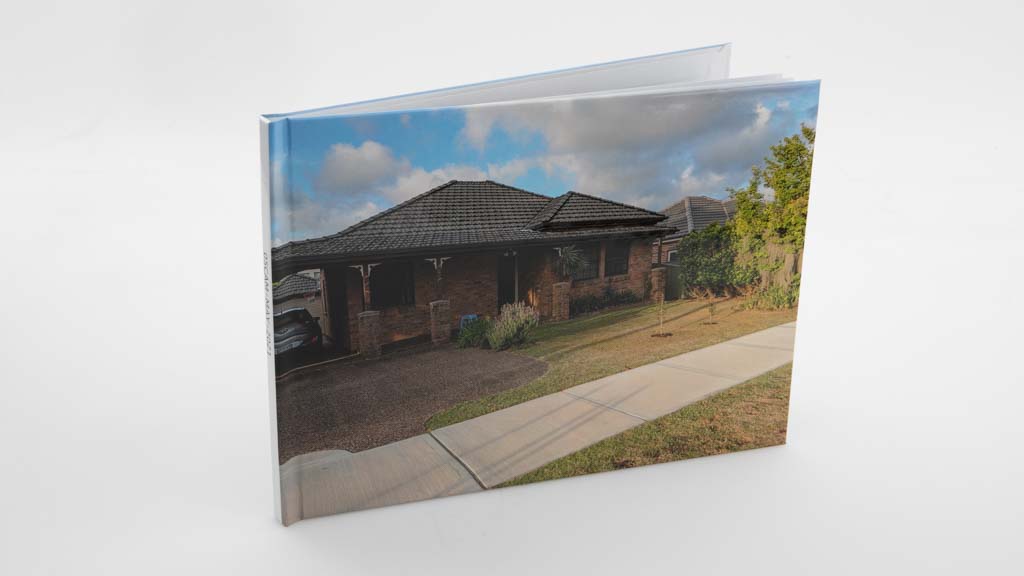
Camerahouse's standard book has a photo cover and allows text to be placed on the spine. Its creation software is a little cumbersome to use and not as easy as others in the test, but nevertheless does allow for customised layouts to be created. We rate the picture quality, cover, book binding, and paper quality as good.
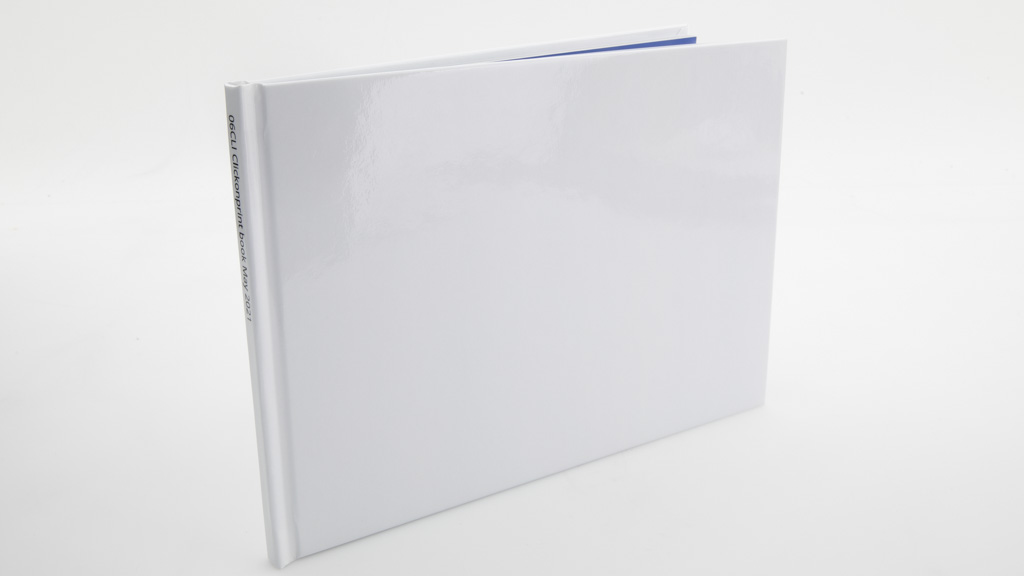
Clickonprint's standard book has a glossy finish and we were not able to place an image on it, even though we could place text on the spine. The standard page count is slightly more than usual at 24 pages. Its software allows for customised layouts. We rate its picture, cover, and binding quality as good, but its paper quality as excellent, due to it being heavy and difficult to crease.
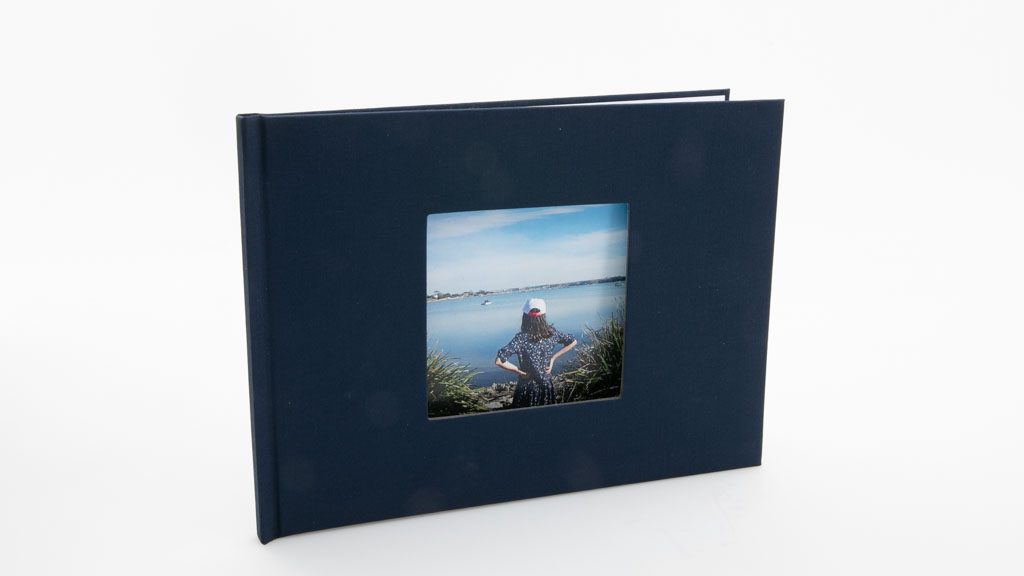
Domayne uses the photobook service provided by Fujifilm. Its standard book has a linen cover with a square cut-out, with paper, cover and binding that rated as good in our tests. Its image quality was also good, with dark colours faring particularly well. The online creation tool is a bit restrictive, which means customised layouts can be hard to achieve. There is no text on the spine of the standard book. It was the most expensive of all the Fujifilm-based books.
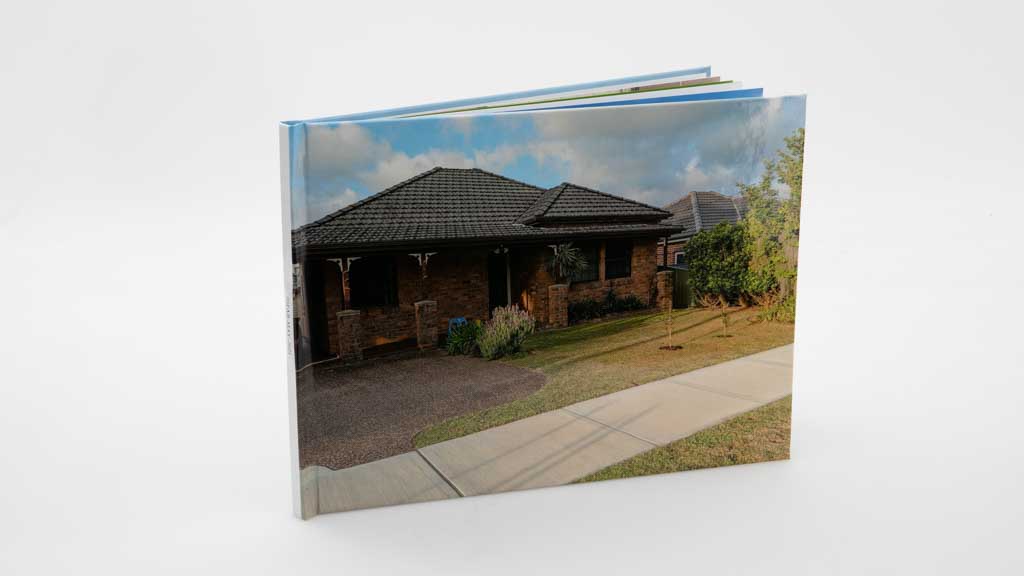
Fabness is a service that replaced a few services that were present in our previous test: Eastmon, Mojo, and Photodeals. The overall quality of the book was good overall, with black colour reproduction being its best feature. Its creation software is versatile, but is presented in a small window that can make it frustrating to use.
Fotofast's standard book offers fewer pages (12) than most of the other services in this test. It comes with a matte black linen cover that has a die-cut window; text can not be printed on the spine. Its creation software is a little cumbersome to use and not as easy as others in the test. It allows for customised layouts to be created, but can not print full-bleed photos. We rate its picture quality as OK due to it being over-saturated and losing detail in dark areas. Its cover and binding were good, and its paper quality very good. This is the only book to feature a binder that allows for pages to potentially be removed and added to the book
Fujifilm's standard book has a linen cover with a square cut-out, with paper, cover and binding that rated as good in our tests. Its image quality was also good, with dark colours faring particularly well. The online creation tool is a bit restrictive, which means customised layouts can be hard to achieve. There is no text on the spine of the standard book. This photobook service is re-sold through numerous retailers, which all use the same creation interface and printing facilty, but with pricing that can vary.
Harvey Norman uses the photobook service provided by Fujifilm. Its standard book has a linen cover with a square cut-out, with paper, cover and binding that rated as good in our tests. Its image quality was also good, with dark colours faring particularly well. The online creation tool is a bit restrictive, which means customised layouts can be hard to achieve. There is no text on the spine of the standard book. It was the cheapest of all the Fujifilm-based books, but was on sale at the time of purchase.
Kmart's standard book allows you to place a photo on the cover, but we noticed that it did not print all the way to the edges and had uneven borders around it. The online tool for creating this book is not as easy to use as others, and our custom book layout was harder to create on this service compared to other services. The printed book's image quality rated as good due to its colour reproduction, and the paper quality, and book cover and binding also rated good. The book was strong overall, but it lost marks due to the way the cover was printed.
Mimeo's standard book offers not only a photo on the cover and the ability to place text on the spine, it also comes with a dust cover and a protective cardboard slip cover. It has a versatile online creation tool that allows for customised layouts to be created. Picture quality rated as good in our tests, with the paper quality getting a very good rating due to its resistance to creasing compared to other books. Be aware that this service will incur a foreign exchange fee.
Minibox uses the photobook service provided by Fujifilm subsidiary Whitechimage. Its standard book has a photocover and text can be placed on the spine. Paper, cover and binding quality rated as good in our tests. Its image quality was also good, with dark colours faring particularly well. The online creation tool is a bit restrictive, which means customised layouts can be hard to achieve.
Mixbook's standard book offers a photo on the cover and the ability to add text to the spine. Its book creation tool is intuitive and allows for customised layouts. We rate its picture quality as very good due to impressive overall colour reproduction and a vibrant look. Its paper quality, cover and binding were rated as good. A foreign exchange fee applied to this service.
Momento's standard book is offered with the fewest pages (10) compared to all the other books in this test. The cover has a textured faux leather solid colour rather than a photo, and text can't be placed on the spine. Its software allows for customised books to be created easily. We rate the book's image quality as very good, and its paper quality as excellent due to its thickness.
Officeworks uses the photobook service provided by Fujifilm. Its standard book has a linen cover with a square cut-out, with paper, cover and binding that rated as good in our tests. Its image quality was rated as OK, with dark colours faring particularly well, but overall image quality being a bit fuzzy purple-tinged. The online creation tool is a bit restrictive, which means customised layouts can be hard to achieve. There is no text on the spine of the standard book.
Photobook Australia ships its book from a print facility in Malaysia, and this will incurred a foreign exchange fee on our purchase. The book's creation software is versatile and allows for custom layouts to be created easily. The standard book features 40 pages, a photocover, and text on the spine. Quality assessment rated its images as having good colour. The book's strength was very good, but the pages creased a little too easily. A manufacturing blemish was noticed on the spine, where the cover was ripped and then a protective coating applied over the top of the rip.
Photobox's standard book offers 26 pages, a die-cut window on the cover instead of a photo, and text can not be added to the spine. Its creation tool allows for customised layouts. We rate its picture quality, paper quality, cover, and binding as good. This book arrived from France and a foreign exchange fee applied.
Shutterfly's standard book offers a photo on the cover, and text can be placed on the spine. Its creation tool allows for customised layouts. We rate its picture quality as good overall, but dark areas of images looked flat and had some loss of detail. We rated the paper quality as excellent due to it being heavy and not prone to creasing, but its cover and binding rated as good due to a staple being highly visible towards the rear of the book . A foreign exchange fee applied to this service, which sent its book from the United States.
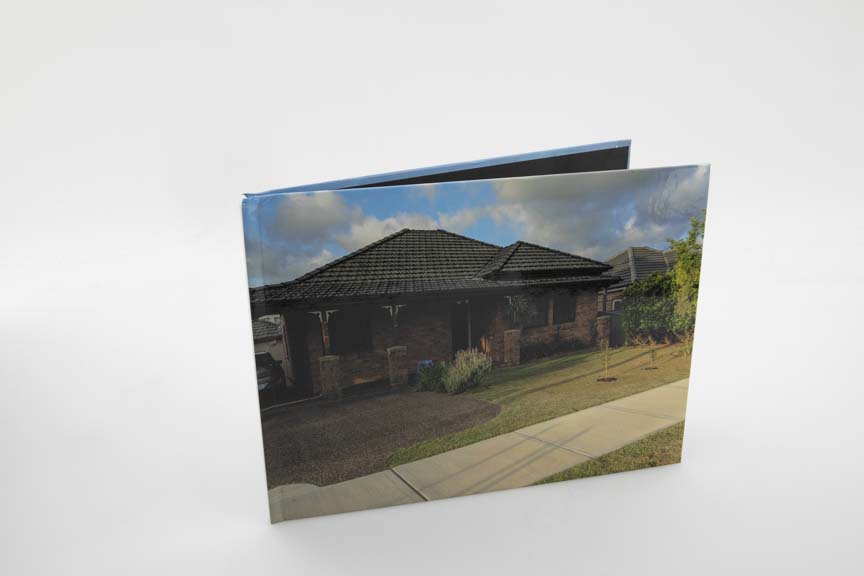
Snapfish's standard book offers a photo on the cover and text on the spine. Its creation tool allows for custom layouts and is very easy to use. We rate its picture quality as OK due to it looking too light and also losing detail in shadowed areas. Paper quality was very good, but its cover and binding quality rated only OK due to the pages pulling away from the cover quite easily. We also noticed one of the corners of our test book was slightly crumpled. It was packaged in a cardboard envelope without packing along the edges of the book.
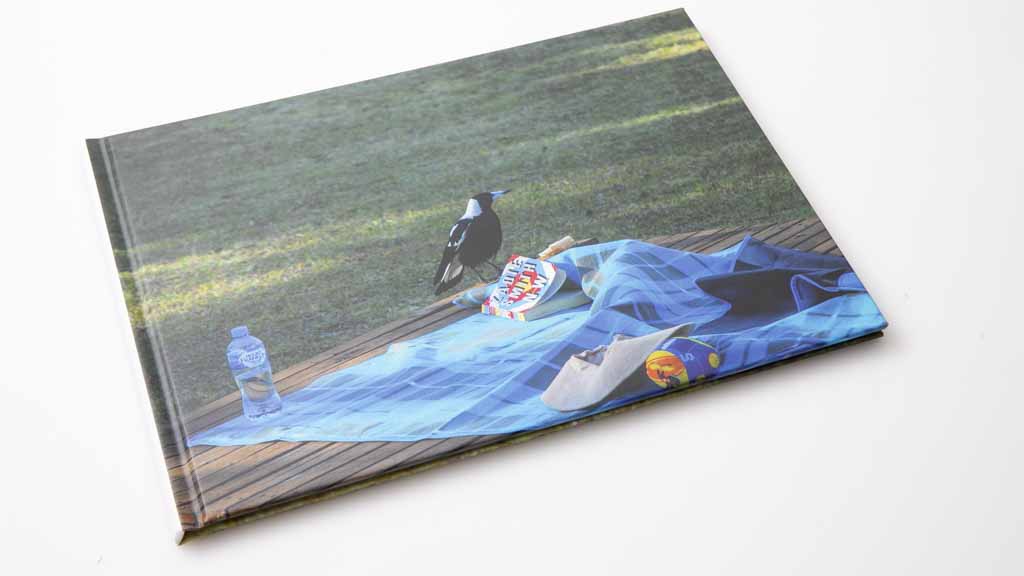
The Canvas Factory's standard book creation occurs in a normal Web page, with active page elements around the editing area. This makes it very easy to accidentally click out of your project. That, in addition to rigid editing features, means this service gets the lowest ease of use rating in our test. However, we rate its paper quality as excellent, and its cover and binding as good. It comes with a photocover, but without text on the spine.
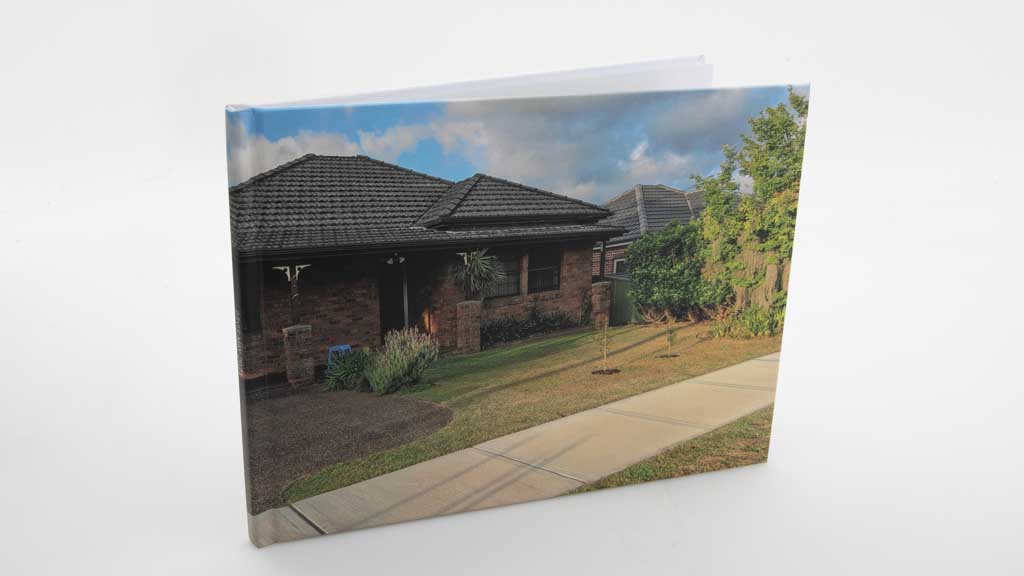
Vistaprint's standard book comes with 24 pages, a photo on the cover, and allows for text to be placed on the spine. Its book creation tool offers very good versatility in terms of layout and customisation. We rate the book's image quality as good, its cover and binding as very good, and its paper as good, but we did notice that it creased a little too easily.