
Gigabyte M32UC Gaming Monitor

Good Points
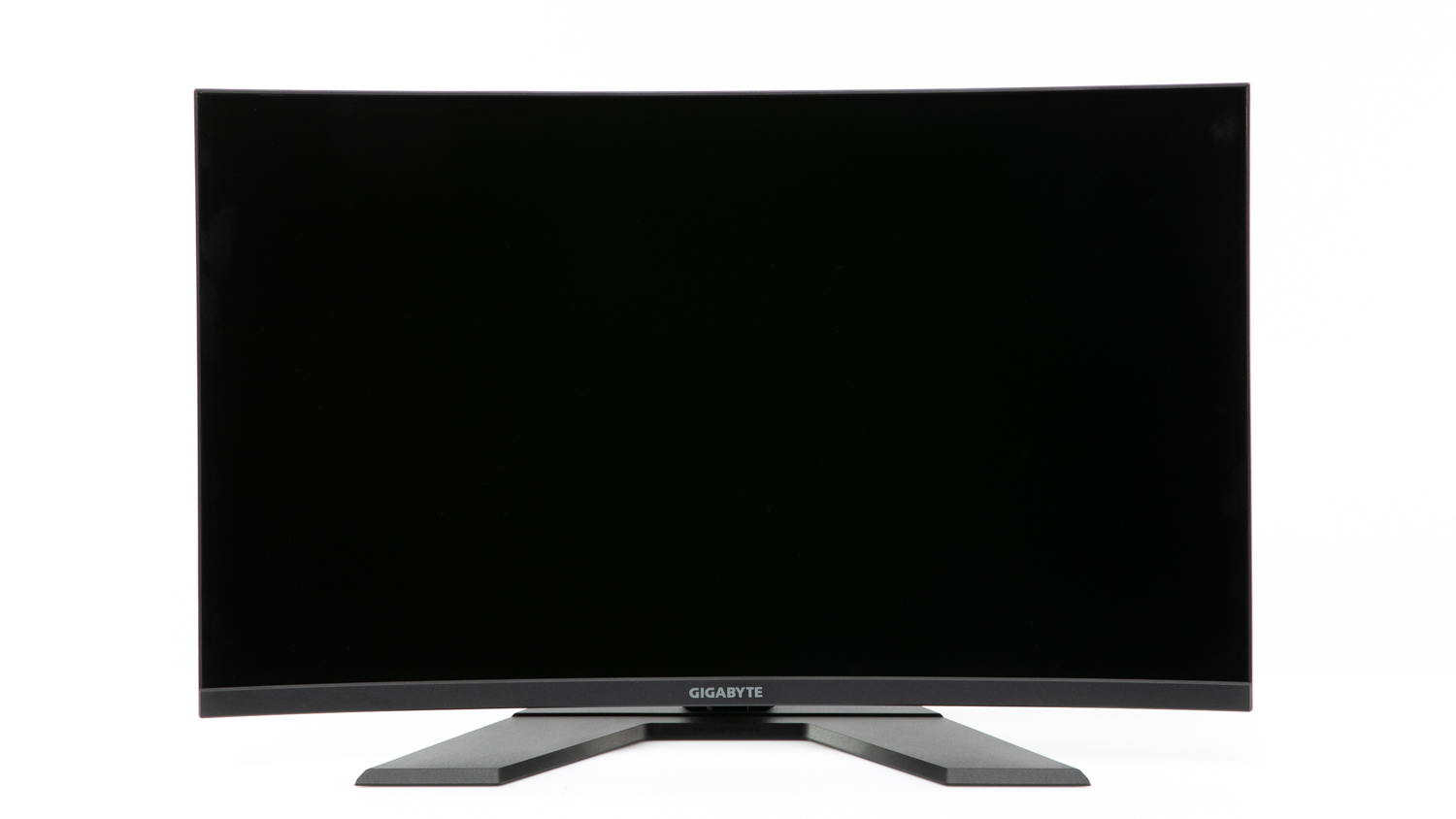
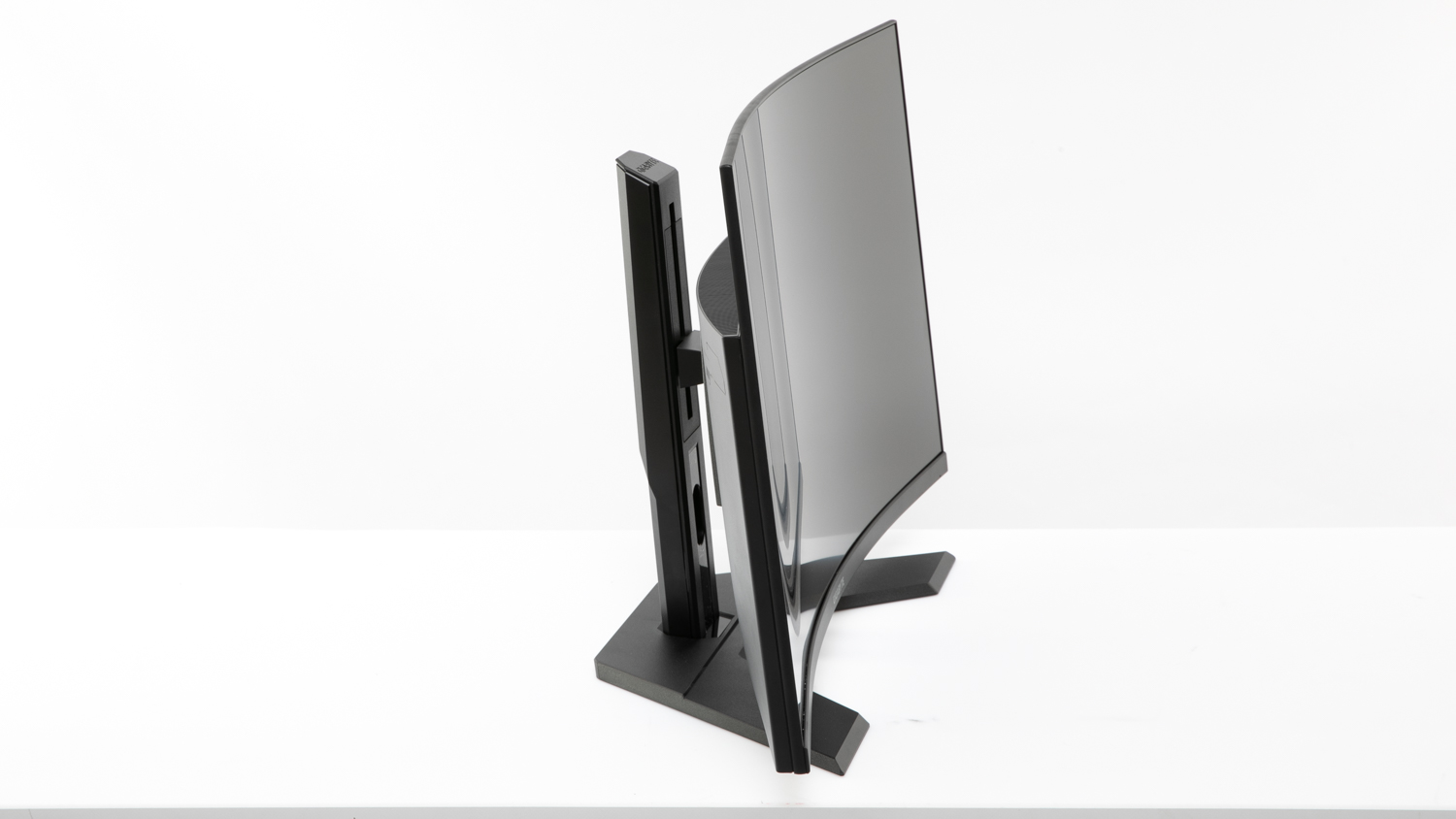
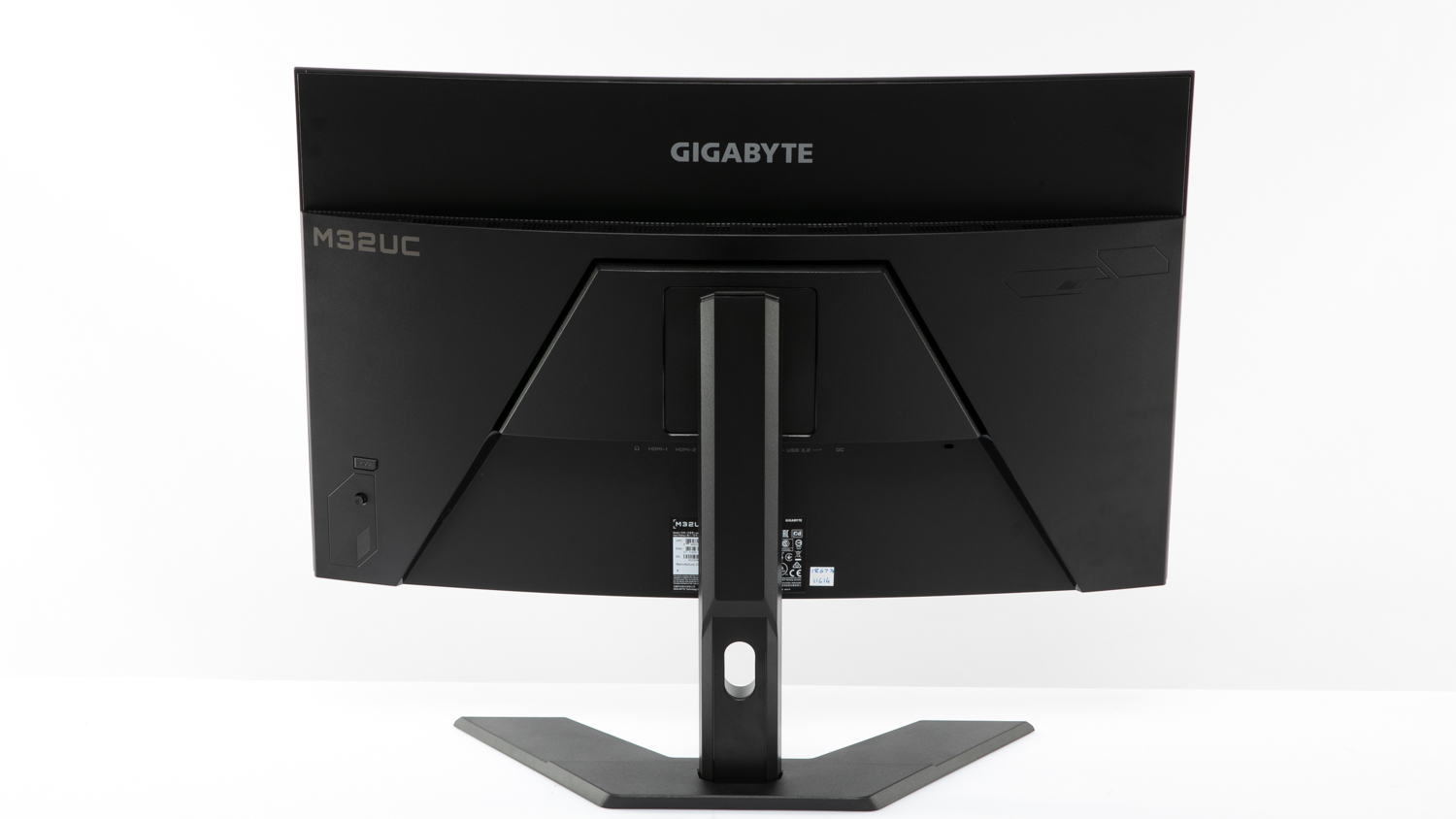
- Height and tilt adjustments can be made
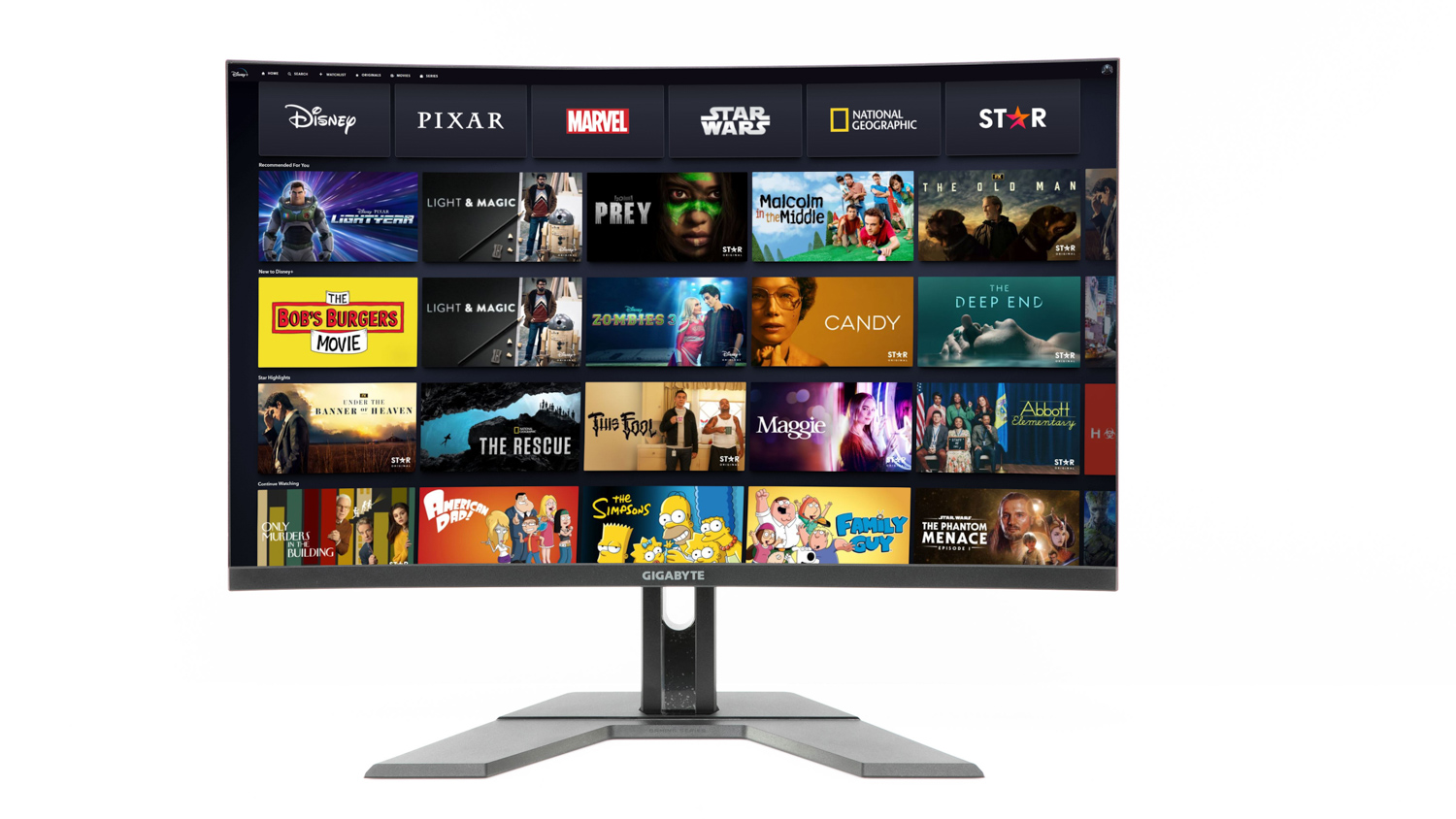
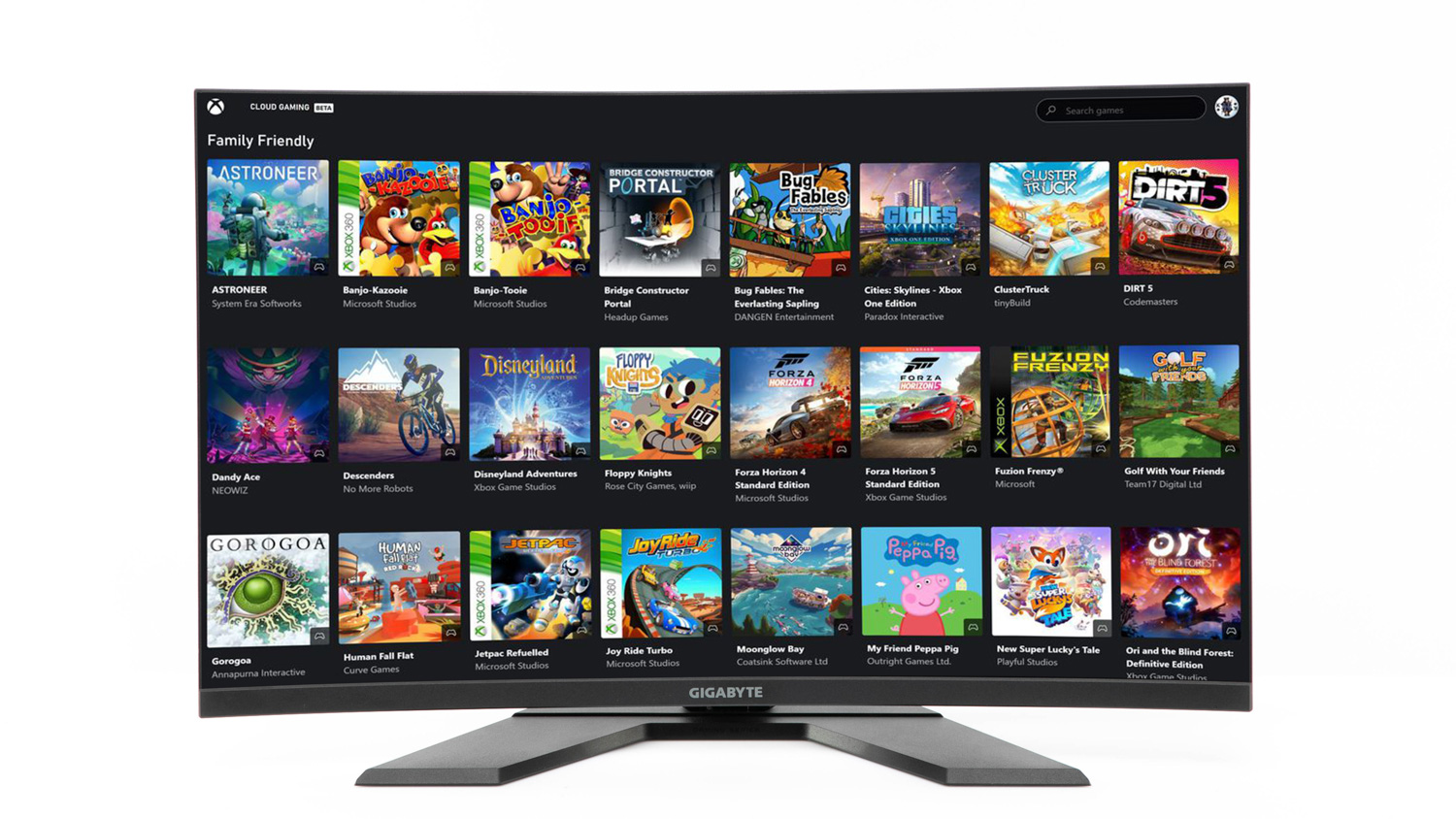
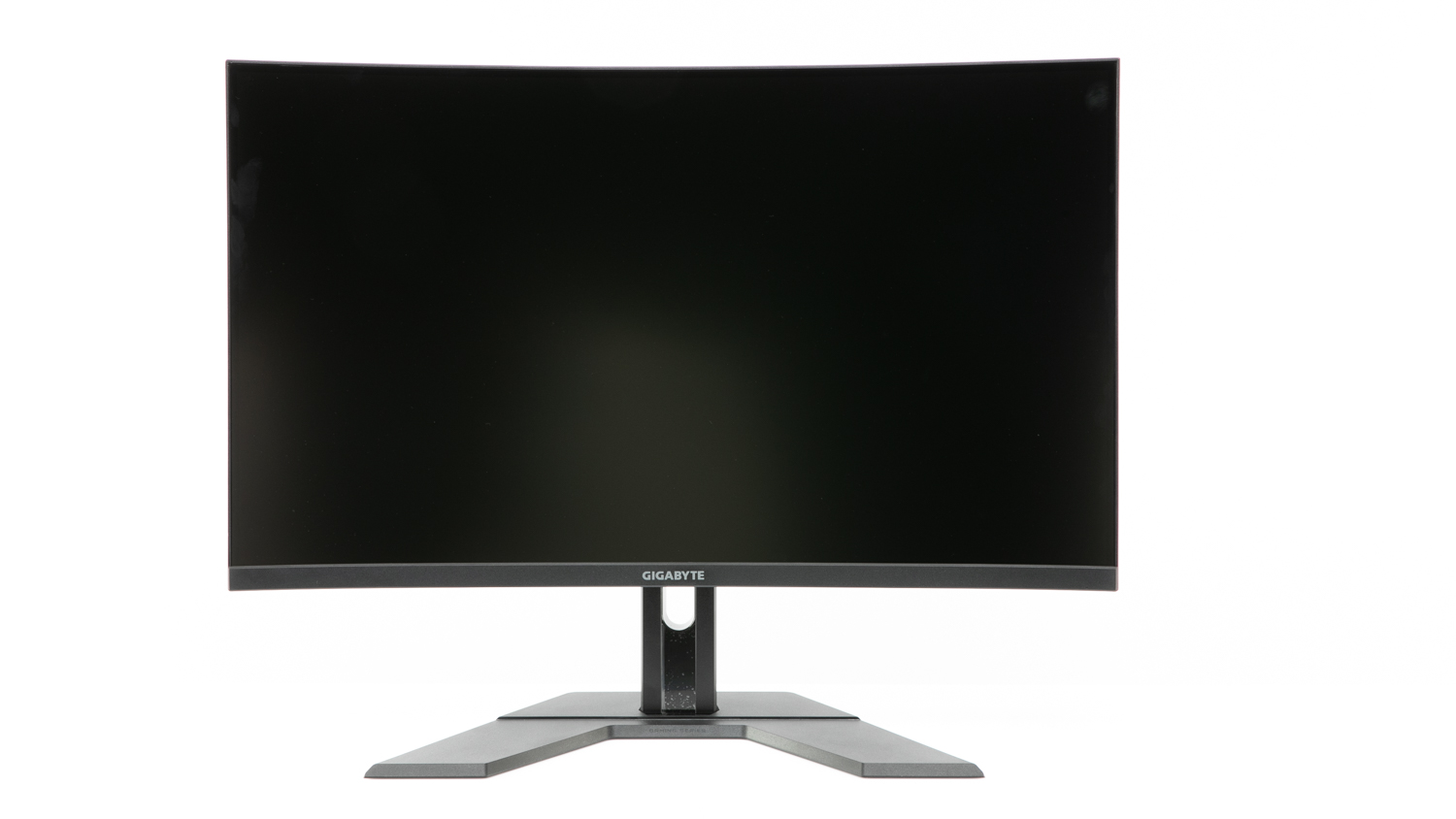
- Very good image quality
- Very good text quality
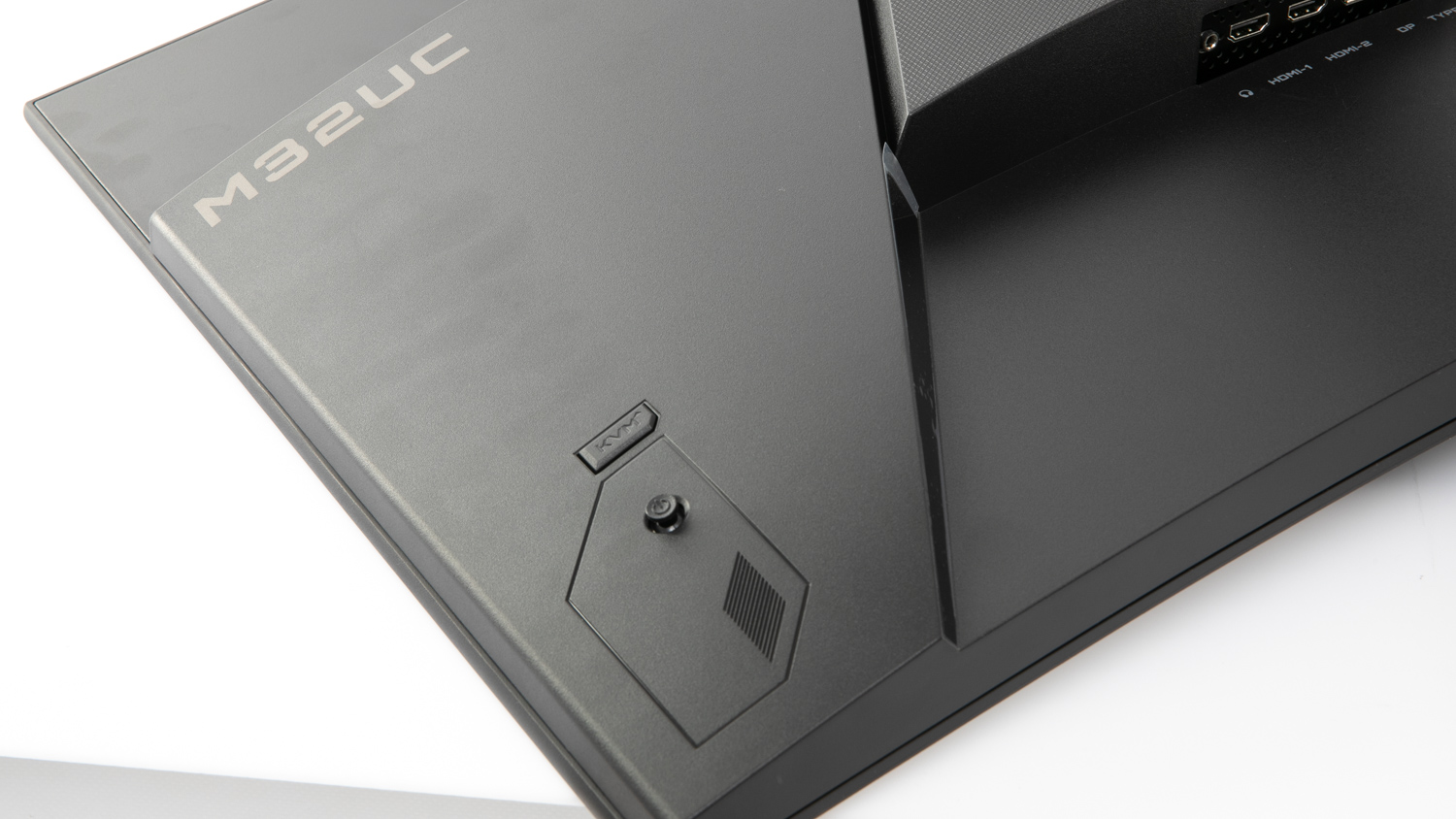
- Has a built-in KVM switch
- Very good for gaming
- Very strong improvement in clarity at 120Hz compared to 60Hz

Bad Points
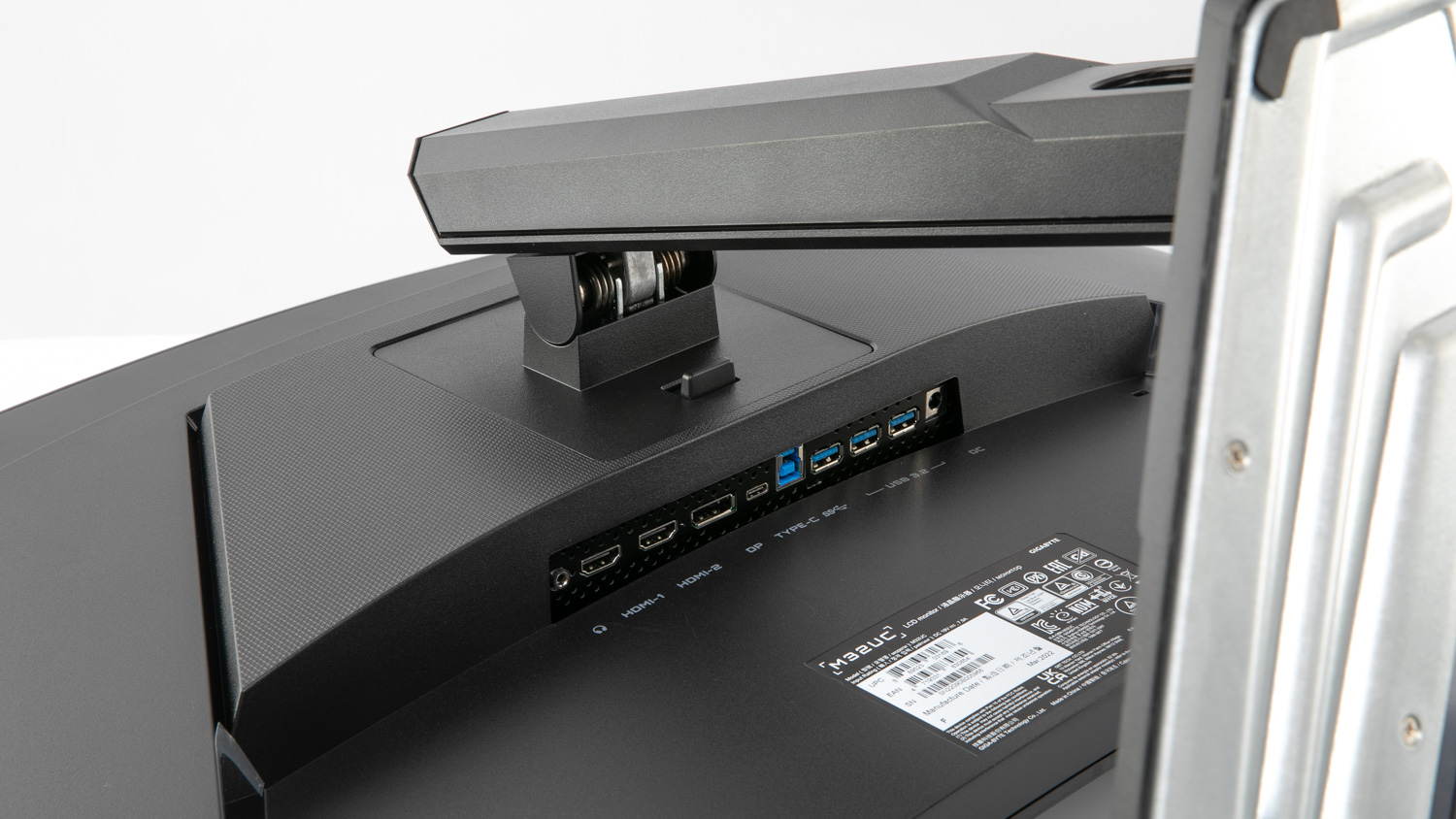
- Down-facing ports are awkward to access
- Busy menu with settings that are unclear
- Some visible light bleed from the backlighting
Recommended products
Test results
Related products
Energy and sustainability
Specifications
Cost
Features
Looking for user reviews?
We don't offer user reviews anymore. Help us improve this expert review by sharing your feedback in a quick survey.